简介
This guide is for the Euhomy IM-06D icemaker. This guides purpose is to replace the top cover of the ice maker. This part covers the ice that is made and holds the buttons for controlling the device. Symptoms of this piece needing to be replaced is if there is a crack or break anywhere on the piece. Please make sure to unplug the device before starting all guides.
你所需要的

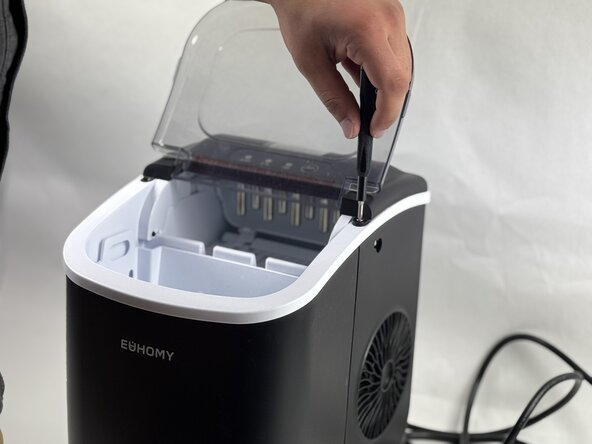
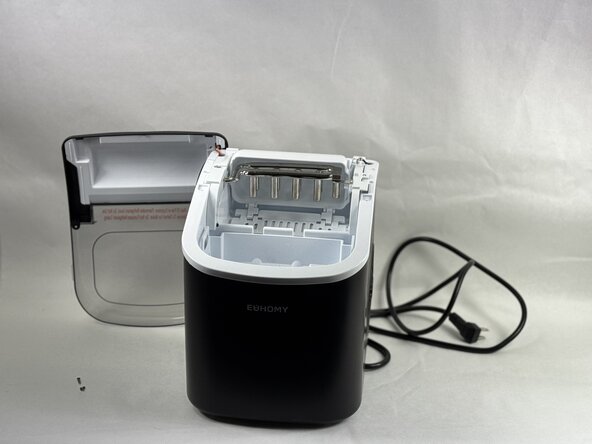


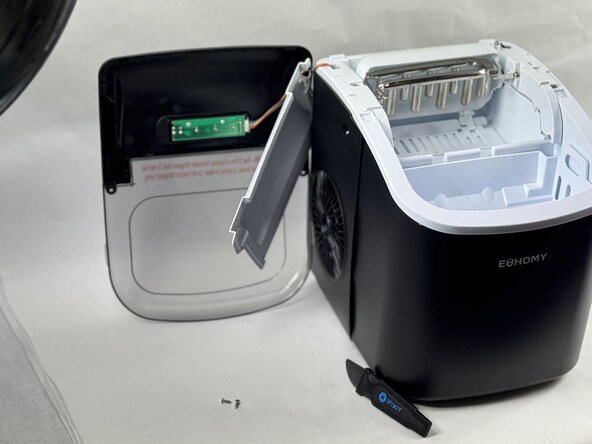


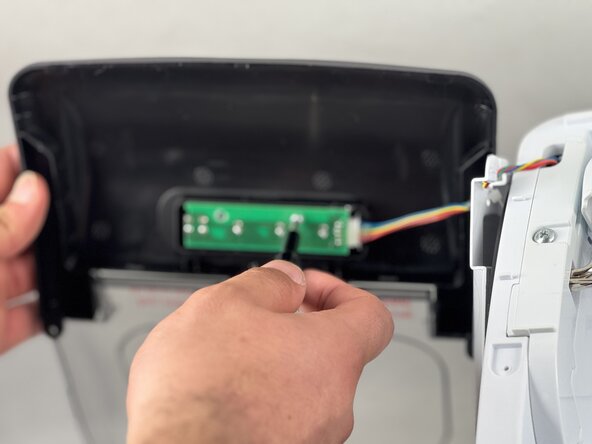
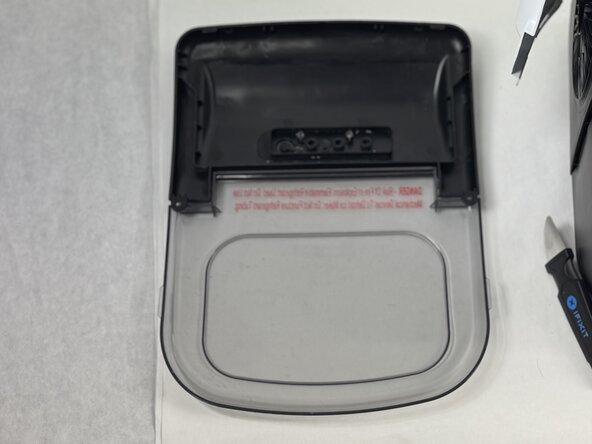
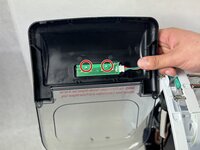
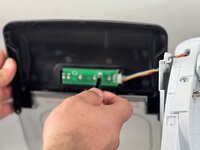
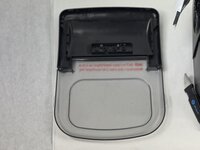
To reassemble your device, follow these instructions in reverse order.
2等其他人完成本指南。


团队

UMass Dartmouth, Team 2-5, Botvin Spring 2025 UMass Dartmouth, Team 2-5, Botvin Spring 2025 的会员
UMASSD-BOTVIN-S25S2G5
3 名成员
创作了5篇指南
