简介
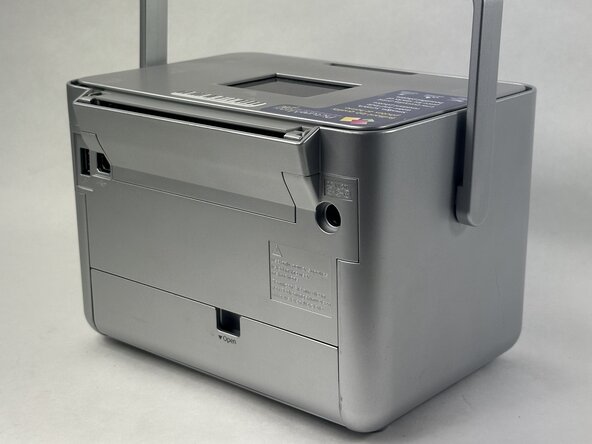
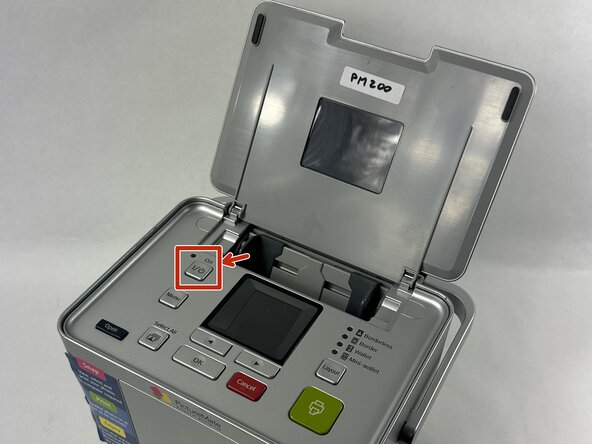
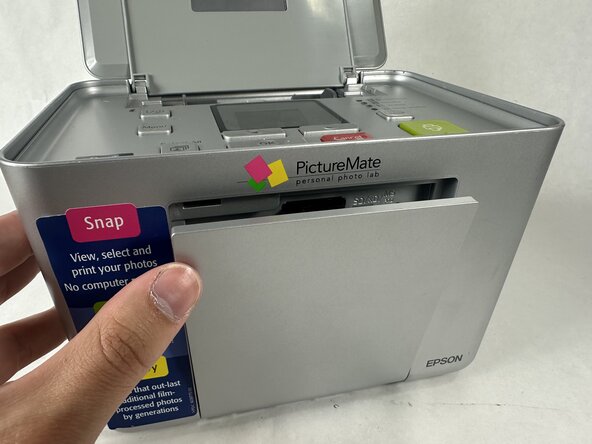
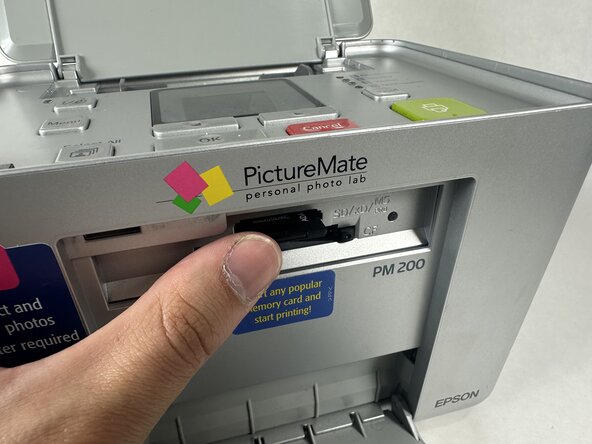
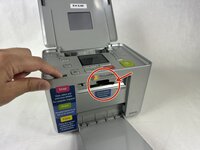
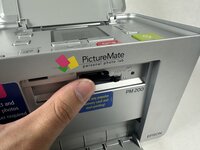
Is your Epson PictureMate Pal PM 200 not recognizing your memory card, or has the card become damaged or stuck? Replacing the memory card is a simple process that can restore your printer's photo-saving and printing capabilities. This guide will walk you through safely accessing and replacing the memory card with minimal tools and effort. Follow each step carefully to bring your PictureMate Pal back to full functionality!
你所需要的





To reassemble your device, follow these instructions in reverse order.
另外一个人完成了本指南。


团队

UMass Dartmouth, Team 2-4, Botvin Spring 2025 UMass Dartmouth, Team 2-4, Botvin Spring 2025 的会员
UMASSD-BOTVIN-S25S2G4
4 名成员
创作了7篇指南
