简介
The ink cartridge, or Photo Cartridge, is responsible for the device's ink and printing capability. This component may need regular replacement due to its high usage in order to run the device. If you notice that the print quality has begun to decline, and no other solutions have worked, it may be time to replace the cartridge. Alternatively, the device has a function to inform you of when an empty cartridge occurs.
Before starting, please ensure the device is turned off and is unplugged to prevent internal damage or ink leaking out onto the device and your hands while following this guide.
你所需要的
-
-
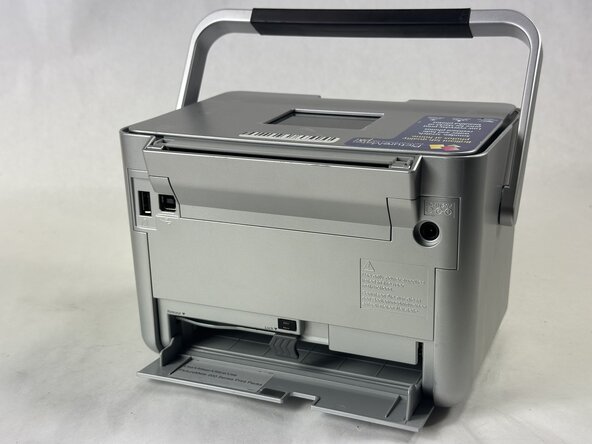
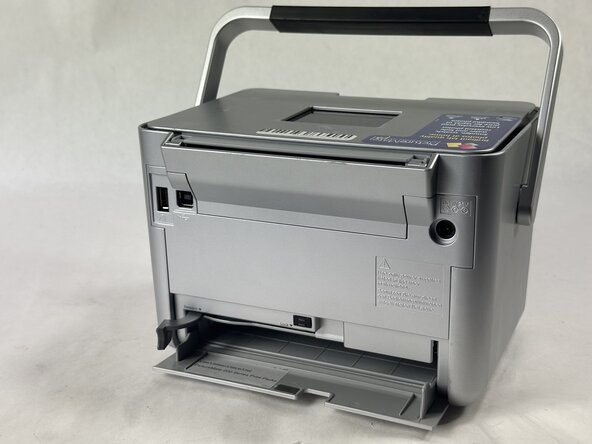
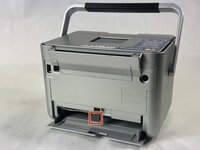
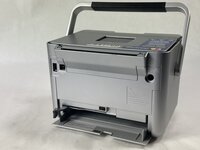
Turn the printer to face its backside and move the handle to the top or front of printer.
-
-





To reassemble your device, follow these instructions in reverse order.


团队

UMass Dartmouth, Team 2-4, Botvin Spring 2025 UMass Dartmouth, Team 2-4, Botvin Spring 2025 的会员
UMASSD-BOTVIN-S25S2G4
4 名成员
创作了7篇指南
