跳转到主内容

Epson PPC650 Screen Replacement

你所需要的

  1. Epson PPC650 Screen Replacement, Case: 步骤 1 中的图像 1,3 Epson PPC650 Screen Replacement, Case: 步骤 1 中的图像 2,3 Epson PPC650 Screen Replacement, Case: 步骤 1 中的图像 3,3
    • Locate the silver power button. Gently slide the button to the middle section labeled "off" to shut down the camera.

    • Remove the batteries from the battery compartment located on the underside of the camera.

    • Remove the SD card from the compartment located on the flat, left side of the camera.

  2. Epson PPC650 Screen Replacement: 步骤 2 中的图像 1,1
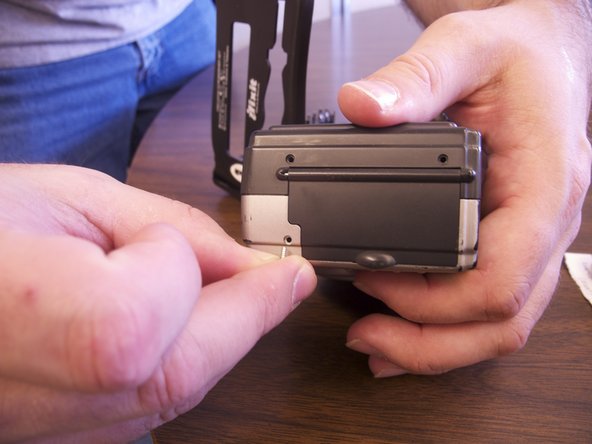
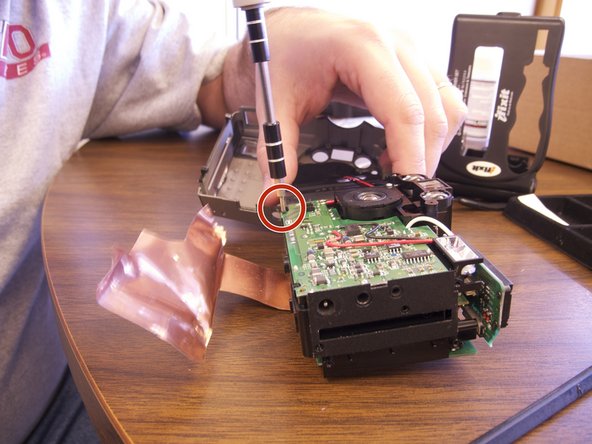
    • Remove the two screws on the rounded side of the camera.

  3. Epson PPC650 Screen Replacement: 步骤 3 中的图像 1,2 Epson PPC650 Screen Replacement: 步骤 3 中的图像 2,2
    • Remove the three screws on the flat side of the camera.

    • All of the silver screws go into the side of the camera that is silver.

    • All of the black screws go into the side of the camera that is black.

  4. Epson PPC650 Screen Replacement: 步骤 4 中的图像 1,1
    • Remove the four screws from the bottom of the camera.

    • All of the silver screws go into the side of the camera that is silver.

    • All of the black screws go into the side of the camera that is black.

  5. Epson PPC650 Screen Replacement: 步骤 5 中的图像 1,3 Epson PPC650 Screen Replacement: 步骤 5 中的图像 2,3 Epson PPC650 Screen Replacement: 步骤 5 中的图像 3,3
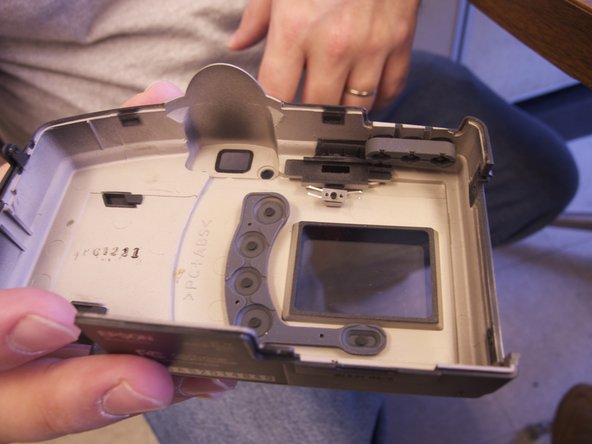
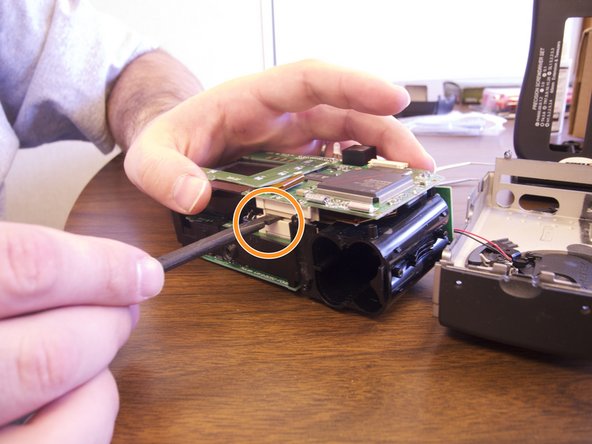
    • Separate the front and the back pieces of the camera's plastic casing using a spudger.

    • WARNING: When pulling the front plastic casing, be careful of the wires that are connected to the aperture control.

    • Use minimal force so that the plastic casing does not break.

    • When separating the small silver siding, the indicator for the view/off/playback may fall out.

    • The plastic viewing window located on the top of the camera may also become lose and fall out.

  6. Epson PPC650 Screen Replacement, Screen: 步骤 6 中的图像 1,3 Epson PPC650 Screen Replacement, Screen: 步骤 6 中的图像 2,3 Epson PPC650 Screen Replacement, Screen: 步骤 6 中的图像 3,3
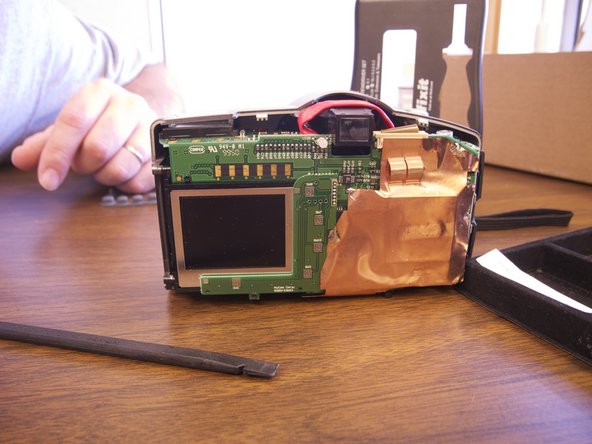
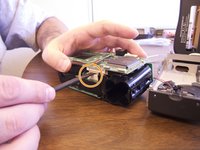
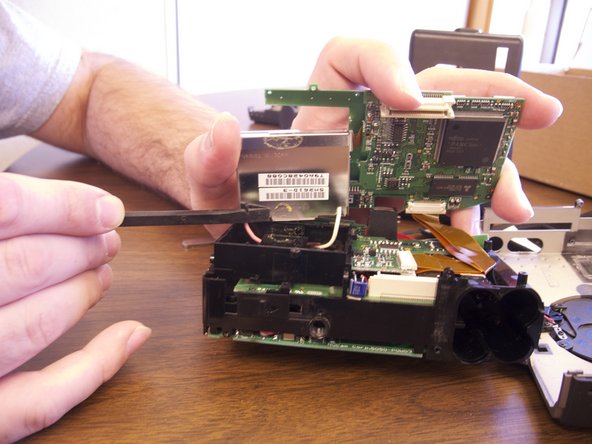
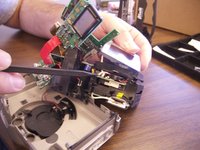
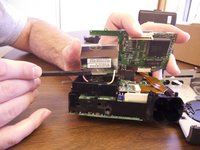
    • Remove the copper sheet from the front and back paneling.

    • Use the spudger to unsolder the copper paneling.

    • Use the spudger to separate the back circuit board from the camera.

  7. Epson PPC650 Screen Replacement: 步骤 7 中的图像 1,2 Epson PPC650 Screen Replacement: 步骤 7 中的图像 2,2
    • The picture viewing screen is glued to the backing as well as wired in with pink and white wires.

    • Exert minimal force to pull the screen loose from the camera.

    • Remove the pink and white wiring from the internal paneling. These wires are soldered in.

    • Remove the orange data hookup cable that feeds into the back circuit board.

    • Once all wires have been detached and the old screen has been removed place the new screen into the camera.

    • Insert data hookup into the back of the camera and into the new screen.

    • Re-solder the new pink and white wire onto the internal circuit board.

结论

To reassemble your device, follow these instructions in reverse order.

Anne

于02/12/13注册

101 声望

撰写一个指南

团队

Ohio State, Team 1-5, Buehl Spring 2013 Ohio State, Team 1-5, Buehl Spring 2013 的会员

OSU-BUEHL-S13S1G5

4 名成员

创作了6篇指南

0指南评论

添加评论

浏览统计数据:

过去 24 小时: 0

过去 7 天: 5

过去 30 天: 11

总计 529