简介
If your monitor and display is working, but your camera wont turn on then here is a guide on how to replace it. The only tools you will need is a #1 Philips head screwdriver and a #00 Phillips head screwdriver if needed.
你所需要的
-
-
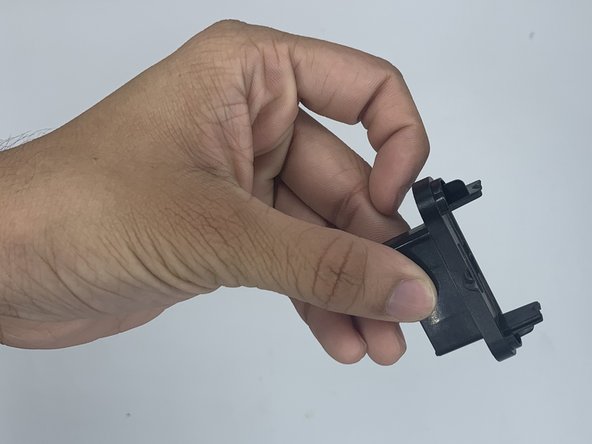
Unscrew the two silver 1.4 mm Phillips #1 screws connecting the metal bar to the camera.
-
-


结论
To reassemble your device, follow these instructions in reverse order.



团队

University of North Texas, Team 3-1, Saru Jimmy Spring 2023 University of North Texas, Team 3-1, Saru Jimmy Spring 2023 的会员
UNT-SARU JIMMY-S23S3G1
4 名成员
创作了5篇指南
