跳转到主内容

Drobo FS DRDS2-A Power Switch Replacement

你所需要的

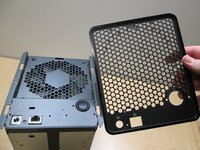
  1. Drobo FS DRDS2-A Power Switch Replacement, Case: 步骤 1 中的图像 1,1
    • To start getting the case off remove the front panel so it's out of the way.

  2. Drobo FS DRDS2-A Power Switch Replacement: 步骤 2 中的图像 1,2 Drobo FS DRDS2-A Power Switch Replacement: 步骤 2 中的图像 2,2
    • Next remove the screws from the feet of the case with a phillips head screwdriver.

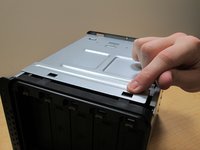
  3. Drobo FS DRDS2-A Power Switch Replacement: 步骤 3 中的图像 1,1
    • To remove the case, place the Drobo on its back and slide the case off.

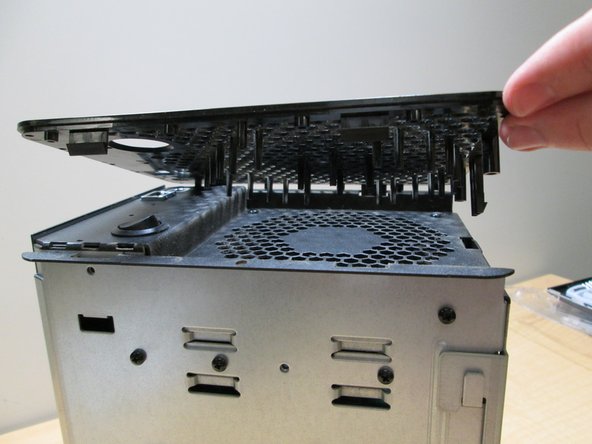
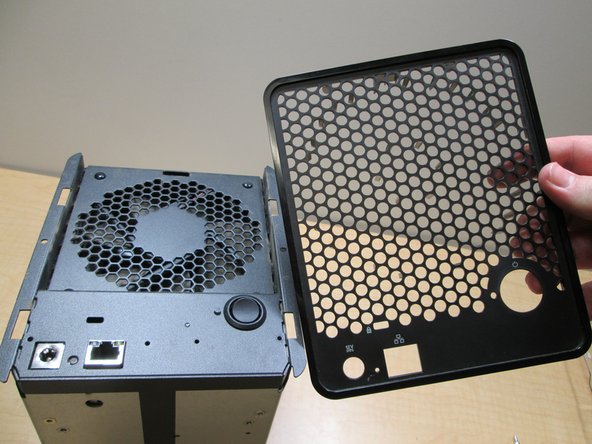
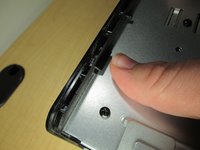
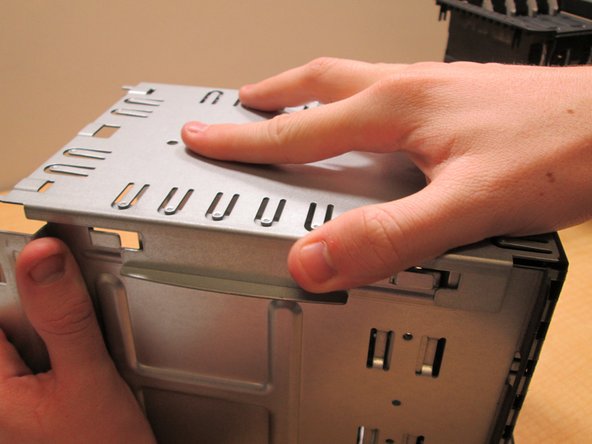
  4. Drobo FS DRDS2-A Power Switch Replacement, Power Switch: 步骤 4 中的图像 1,3 Drobo FS DRDS2-A Power Switch Replacement, Power Switch: 步骤 4 中的图像 2,3 Drobo FS DRDS2-A Power Switch Replacement, Power Switch: 步骤 4 中的图像 3,3
    • Press tabs to release back cover and lift off

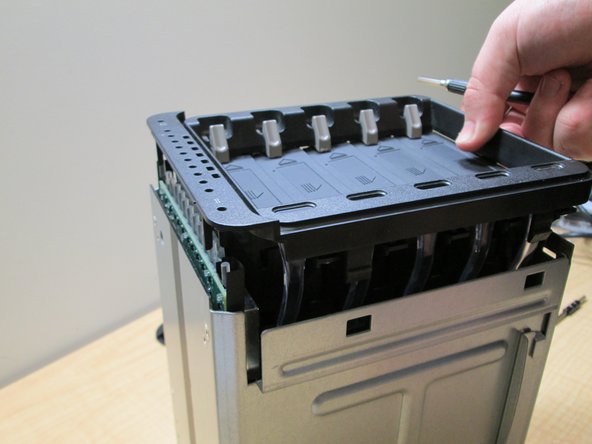
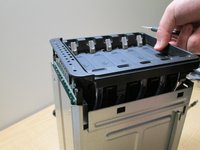
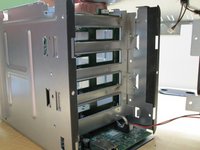
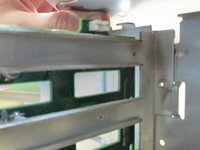
  5. Drobo FS DRDS2-A Power Switch Replacement: 步骤 5 中的图像 1,2 Drobo FS DRDS2-A Power Switch Replacement: 步骤 5 中的图像 2,2
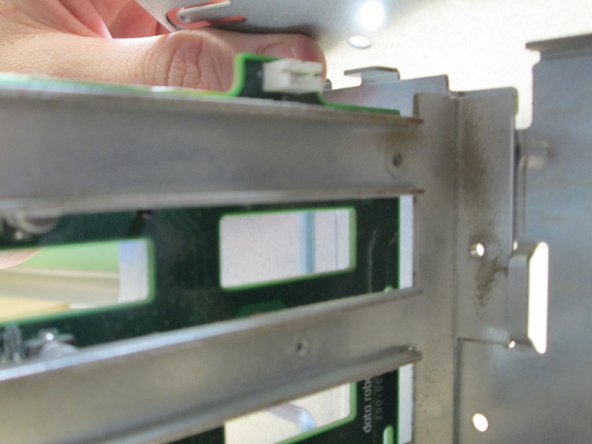
    • Push tabs in and carefully pull out the front facer and drive shelves

  6. Drobo FS DRDS2-A Power Switch Replacement: 步骤 6 中的图像 1,2 Drobo FS DRDS2-A Power Switch Replacement: 步骤 6 中的图像 2,2
    • Unscrew the back face by removing the screw on the back sides, then slide top face apart from the others

    • If you have a Drobo 5N2, you may also need to remove the 3 screws on each side.

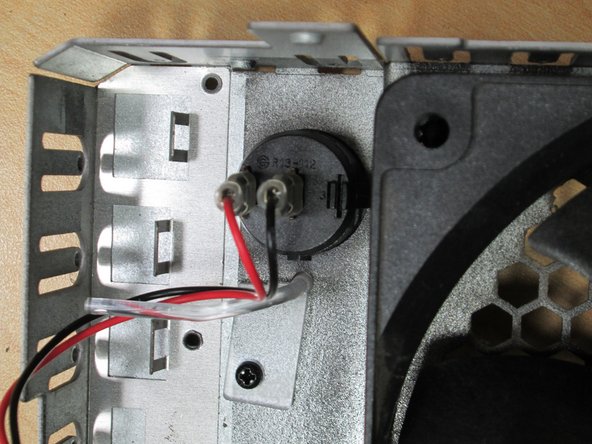
  7. Drobo FS DRDS2-A Power Switch Replacement: 步骤 7 中的图像 1,2 Drobo FS DRDS2-A Power Switch Replacement: 步骤 7 中的图像 2,2
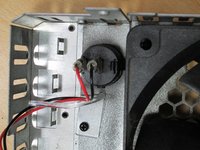
    • Carefully unplug the Power Switch and Fan wires.

  8. Drobo FS DRDS2-A Power Switch Replacement: 步骤 8 中的图像 1,1
    • Press tabs on Power Switch to release the Power Switch and Push out.

    • A Spudger like object is helpful for pushing in the tabs if the fan is not removed also

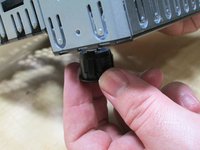
  9. Drobo FS DRDS2-A Power Switch Replacement: 步骤 9 中的图像 1,2 Drobo FS DRDS2-A Power Switch Replacement: 步骤 9 中的图像 2,2
    • Finally pull the old switch out and pop the new one in.

结论

To reassemble your device, follow these instructions in reverse order.

3等其他人完成本指南。

Rye Cassan

于01/24/17注册

182 声望

撰写一个指南

团队

Cal Poly, Team 10-4, Banghart Winter 2017 Cal Poly, Team 10-4, Banghart Winter 2017 的会员

CPSU-BANGHART-W17S10G4

3 名成员

创作了5篇指南

5指南评论

Hello,

great info I found here, but where do I buy a replacement button for my Drobo in Europe?

Kind regards and thank you in advance,

Heinrich

Heinrich Voelkel - 回复

Hi, where do I find a replacement power switch for my Drobo 5N? BTW, thanks for the great tutorial!

Stephen R Parrott - 回复

I took my Drobo apart and the printed numbers on the switch are R13-112. I ordered these on Amazon:

https://www.amazon.com/Twidec-Rocker-Tog...

I put it in, crossed my fingers, and BAM, worked like a charm. Hope that helps all the future DIY’ers.

tdubs - 回复

Good article - thanks. Discovered my Drobo 5N (cir 2014) has a 3-wire spring-loaded switch with 2V LED (green) (wires: Red - White - Blue) Press once to turn on; Press and hold to manually turn off. Can simple R13-112 SPST switch be substituted?

John W - 回复

Many thanks Rye. My Drobo 5C switch has been playing up for a while and your article gave me the courage to tackle the issue. A few dirfferences for the 5C (removing the back panel) but otherwise all tickety boo.

Maarten van der Kleij - 回复

添加评论

浏览统计数据:

过去 24 小时: 0

过去 7 天: 1

过去 30 天: 29

总计 2,568