简介
This replacement guide will show how to a replace a faulty on/off switch on the Dremel MultiPro 395.
你所需要的
-
在这个步骤中使用的工具:Flathead 3/32" or 2.5 mm Screwdriver$5.49
-
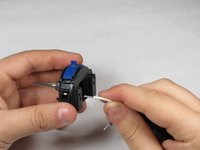
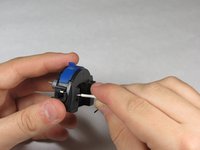
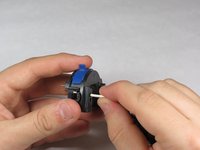
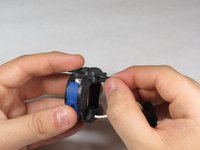
Remove the blue caps located on either side of the MultiPro, using a 3 mm flathead screwdriver.
 询问修复机器人
-
-


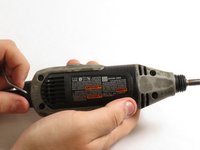
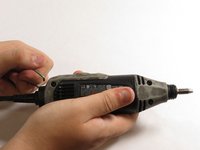


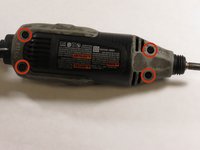
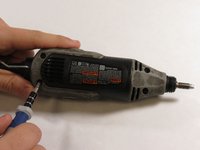
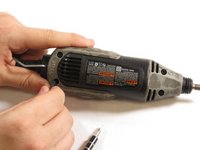



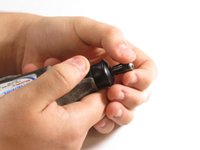
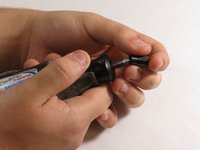


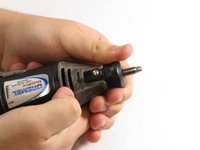
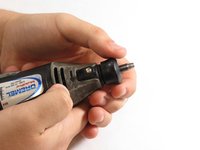
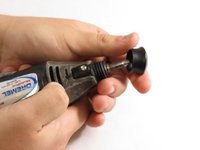

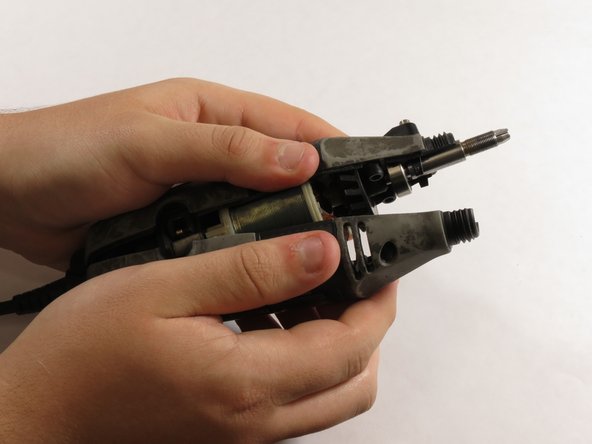
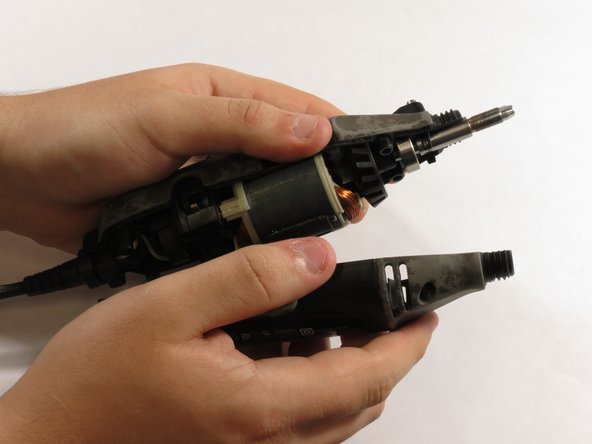
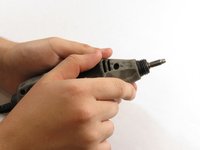
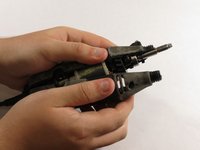
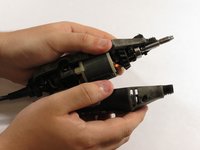


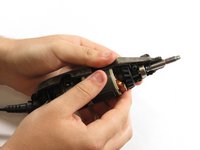
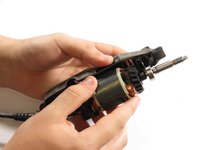
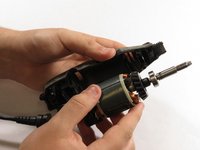

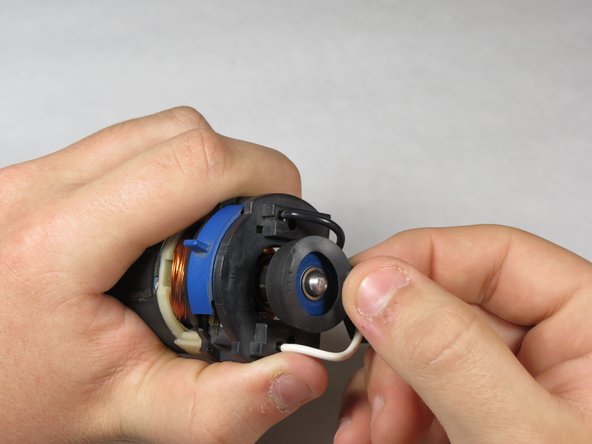
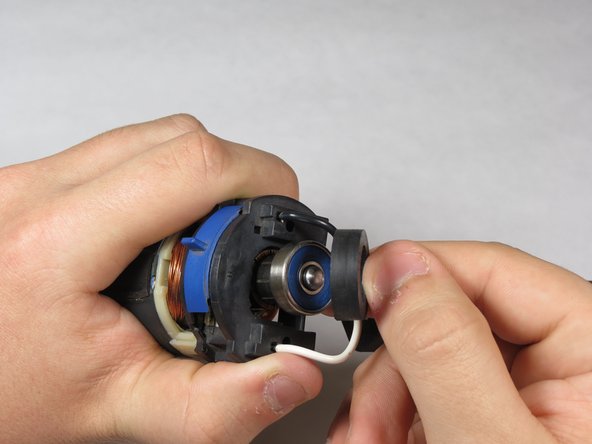
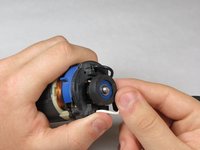
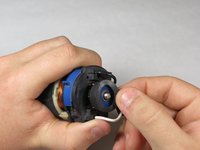
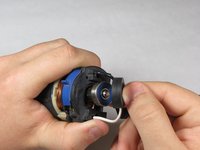


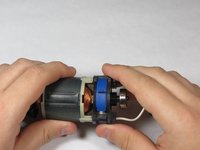
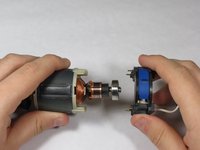
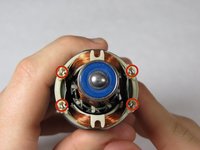


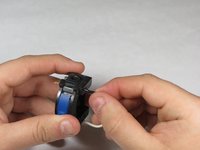
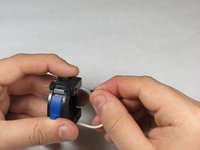


To reassemble your device, follow these instructions in reverse order.
17等其他人完成本指南。

团队

University of Kentucky Louisville, Team 1-5, Mathis Fall 2014 University of Kentucky Louisville, Team 1-5, Mathis Fall 2014 的会员
LOUISVILLE-MATHIS-F14S1G5
5 名成员
创作了5篇指南
11指南评论
Useful.
You do not have to always replace the switch.
You may instead clean it. Just did that.
Alas I didn' t take any picture, (I'm not accustomed to tablets and thought would take too much time).
Switch's surface that faces mains cable is a lid held by four built-in pins that go in its corners; they end in hooks that latch in the body of switch. When you take out the lid you have ample access to the switch itself. It is actually a potentiometer. Mine was covered by dust and grease, after cleaning with Xerox film remover it functioned again, (if I had had it, I would have just used alcohol)
To remove lid I just used a small not too sharp knife to pry between the lid and the body of switch, going slowly and lifting each corner just a little rrpeating that in order severa times.
Juan Concha - 回复 分享
I too discovered that I could clean the potentiometer switch, and was then able to get it to function normally. Alas, I had already purchased the replacement switch, along with a spare set of brushes. I was quite surprised, by the amount of carbon remaining on the original brushes, especially considering the amount of use this particular Dremel MultiPro, Model #395 has logged! I found that simply by disassembling my unit, and blowing our the accumulated dust and gunk, yes that's a word in this man's vocabulary, it was ready to be reassembled, and has been working smoothly ever since! The fix-it directions provided here, were both simple and easy to follow, in addition to being filled with pictures. I am one of those who is very much, a visual learner. Kudos to the individual who produced this fix-it segment! A. Daniel Kunz - Nov. 23 2016
Weird. I replaced with a new switch and the “no inbetween speeds” sympton still remains. Measured the voltage in my shop and it is 125-127V so I should be fine. Dunno what else to do.
Nice write-up! Thank you… I have a Model 395, Type 4, and pretty sure I have a switch problem… Took the unit apart and cleaned with alcohol, but no change… The tool ramps up to speed (seemingly correctly) until I reach about 3-to-3-1/2 on the switch. It then levels-off at that same speed through the “4” setting, and then completely quits at 4-1/2-to-5 setting on the switch… It does that every time.. So the 3-1/2 speed setting is about as fast as it goes…
This familiar to anyone else? Again, pretty well convinced it’s a switch issue, but just thought I’d post to see if anyone else has experienced this, and the solution… Thanks!
Barry Brewer - 回复 分享
Dremel MultiPro Model 395 Type5
Motor fails to run by itself. If I place the speed switch at setting 5 and then turn the chuck counter clockwise by hand, the motor runs at high speed. When I Iower the speed control to 4.3,2,1, the motor stops running. I thought it might be the brushes so I installed a new set of brushes. Dremel part # 90930-05. This has not solved the problem. The switch moves from 1 to 5 very smoothly without stopping at any settings between 1 and 5.
I normally use the Dremel on high speed. Any way to jump the switch so it only runs on high speed?
