跳转到主内容

Disassembling Fifine T683 Microphone Body

你所需要的

  1. Disassembling Fifine T683 Microphone Body, The Microphone: 步骤 1 中的图像 1,1
    • This is a well built all-metal condenser microphone.

  2. Disassembling Fifine T683 Microphone Body: 步骤 2 中的图像 1,1
    • Remove the gain dial, this slips off easily with a tug.

  3. Disassembling Fifine T683 Microphone Body: 步骤 3 中的图像 1,2 Disassembling Fifine T683 Microphone Body: 步骤 3 中的图像 2,2
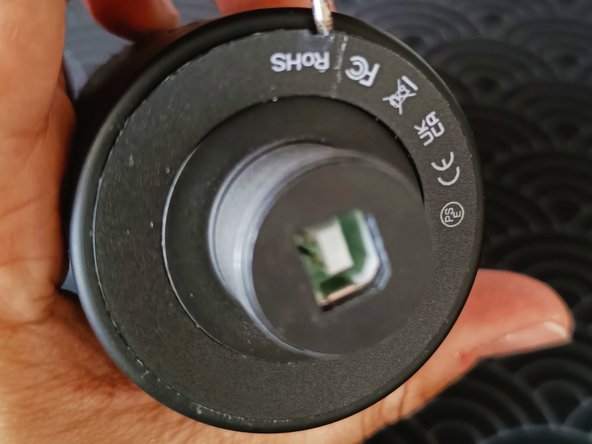
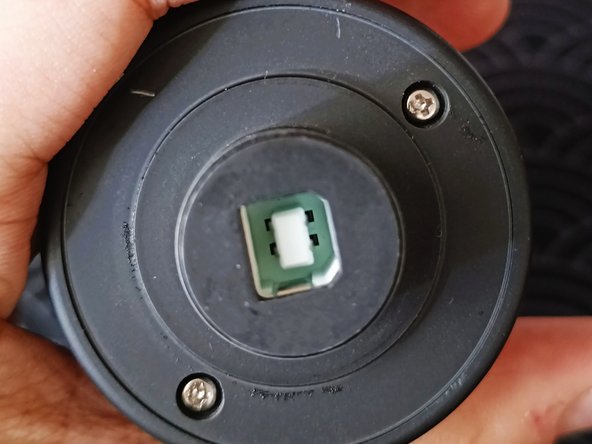
    • Remove the hard plastic ring that is covering the 2 phillips screws at the bottom of the unit.

  4. Disassembling Fifine T683 Microphone Body: 步骤 4 中的图像 1,1
    • Removing the 2 screws will release the filter. Note that there should be 2 brass poles that connects the two pieces together. One broke in the picture shown as I pried it before.

  5. Disassembling Fifine T683 Microphone Body: 步骤 5 中的图像 1,2 Disassembling Fifine T683 Microphone Body: 步骤 5 中的图像 2,2
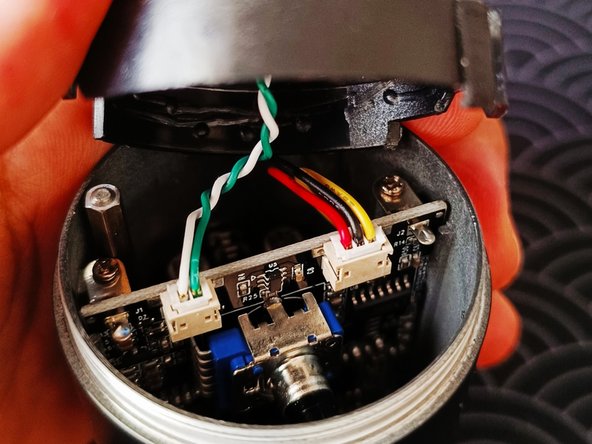
    • The condenser is not attached to the casing and is easily removeable. It is connected to the main PCB so do be careful.

  6. Disassembling Fifine T683 Microphone Body: 步骤 6 中的图像 1,1
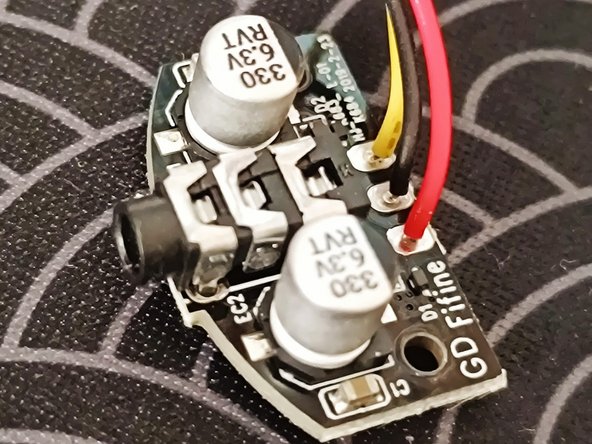
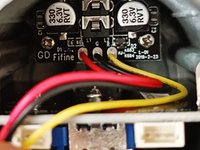
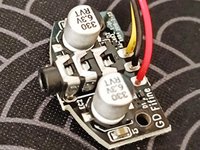
    • Inside you will see another smaller PCB that housed the 3.5mm audio jack. This needs to be removed first before the main PCB as the USB connector is slightly too large to slide through.

  7. Disassembling Fifine T683 Microphone Body: 步骤 7 中的图像 1,2 Disassembling Fifine T683 Microphone Body: 步骤 7 中的图像 2,2
    • There two screws to remove the smaller PCB.

  8. Disassembling Fifine T683 Microphone Body: 步骤 8 中的图像 1,1
    • Two more screws on the sides to be removed.

  9. Disassembling Fifine T683 Microphone Body: 步骤 9 中的图像 1,1
    • Congratulations! now you're free to work on the PCB.

结论

To reassemble your device, follow these instructions in reverse order.

clem

于05/08/19注册

451 声望

创作了2篇指南

0指南评论

添加评论

浏览统计数据:

过去 24 小时: 1

过去 7 天: 16

过去 30 天: 102

总计 1,064
