跳转到主内容
加入维修社区 - 创建账户

Disassembling Dell OptiPlex FX170 Case

仅作为前提条件
本指南仅提供前提条件!本指南是另一个程序的一部分,不能单独使用。

你所需要的

  1. Disassembling Dell OptiPlex FX170 Case, Case: 步骤 1 中的图像 1,1
    • With the base stand facing upwards, unscrew the 6mm Phillips #2 screw.

    • Pull the base stand straight up from the device.

  2. Disassembling Dell OptiPlex FX170 Case: 步骤 2 中的图像 1,2 Disassembling Dell OptiPlex FX170 Case: 步骤 2 中的图像 2,2
    • Unscrew and remove the eight 4mm Phillips #0 screws (four on top, four on bottom) from the top and bottom of the device.

  3. Disassembling Dell OptiPlex FX170 Case: 步骤 3 中的图像 1,3 Disassembling Dell OptiPlex FX170 Case: 步骤 3 中的图像 2,3 Disassembling Dell OptiPlex FX170 Case: 步骤 3 中的图像 3,3
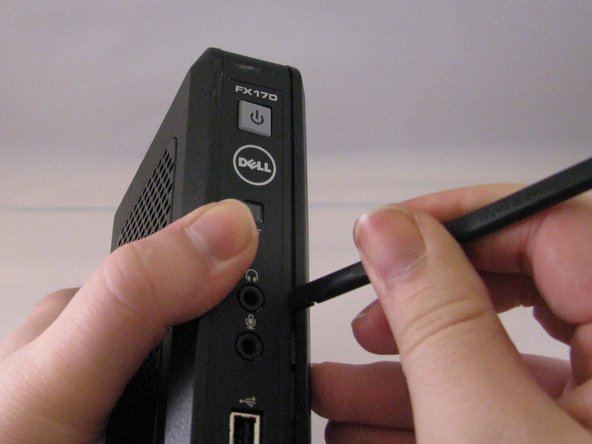
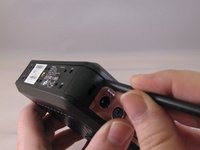
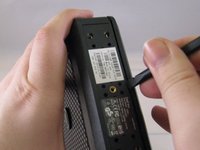
    • Run the flat side of the spudger along the entire line of the case starting from the back where the power plug and a small screw are located.

    • Use care to not apply excessive force that could damage retaining clips while running the spudger along the case.

  4. Disassembling Dell OptiPlex FX170 Case: 步骤 4 中的图像 1,2 Disassembling Dell OptiPlex FX170 Case: 步骤 4 中的图像 2,2
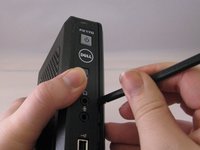
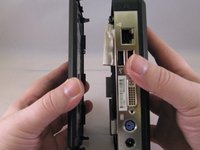
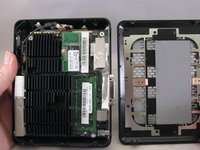
    • Once the clips have been released, gently disengage the cover from the rest of case by pulling in opposite directions.

结论

To reassemble your device, follow these instructions in reverse order.

0指南评论

添加评论

浏览统计数据:

过去 24 小时: 1

过去 7 天: 3

过去 30 天: 6

总计 86