跳转到主内容
加入维修社区 - 创建账户

Dis/assembling Eye/Pupil Camera Housing

你所需要的

    1. Dis/assembling Eye/Pupil Camera Housing, Camera Housing: 步骤 1 中的图像 1,1
      • First: Eye Camera

      • Remove initial frame (crack off)

      询问修复机器人

      添加评论

    2. Dis/assembling Eye/Pupil Camera Housing: 步骤 2 中的图像 1,1
      • Remove 4 screws.

      询问修复机器人

      添加评论

    3. Dis/assembling Eye/Pupil Camera Housing: 步骤 3 中的图像 1,1
      • Remove cover to get to the PCB underneath

      询问修复机器人

      添加评论

    4. Dis/assembling Eye/Pupil Camera Housing: 步骤 4 中的图像 1,1
      • Remove two screws on the PCB.

      询问修复机器人

      添加评论

    5. Dis/assembling Eye/Pupil Camera Housing: 步骤 5 中的图像 1,1
      • Remove PCB from the base plastic piece.

      询问修复机器人

      添加评论

    6. Dis/assembling Eye/Pupil Camera Housing: 步骤 6 中的图像 1,1
      • Break base plastic piece. Cutters work well. Be careful not to snip the wire attached to the PCB.

      询问修复机器人

      添加评论

    7. Dis/assembling Eye/Pupil Camera Housing: 步骤 7 中的图像 1,1
      • Black mold (from 3D printer) piece attaches to the PCB with 4 screws.

      询问修复机器人

      添加评论

    8. Dis/assembling Eye/Pupil Camera Housing: 步骤 8 中的图像 1,1
      • Completed assembly of the eye camera.

      询问修复机器人

      添加评论

    9. Dis/assembling Eye/Pupil Camera Housing, Pupil camera dis/assembly: 步骤 9 中的图像 1,1
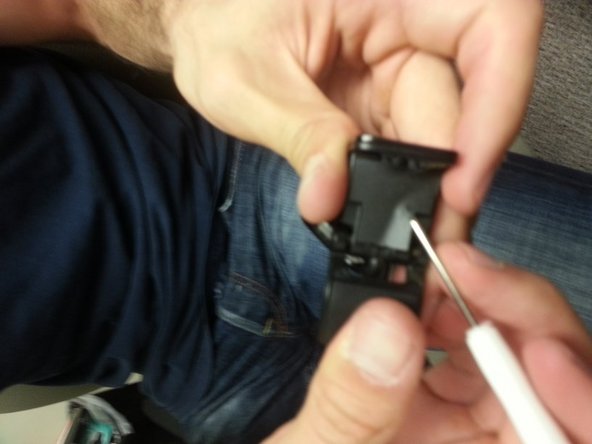
      • Back of pupil camera is glued on. Remove with flat-head.

      询问修复机器人

      添加评论

    10. Dis/assembling Eye/Pupil Camera Housing: 步骤 10 中的图像 1,1
      • Remove the black frame on the front of the pupil camera.

      询问修复机器人

      添加评论

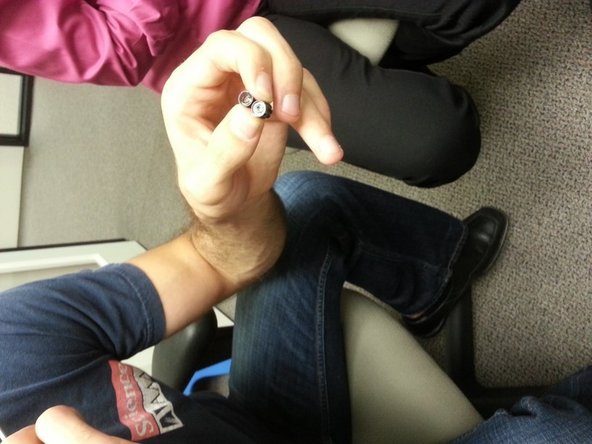
    11. Dis/assembling Eye/Pupil Camera Housing: 步骤 11 中的图像 1,2 Dis/assembling Eye/Pupil Camera Housing: 步骤 11 中的图像 2,2
      • Once frame is taken off the front, two screws need to be removed.

      询问修复机器人

      添加评论

    12. Dis/assembling Eye/Pupil Camera Housing: 步骤 12 中的图像 1,1
      • One screw removed from the back.

      询问修复机器人

      添加评论

    13. Dis/assembling Eye/Pupil Camera Housing: 步骤 13 中的图像 1,1
      • Front housing comes off once the screws are removed from the frame.

      • Twist out the silver microphone.

      询问修复机器人

      添加评论

    14. Dis/assembling Eye/Pupil Camera Housing: 步骤 14 中的图像 1,1
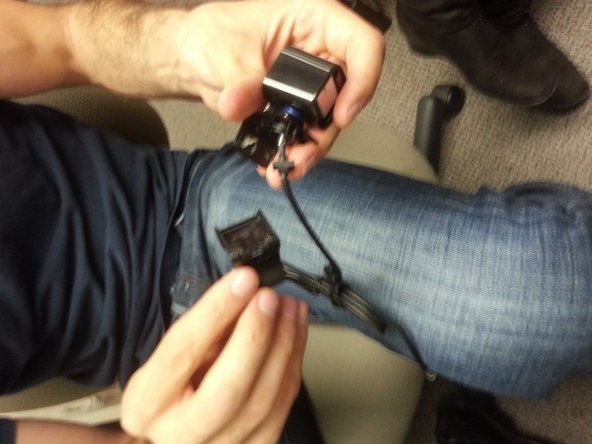
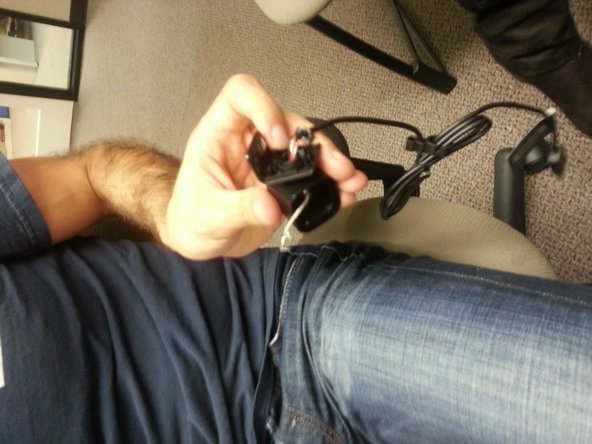
      • Pull off bottom stand until it breaks off.

      询问修复机器人

      添加评论

    15. Dis/assembling Eye/Pupil Camera Housing: 步骤 15 中的图像 1,2 Dis/assembling Eye/Pupil Camera Housing: 步骤 15 中的图像 2,2
      • Remove rubber/plastic piece from the bottom

      询问修复机器人

      添加评论

    16. Dis/assembling Eye/Pupil Camera Housing: 步骤 16 中的图像 1,1
      • Remove four screws from under the plastic tape (removed from last step).

      询问修复机器人

      添加评论

    17. Dis/assembling Eye/Pupil Camera Housing: 步骤 17 中的图像 1,2 Dis/assembling Eye/Pupil Camera Housing: 步骤 17 中的图像 2,2
      • Bottom pops off

      询问修复机器人

      添加评论

    18. Dis/assembling Eye/Pupil Camera Housing: 步骤 18 中的图像 1,2 Dis/assembling Eye/Pupil Camera Housing: 步骤 18 中的图像 2,2
      • Separate the metal frame from the plastic assembly.

      • Avoid the cables

      询问修复机器人

      添加评论

    19. Dis/assembling Eye/Pupil Camera Housing: 步骤 19 中的图像 1,1
      • Take out PCB from the plastic housing.

      询问修复机器人

      添加评论

    20. Dis/assembling Eye/Pupil Camera Housing: 步骤 20 中的图像 1,3 Dis/assembling Eye/Pupil Camera Housing: 步骤 20 中的图像 2,3 Dis/assembling Eye/Pupil Camera Housing: 步骤 20 中的图像 3,3
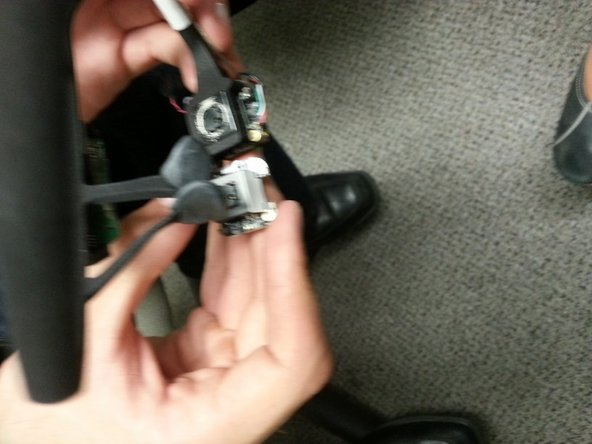
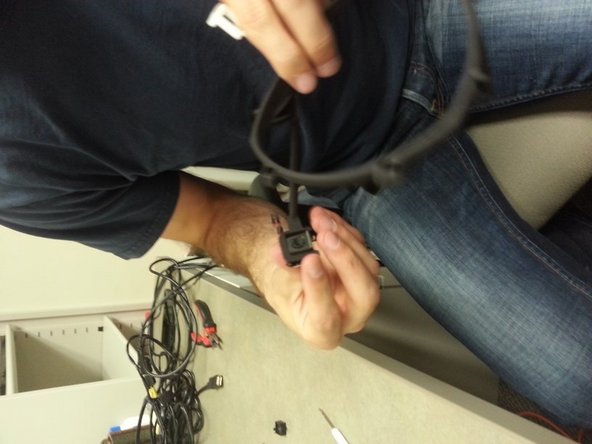
      • Remove the rest of the black plastic housing.

      询问修复机器人

      添加评论

    21. Dis/assembling Eye/Pupil Camera Housing: 步骤 21 中的图像 1,1
      • Black plastic housing removed

      询问修复机器人

      添加评论

    22. Dis/assembling Eye/Pupil Camera Housing: 步骤 22 中的图像 1,3 Dis/assembling Eye/Pupil Camera Housing: 步骤 22 中的图像 2,3 Dis/assembling Eye/Pupil Camera Housing: 步骤 22 中的图像 3,3
      • Continue removing the black plastic housing surrounding the inner PCB.

      询问修复机器人

      添加评论

    23. Dis/assembling Eye/Pupil Camera Housing: 步骤 23 中的图像 1,2 Dis/assembling Eye/Pupil Camera Housing: 步骤 23 中的图像 2,2
      • PCB removed from the black plastic housing.

      询问修复机器人

      添加评论

    24. Dis/assembling Eye/Pupil Camera Housing: 步骤 24 中的图像 1,1
      • Autofocus assembly.

      • Remove two screws from the bottom of the auto-focus PCB.

      询问修复机器人

      添加评论

    25. Dis/assembling Eye/Pupil Camera Housing: 步骤 25 中的图像 1,1
      • Unscrew the lens

      询问修复机器人

      添加评论

    26. Dis/assembling Eye/Pupil Camera Housing: 步骤 26 中的图像 1,2 Dis/assembling Eye/Pupil Camera Housing: 步骤 26 中的图像 2,2
      • Take out the IR filter by using a scalpel for pulling out the lens tape.

      询问修复机器人

      添加评论

    27. Dis/assembling Eye/Pupil Camera Housing: 步骤 27 中的图像 1,3 Dis/assembling Eye/Pupil Camera Housing: 步骤 27 中的图像 2,3 Dis/assembling Eye/Pupil Camera Housing: 步骤 27 中的图像 3,3
      • Comparison photos of completed autofocus assembly vs in-progress autofocus assembly

      询问修复机器人

      添加评论

    28. Dis/assembling Eye/Pupil Camera Housing: 步骤 28 中的图像 1,2 Dis/assembling Eye/Pupil Camera Housing: 步骤 28 中的图像 2,2
      • IR LEDs replaced by SMD LED

      • Soldering required here (at bottom of LED to remove).

      询问修复机器人

      添加评论

    29. Dis/assembling Eye/Pupil Camera Housing: 步骤 29 中的图像 1,1
      • SMD LED info: Thick black line is near the positive side of the LED

      • Dark side (dot) is positive side on LED.

      询问修复机器人

      添加评论

    30. Dis/assembling Eye/Pupil Camera Housing: 步骤 30 中的图像 1,3 Dis/assembling Eye/Pupil Camera Housing: 步骤 30 中的图像 2,3 Dis/assembling Eye/Pupil Camera Housing: 步骤 30 中的图像 3,3
      • Insert PCB into 3d-printed frame.

      询问修复机器人

      添加评论

    31. Dis/assembling Eye/Pupil Camera Housing: 步骤 31 中的图像 1,2 Dis/assembling Eye/Pupil Camera Housing: 步骤 31 中的图像 2,2
      • Completed assembly.

      • Sugru used for nose/head rest

      询问修复机器人

      添加评论

结论

To reassemble your device, follow these instructions in reverse order.

取消:我没有完成这个指南。

2等其他人完成本指南。

Silas

于11/25/13注册

318 声望

撰写一个指南

0指南评论

添加评论

浏览统计数据:

过去 24 小时: 1

过去 7 天: 5

过去 30 天: 28

总计 1,221
