简介
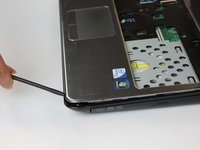
Ever wonder where most internal parts of your Dell Inspiron N4010 rest under? Well that would be right under the palm rest. With the use of this guide, many people will often use it as a prerequisite in order to access many of the internal parts that lay beneath it.
Removal and replacement of the palm rest assembly not only gives access to many components but will also ensure in the safety and minimize the likely hood of something happening to your laptop.
Before using this guide make sure what you need to access or replace is actually under the palm rest, exposing the internal components leaves them vulnerable and susceptible to damage.
你所需要的
-
-
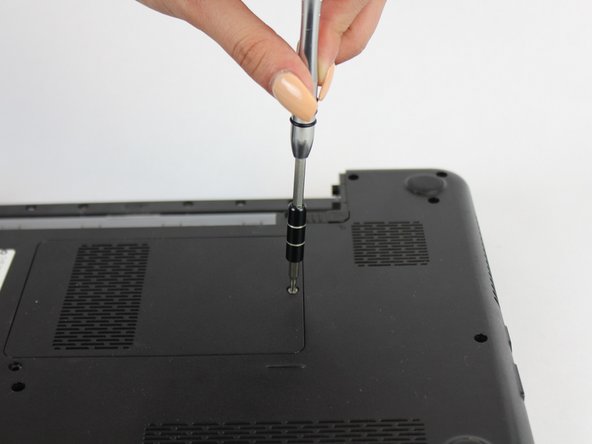
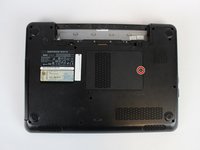
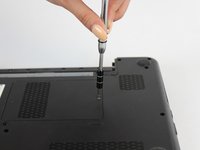
Using the #0 Philips head, unscrew the indicated screw.
-
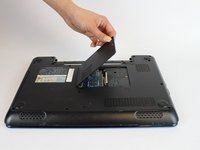
Carefully pull the RAM cover up and away.
-
-
-
Remove the indicated 5.7mm screws.
-
Remove the smaller 3mm screws from underneath the battery compartment.
-





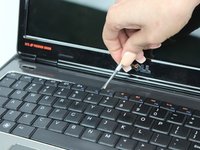



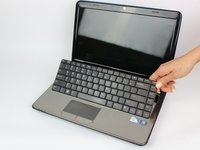
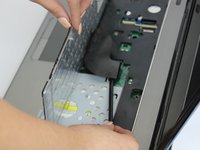


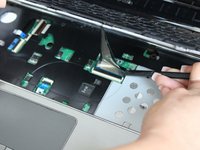
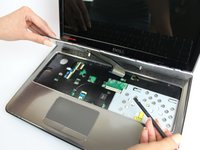


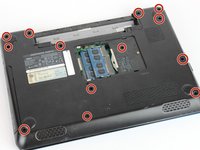
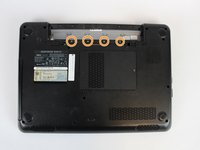


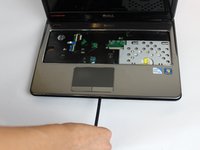


To reassemble your device, follow these instructions in reverse order.



团队

USF Tampa, Team S13-G5, Boczar Fall 2017 USF Tampa, Team S13-G5, Boczar Fall 2017 的会员
USFT-BOCZAR-F17S13G5
5 名成员
创作了9篇指南
