跳转到主内容

DMC-GF3 LCD Display Replacement

你所需要的

  1. DMC-GF3 LCD Display Replacement, LCD Display: 步骤 1 中的图像 1,1
    • Remove the battery and memory card from the device.

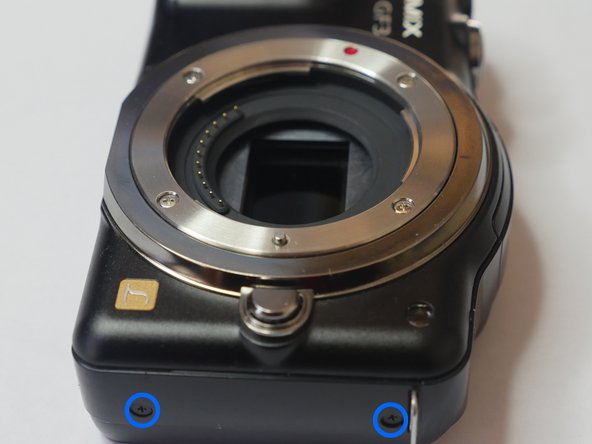
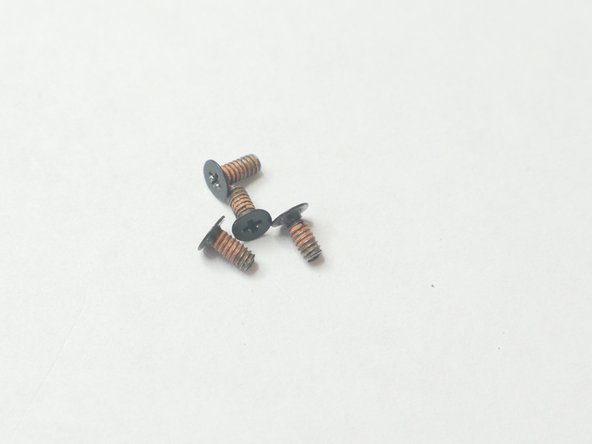
  2. DMC-GF3 LCD Display Replacement: 步骤 2 中的图像 1,2 DMC-GF3 LCD Display Replacement: 步骤 2 中的图像 2,2
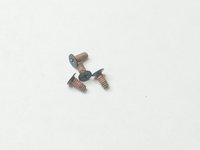
    • Remove 4 (2mm) screws from the bottom of the unit.

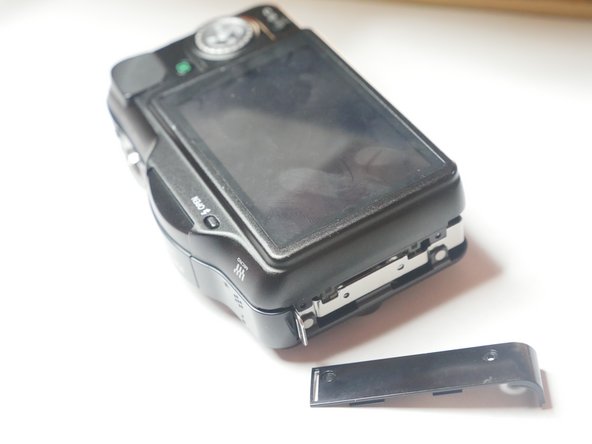
  3. DMC-GF3 LCD Display Replacement: 步骤 3 中的图像 1,3 DMC-GF3 LCD Display Replacement: 步骤 3 中的图像 2,3 DMC-GF3 LCD Display Replacement: 步骤 3 中的图像 3,3
    • Remove 4 (4mm) screws from the sides of the unit. You are removing screws from both the right and left sides of the unit (4 screws total)

  4. DMC-GF3 LCD Display Replacement: 步骤 4 中的图像 1,2 DMC-GF3 LCD Display Replacement: 步骤 4 中的图像 2,2
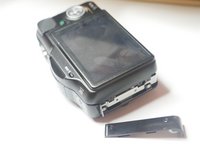
    • Slightly lift up the left side of unit to remove the side panel. Do not remove the rear chassis. Just lift up enough to remove side panel.

    • Caution. The rear Chassis is attached to two ribbon panels so please do not remove the chassis in this step.

  5. DMC-GF3 LCD Display Replacement: 步骤 5 中的图像 1,1
    • When opening the rear casing be careful not to pull on the flex cables. There are 2 flex cables on each side of the rear casing.

    • Slightly lift the rear casing. Do not completely remove it. Just lift just enough so the right flex clamp is visible. Keep in mind the left side of the rear casing is also attached to a flex clamp. Use a spudger or other method to release the cable. Do not remove the rear casing yet.

  6. DMC-GF3 LCD Display Replacement: 步骤 6 中的图像 1,1
    • Remove flex cable using a spudger or other method. Remove rear casing.

    • These plastic clamps are fragile and break easily. Use caution when releasing the cable. Use equal pressure throughout entire clamp or risk breaking the clamp.

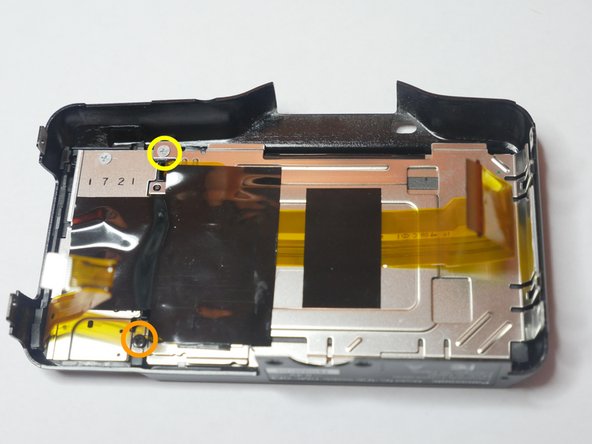
  7. DMC-GF3 LCD Display Replacement: 步骤 7 中的图像 1,2 DMC-GF3 LCD Display Replacement: 步骤 7 中的图像 2,2
    • Insert wisdom here.

结论

To reassemble your device, follow these instructions in reverse order.

2等其他人完成本指南。

0指南评论

添加评论

浏览统计数据:

过去 24 小时: 2

过去 7 天: 8

过去 30 天: 31

总计 1,153