跳转到主内容
加入维修社区 - 创建账户

ClickN Kids Tablet Camera Replacement

你所需要的

    1. ClickN Kids Tablet Camera Replacement, Camera: 步骤 1 中的图像 1,1
      • Start on the side with the camera

      • Insert a plastic opening tool into the space between the screen and the back side.

      • The screen side is black, the back side is colored

      询问修复机器人

      添加评论

    2. ClickN Kids Tablet Camera Replacement: 步骤 2 中的图像 1,1
      • Press the plastic opening tool in until you hear a “click” and that part of the tablet opens.

      • Press and slide the plastic opening tool around all sides of the tablet until all sides pop off.

      • The corners can be tricky. Make sure to separate the pieces all the way around the tablet before attempting to open it.

      询问修复机器人

      添加评论

    3. ClickN Kids Tablet Camera Replacement: 步骤 3 中的图像 1,1
      • Lift the detached screen from the camera side until you can see the inside of the tablet.

      • Don't open too fast, or you might damage the ribbons cables.

      询问修复机器人

      添加评论

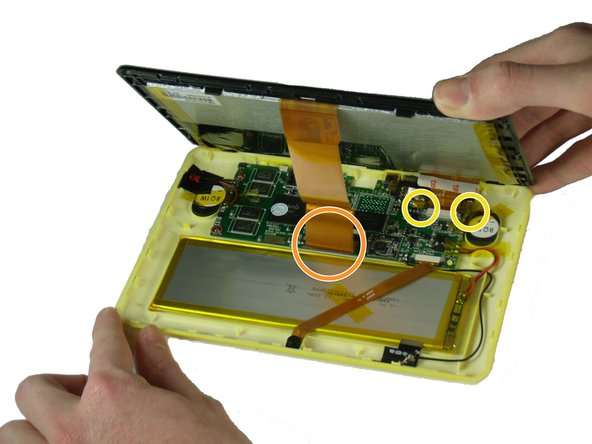
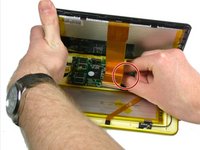
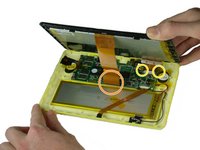
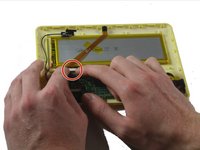
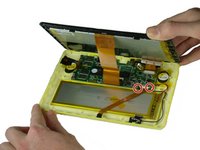
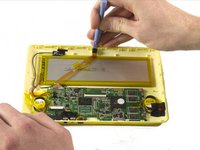
    4. ClickN Kids Tablet Camera Replacement: 步骤 4 中的图像 1,2 ClickN Kids Tablet Camera Replacement: 步骤 4 中的图像 2,2
      • Be careful not to damage any wires or ribbon cables during this step.

      • There are two ribbon cables to remove during this step. Each is connected to a base on the motherboard.

      • There is a black tab behind the long ribbon cable. Lift up the black tab.

      • For the ribbon cable in the back, pull the black tabs on the side out.

      • Detach the ribbon cables connecting the screen to the motherboard.

      • Remove any tape that is holding down the ribbon cables. Set it aside.

      询问修复机器人

      添加评论

    5. ClickN Kids Tablet Camera Replacement: 步骤 5 中的图像 1,1
      • Pull off the tape that holds the ribbon cable to the battery.

      询问修复机器人

      添加评论

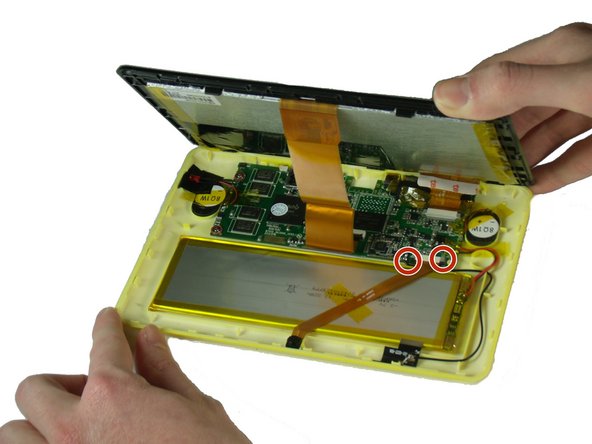
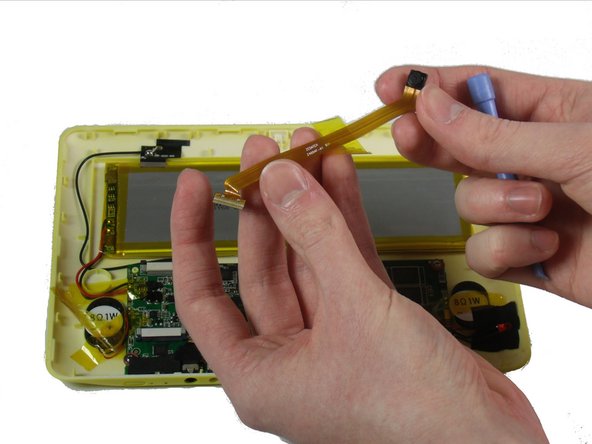
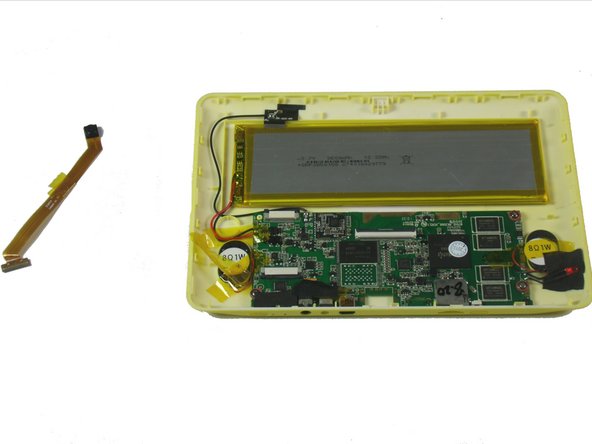
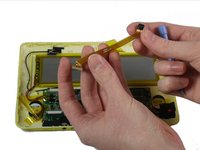
    6. ClickN Kids Tablet Camera Replacement: 步骤 6 中的图像 1,2 ClickN Kids Tablet Camera Replacement: 步骤 6 中的图像 2,2
      • Be careful not to damage the wires or ribbon cables.

      • Pull out the two black ends of the base on the motherboard.

      • Slide out the camera’s ribbon cable once the ends are loosened.

      询问修复机器人

      添加评论

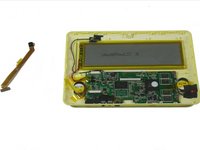
    7. ClickN Kids Tablet Camera Replacement: 步骤 7 中的图像 1,3 ClickN Kids Tablet Camera Replacement: 步骤 7 中的图像 2,3 ClickN Kids Tablet Camera Replacement: 步骤 7 中的图像 3,3
      • Use a plastic opening tool to pry the camera out of its place.

      询问修复机器人

      添加评论

结论

To reassemble your device, follow these instructions in reverse order.

取消:我没有完成这个指南。

另外一个人完成了本指南。

Kevin Finney

于03/22/15注册

562 声望

创作了4篇指南

团队

Baylor, Team 4-4, Williams Spring 2015 Baylor, Team 4-4, Williams Spring 2015 的会员

BU-WILLIAMS-S15S4G4

3 名成员

创作了8篇指南

0指南评论

添加评论

浏览统计数据:

过去 24 小时: 1

过去 7 天: 5

过去 30 天: 35

总计 1,171