跳转到主内容

Cisco Meraki MC74-HW Phone Sensor Replacement

你所需要的

  1. Cisco Meraki MC74-HW Phone Sensor Replacement, Back Housing and Device Stand: 步骤 1 中的图像 1,3 Cisco Meraki MC74-HW Phone Sensor Replacement, Back Housing and Device Stand: 步骤 1 中的图像 2,3 Cisco Meraki MC74-HW Phone Sensor Replacement, Back Housing and Device Stand: 步骤 1 中的图像 3,3
    • Extend the stand as far away as possible from the device.

    • Remove all four 3 mm Hex 2 screws from the stand.

    • A bit with a flexible extension may be needed to remove these screws.

  2. Cisco Meraki MC74-HW Phone Sensor Replacement: 步骤 2 中的图像 1,2 Cisco Meraki MC74-HW Phone Sensor Replacement: 步骤 2 中的图像 2,2
    • Lift the stand off the device.

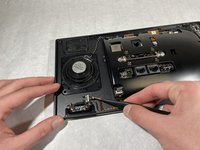
  3. Cisco Meraki MC74-HW Phone Sensor Replacement: 步骤 3 中的图像 1,3 Cisco Meraki MC74-HW Phone Sensor Replacement: 步骤 3 中的图像 2,3 Cisco Meraki MC74-HW Phone Sensor Replacement: 步骤 3 中的图像 3,3
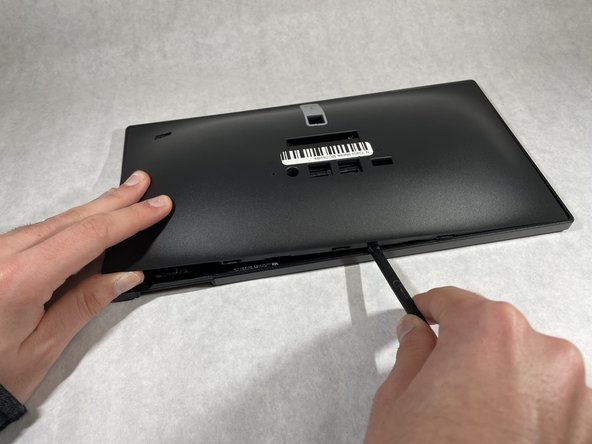
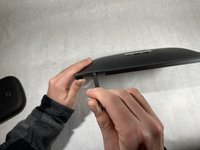
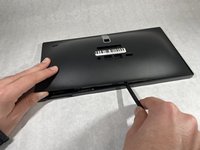
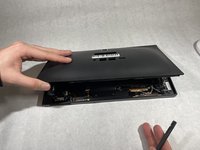
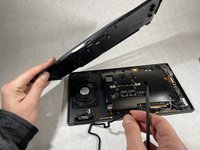
    • Insert a plastic spudger between the back housing cover and the sensor cover piece.

    • Work your way slowly around the edges of the device until all the clips have been unclipped.

    • Do not insert any tool recklessly into the device or you might damage wires and connections.

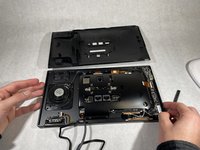
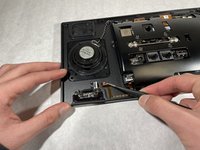
  4. Cisco Meraki MC74-HW Phone Sensor Replacement: 步骤 4 中的图像 1,2 Cisco Meraki MC74-HW Phone Sensor Replacement: 步骤 4 中的图像 2,2
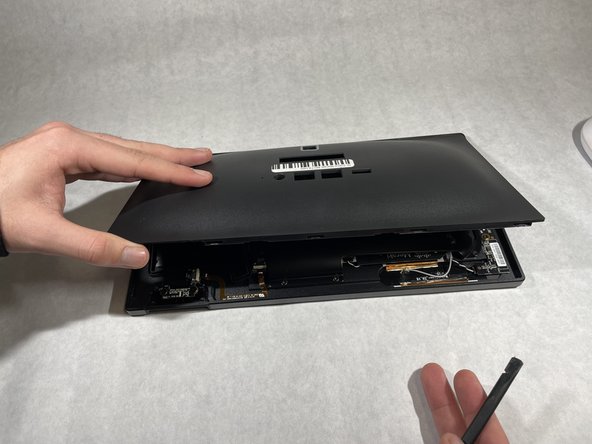
    • Separate the back housing cover from the device completely.

  5. Cisco Meraki MC74-HW Phone Sensor Replacement, Phone Sensor: 步骤 5 中的图像 1,2 Cisco Meraki MC74-HW Phone Sensor Replacement, Phone Sensor: 步骤 5 中的图像 2,2
    在这个步骤中使用的工具:
    Tweezers
    $4.99
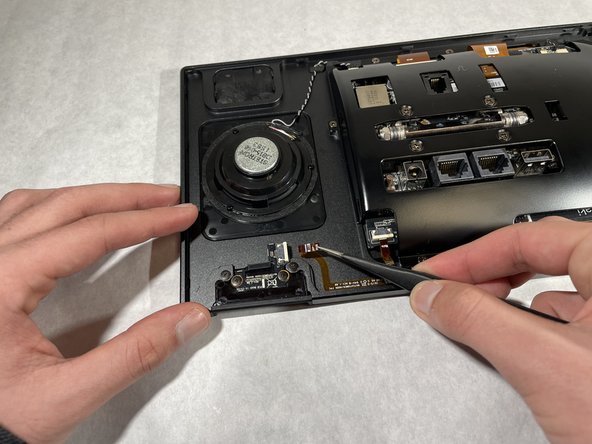
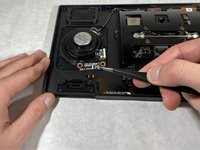
    • Disconnect the ribbon from the phone sensor board using a pair of reverse tweezers.

    • Electronic ribbons are very fragile, so pull slowly to disconnect them.

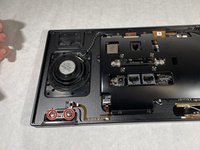
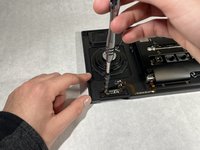
  6. Cisco Meraki MC74-HW Phone Sensor Replacement: 步骤 6 中的图像 1,3 Cisco Meraki MC74-HW Phone Sensor Replacement: 步骤 6 中的图像 2,3 Cisco Meraki MC74-HW Phone Sensor Replacement: 步骤 6 中的图像 3,3
    • Remove the two 1.2 mm screws holding the phone sensor using a Phillips #0 screwdriver.

    • Carefully lift the phone sensor to remove it from the device.

结论

To reassemble your device, follow these instructions in reverse order.

Anthony Kairouz

于10/18/21注册

253 声望

创作了3篇指南

团队

UMass Dartmouth, Team 1-5, Simcock Fall 2021 UMass Dartmouth, Team 1-5, Simcock Fall 2021 的会员

UMASSD-SIMCOCK-F21S1G5

4 名成员

创作了8篇指南

0指南评论

添加评论

浏览统计数据:

过去 24 小时: 0

过去 7 天: 2

过去 30 天: 10

总计 246