跳转到主内容
加入维修社区 - 创建账户

Casio Exilim EX-Z850 Battery Casing Disassembly

你所需要的

    1. Casio Exilim EX-Z850 Battery Casing Disassembly, Casio Exilim EX-Z850 Battery Casing Disassembly: 步骤 1 中的图像 1,1
      • Remove battery before you begin disassembly.

      • Use a Phillips #00 Screwdriver to remove all four of the screws on the right side of the camera with the lens facing you.

      询问修复机器人

      添加评论

    2. Casio Exilim EX-Z850 Battery Casing Disassembly: 步骤 2 中的图像 1,1
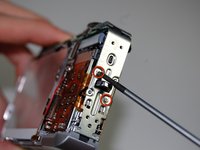
      • Use a Phillips #00 screwdriver, unscrew all four screws on the left side of the camera.

      询问修复机器人

      添加评论

    3. Casio Exilim EX-Z850 Battery Casing Disassembly: 步骤 3 中的图像 1,1
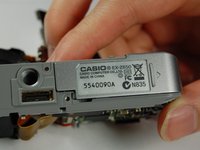
      • Use the Phillips #00 screwdriver to remove all four of the screws on the bottom of the camera.

      • Bottom screws are longer than the top screws, so label accordingly for easy reassembly.

      询问修复机器人

      添加评论

    4. Casio Exilim EX-Z850 Battery Casing Disassembly: 步骤 4 中的图像 1,3 Casio Exilim EX-Z850 Battery Casing Disassembly: 步骤 4 中的图像 2,3 Casio Exilim EX-Z850 Battery Casing Disassembly: 步骤 4 中的图像 3,3
      在这个步骤中使用的工具:
      Tweezers
      $4.99
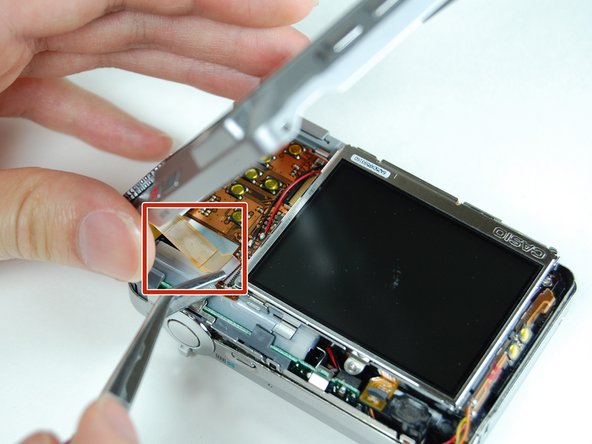
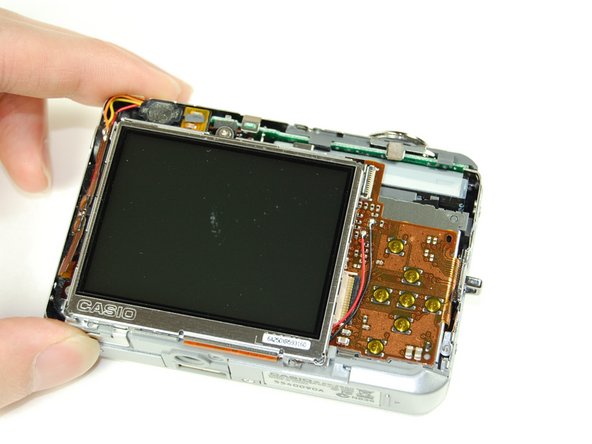
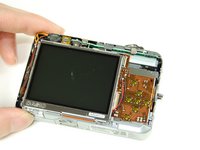
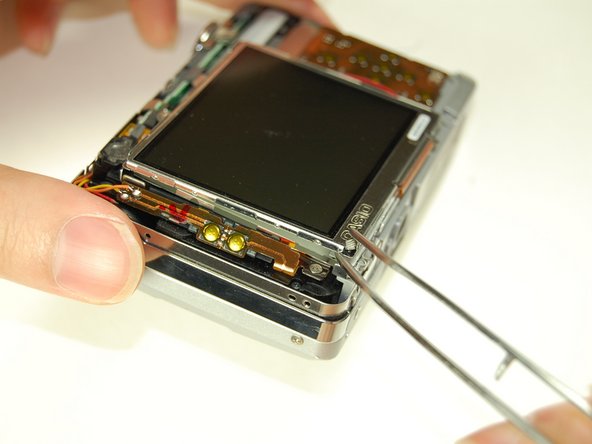
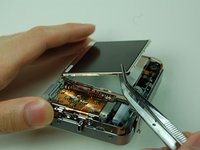
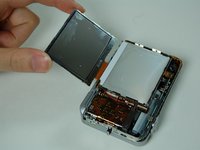
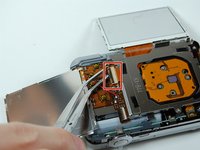
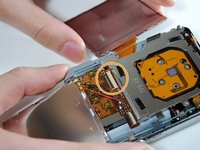
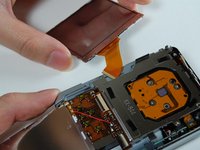
      • Once all screws have been removed, slowly pry open the back casing of the camera.

      • Gently remove the ribbon cable from the LCD with tweezers.

      • Set aside back casing of the camera.

      询问修复机器人

      添加评论

    5. Casio Exilim EX-Z850 Battery Casing Disassembly: 步骤 5 中的图像 1,2 Casio Exilim EX-Z850 Battery Casing Disassembly: 步骤 5 中的图像 2,2
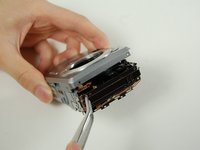
      • Use your tweezers to hold the camera secure, while you pull the front cover off of the camera.

      询问修复机器人

      添加评论

    6. Casio Exilim EX-Z850 Battery Casing Disassembly: 步骤 6 中的图像 1,2 Casio Exilim EX-Z850 Battery Casing Disassembly: 步骤 6 中的图像 2,2
      • The bottom of the LCD screen is secured to the frame by small pieces of black tape. You will need to peel the tape away to release the LCD screen.

      • Use your tweezers to lift the LCD screen from the frame.

      询问修复机器人

      添加评论

    7. Casio Exilim EX-Z850 Battery Casing Disassembly: 步骤 7 中的图像 1,2 Casio Exilim EX-Z850 Battery Casing Disassembly: 步骤 7 中的图像 2,2
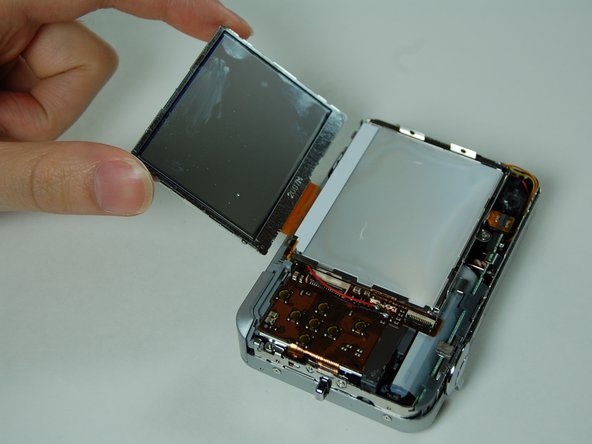
      • Lift screen away from the camera with your tweezers.

      • Flip screen over gently with your fingers once it is lifted far away enough from the camera.

      询问修复机器人

      添加评论

    8. Casio Exilim EX-Z850 Battery Casing Disassembly: 步骤 8 中的图像 1,1
      • Use your tweezers to lift the LCD frame from the camera.

      询问修复机器人

      添加评论

    9. Casio Exilim EX-Z850 Battery Casing Disassembly: 步骤 9 中的图像 1,3 Casio Exilim EX-Z850 Battery Casing Disassembly: 步骤 9 中的图像 2,3 Casio Exilim EX-Z850 Battery Casing Disassembly: 步骤 9 中的图像 3,3
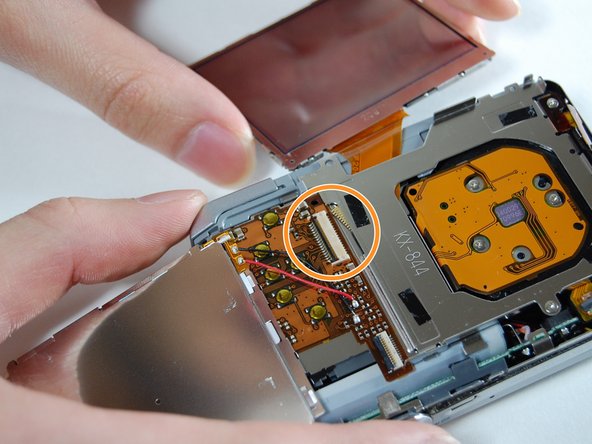
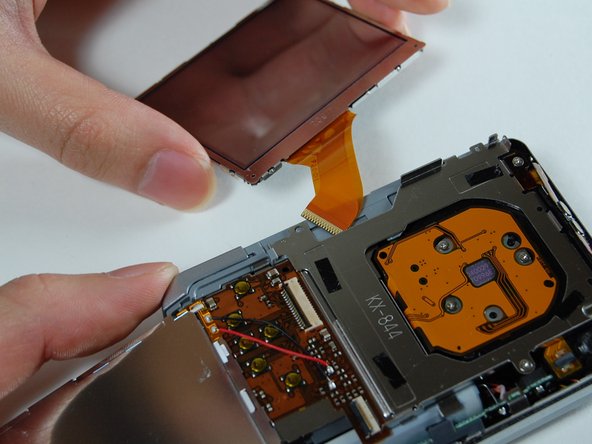
      • Use your tweezers to lift the bar holding the ribbon off.

      • Disconnect the ribbon to release the LCD screen.

      • Use your fingers to pull the LCD screen with the attached ribbon from the camera.

      询问修复机器人

      添加评论

    10. Casio Exilim EX-Z850 Battery Casing Disassembly: 步骤 10 中的图像 1,2 Casio Exilim EX-Z850 Battery Casing Disassembly: 步骤 10 中的图像 2,2
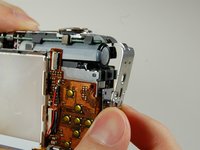
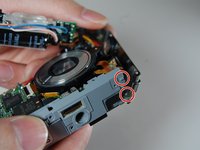
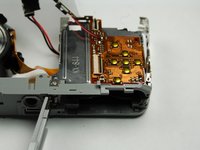
      • Use a Phillips #00 screwdriver to remove the two screws from the side of the camera that has the strap mount.

      • Remove strap mount by slowly pulling the side of the case so it will dislocate from the top of the camera.

      询问修复机器人

      添加评论

    11. Casio Exilim EX-Z850 Battery Casing Disassembly: 步骤 11 中的图像 1,2 Casio Exilim EX-Z850 Battery Casing Disassembly: 步骤 11 中的图像 2,2
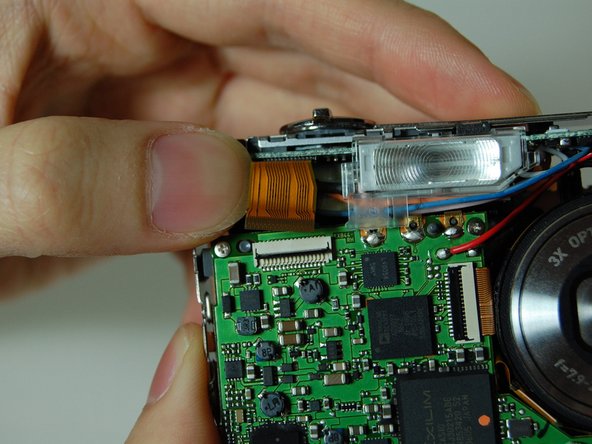
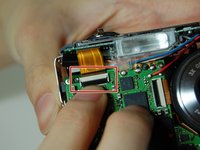
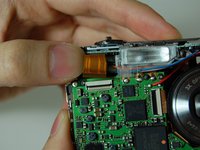
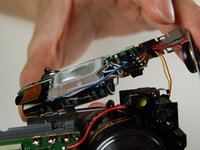
      • Hold the camera facing toward you. Pull up the bar that is securing the ribbon located to the left of the flash.

      • Disconnect the ribbon by prying it off with your fingers.

      询问修复机器人

      添加评论

    12. Casio Exilim EX-Z850 Battery Casing Disassembly: 步骤 12 中的图像 1,3 Casio Exilim EX-Z850 Battery Casing Disassembly: 步骤 12 中的图像 2,3 Casio Exilim EX-Z850 Battery Casing Disassembly: 步骤 12 中的图像 3,3
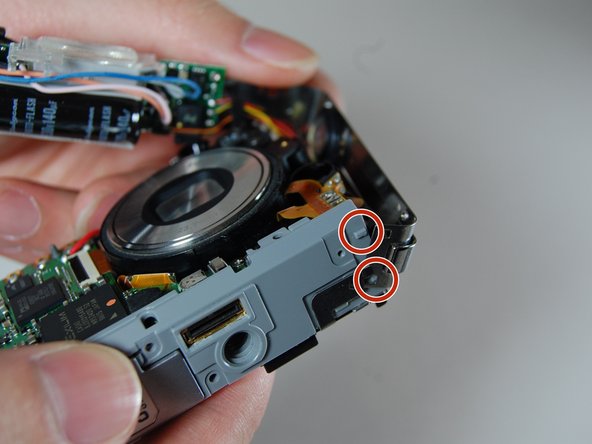
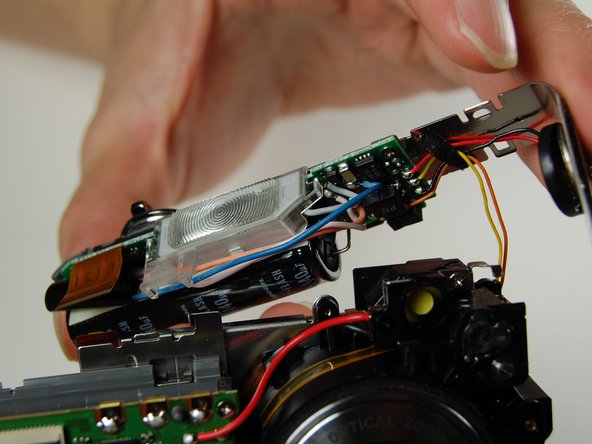
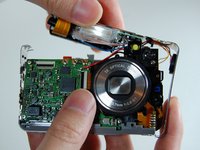
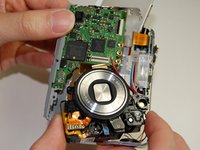
      • With the lens facing towards you, pull the L-shaped frame away from the camera.

      • Do not disconnect any of the wires from the camera when pulling the frame.

      • Remove the frame from the two studs and metal tabs keeping it in place at the bottom of the camera.

      询问修复机器人

      添加评论

    13. Casio Exilim EX-Z850 Battery Casing Disassembly: 步骤 13 中的图像 1,2 Casio Exilim EX-Z850 Battery Casing Disassembly: 步骤 13 中的图像 2,2
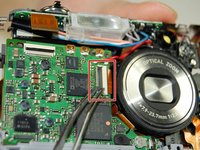
      • Locate the logic board to the left of the lens. You will see a bar securing a ribbon. Flip the bar up to release the ribbon.

      • Disconnect the ribbon.

      询问修复机器人

      添加评论

    14. Casio Exilim EX-Z850 Battery Casing Disassembly: 步骤 14 中的图像 1,2 Casio Exilim EX-Z850 Battery Casing Disassembly: 步骤 14 中的图像 2,2
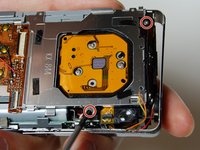
      • Use your Phillips #00 screwdriver to remove the two screws connecting the frame to the back of the camera.

      • Lift the frame away on the LCD screen side of the camera.

      询问修复机器人

      添加评论

    15. Casio Exilim EX-Z850 Battery Casing Disassembly: 步骤 15 中的图像 1,2 Casio Exilim EX-Z850 Battery Casing Disassembly: 步骤 15 中的图像 2,2
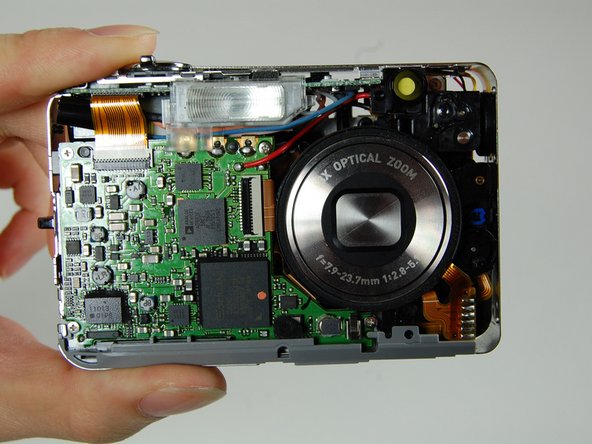
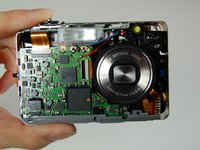
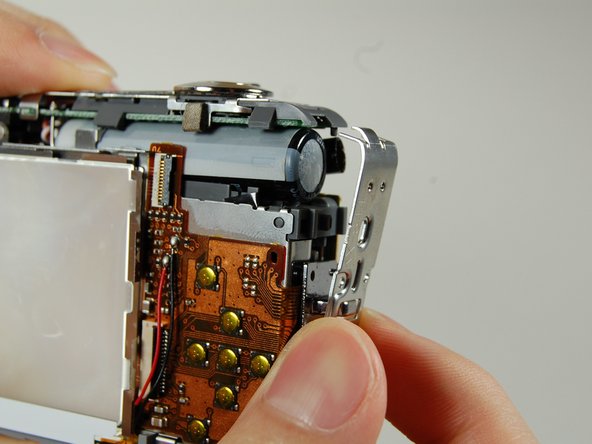
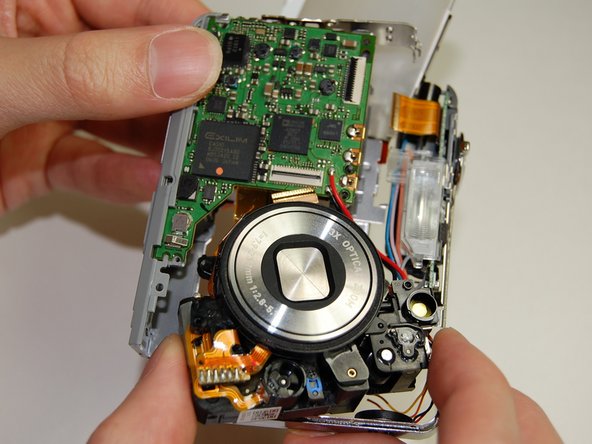
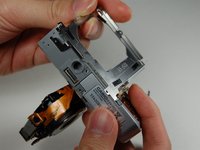
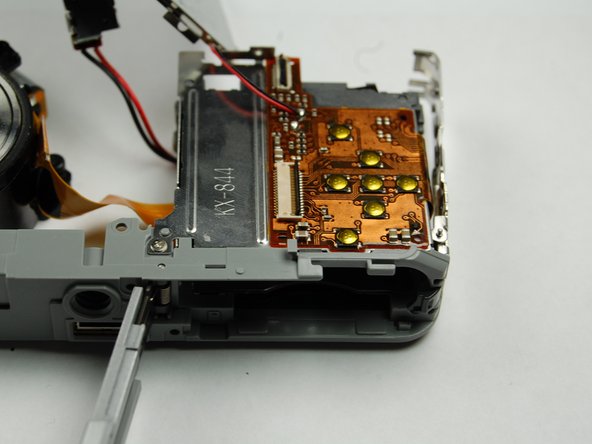
      • This is what your camera should look like now that you have the battery casing isolated.

      询问修复机器人

      添加评论

结论

To reassemble your device, follow these instructions in reverse order.

取消:我没有完成这个指南。

Logan

于01/10/11注册

313 声望

创作了2篇指南

团队

Cal Poly, Team 4-38, Regan Winter 2011 Cal Poly, Team 4-38, Regan Winter 2011 的会员

CPSU-REGAN-W11S4G38

4 名成员

创作了14篇指南

0指南评论

添加评论

浏览统计数据:

过去 24 小时: 2

过去 7 天: 14

过去 30 天: 52

总计 4,500