跳转到主内容

Casio Exilim EX-Z80 Back and Front Cover Replacement

你所需要的

  1. Casio Exilim EX-Z80 Back and Front Cover Replacement, Battery: 步骤 1 中的图像 1,2 Casio Exilim EX-Z80 Back and Front Cover Replacement, Battery: 步骤 1 中的图像 2,2
    • Locate the battery compartment at the bottom of the camera.

    • With your thumb, gently press down on the compartment door and slide to the left to open.

  2. Casio Exilim EX-Z80 Back and Front Cover Replacement: 步骤 2 中的图像 1,2 Casio Exilim EX-Z80 Back and Front Cover Replacement: 步骤 2 中的图像 2,2
    • With your index finger, gently pull back gray release lever for the battery to pop out.

    • Gently pull the battery out of the slot.

  3. Casio Exilim EX-Z80 Back and Front Cover Replacement, Back and Front Cover: 步骤 3 中的图像 1,3 Casio Exilim EX-Z80 Back and Front Cover Replacement, Back and Front Cover: 步骤 3 中的图像 2,3 Casio Exilim EX-Z80 Back and Front Cover Replacement, Back and Front Cover: 步骤 3 中的图像 3,3
    • Remove the four 3 mm black screws from the bottom of the camera using a Phillips #000 screwdriver.

    • Open the battery compartment with your thumb or index finger.

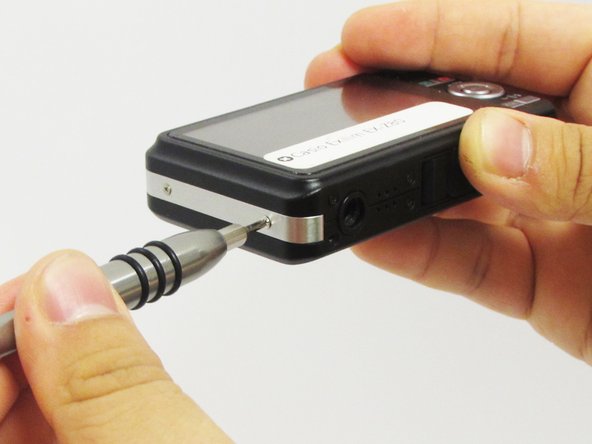
    • Remove the single 2 mm silver screw that is now exposed using a Phillips #000 screwdriver.

  4. Casio Exilim EX-Z80 Back and Front Cover Replacement: 步骤 4 中的图像 1,3 Casio Exilim EX-Z80 Back and Front Cover Replacement: 步骤 4 中的图像 2,3 Casio Exilim EX-Z80 Back and Front Cover Replacement: 步骤 4 中的图像 3,3
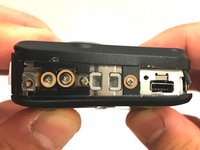
    • Open the USB port tab.

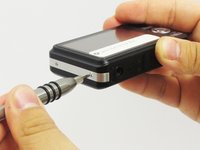
    • Remove the single 2 mm silver screw using a Phillips #000 screwdriver.

  5. Casio Exilim EX-Z80 Back and Front Cover Replacement: 步骤 5 中的图像 1,2 Casio Exilim EX-Z80 Back and Front Cover Replacement: 步骤 5 中的图像 2,2
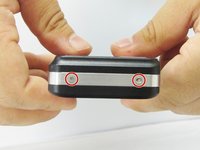
    • Remove the two 2 mm silver screws using a Phillips #000 screwdriver.

  6. Casio Exilim EX-Z80 Back and Front Cover Replacement: 步骤 6 中的图像 1,2 Casio Exilim EX-Z80 Back and Front Cover Replacement: 步骤 6 中的图像 2,2
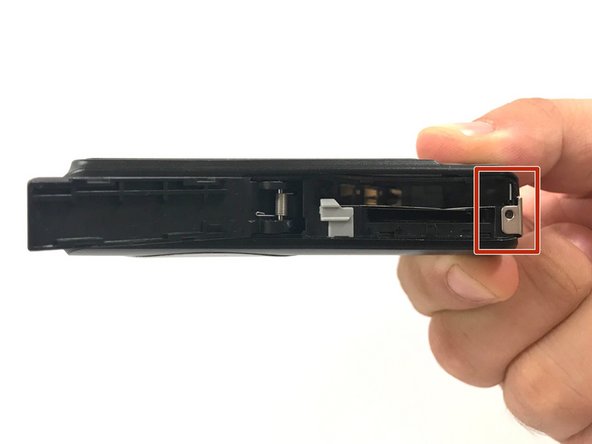
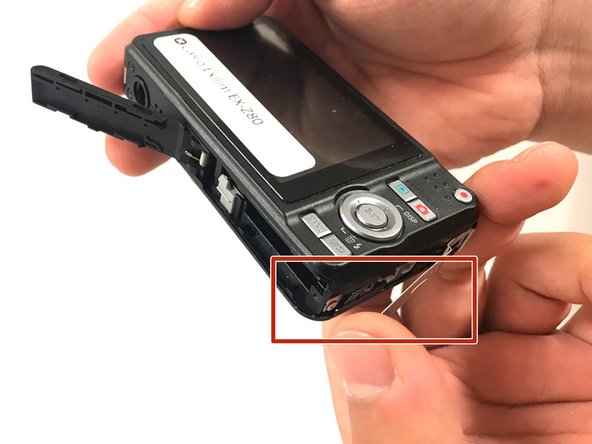
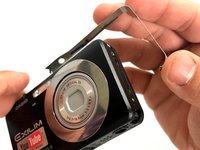
    • Carefully remove the silver strip from left side. Open the battery cover and remove the metal strip with fingers by sliding it to the left.

  7. Casio Exilim EX-Z80 Back and Front Cover Replacement: 步骤 7 中的图像 1,2 Casio Exilim EX-Z80 Back and Front Cover Replacement: 步骤 7 中的图像 2,2
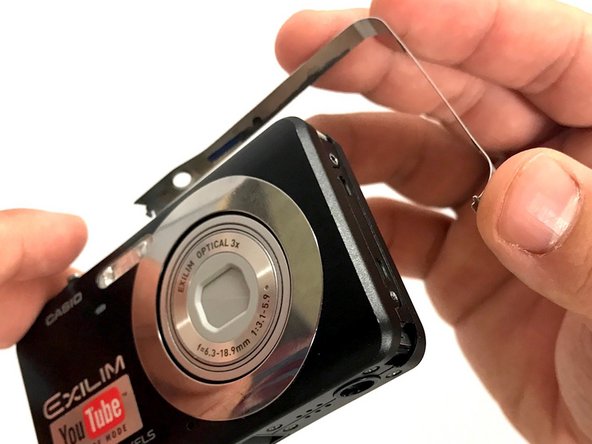
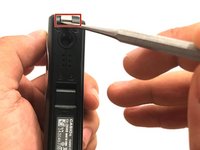
    • With the metal spudger, pry out the edge of the silver strip at the bottom right side of the camera.

    • Carefully remove the remaining part of the metal strip.

  8. Casio Exilim EX-Z80 Back and Front Cover Replacement: 步骤 8 中的图像 1,2 Casio Exilim EX-Z80 Back and Front Cover Replacement: 步骤 8 中的图像 2,2
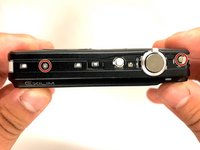
    • Remove the two 2 mm silver screws from the top corners of the camera using a Phillips #000 screwdriver.

    • Remove the three 2 mm screws from the left side using a Phillips #000 screwdriver.

  9. Casio Exilim EX-Z80 Back and Front Cover Replacement: 步骤 9 中的图像 1,3 Casio Exilim EX-Z80 Back and Front Cover Replacement: 步骤 9 中的图像 2,3 Casio Exilim EX-Z80 Back and Front Cover Replacement: 步骤 9 中的图像 3,3
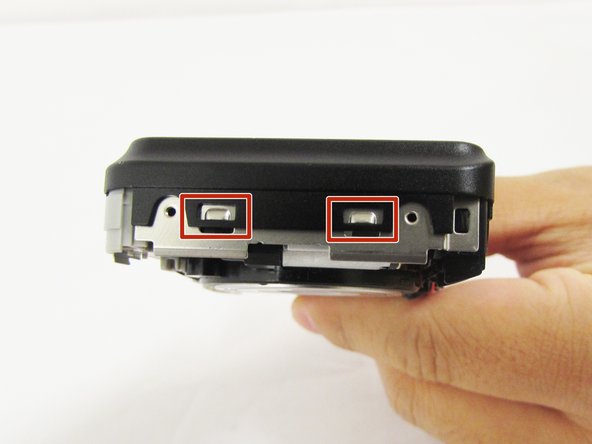
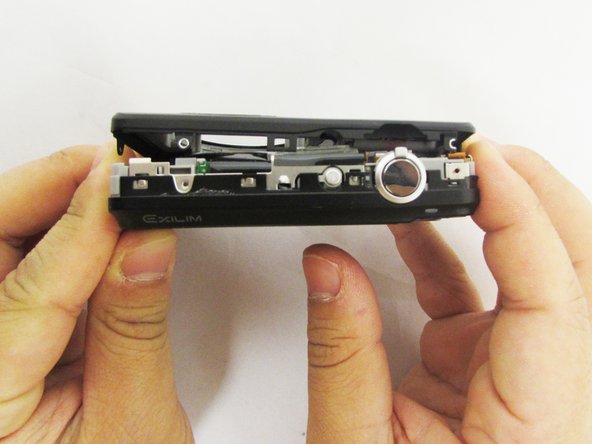
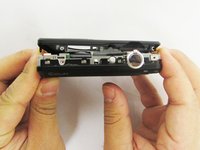
    • Using a small opening tool carefully release all lock tabs at the top and on the side of the camera from their locked position.

    • Using your hands, carefully separate the front and back panel from the camera.

结论

To reassemble your device, follow these instructions in reverse order.

0指南评论

添加评论

浏览统计数据:

过去 24 小时: 2

过去 7 天: 5

过去 30 天: 25

总计 804