简介
The side paneling is the plastic that protects the inside of the printer. This guide will teach you how to effectively remove the paneling without cracking it.
你所需要的
-
-
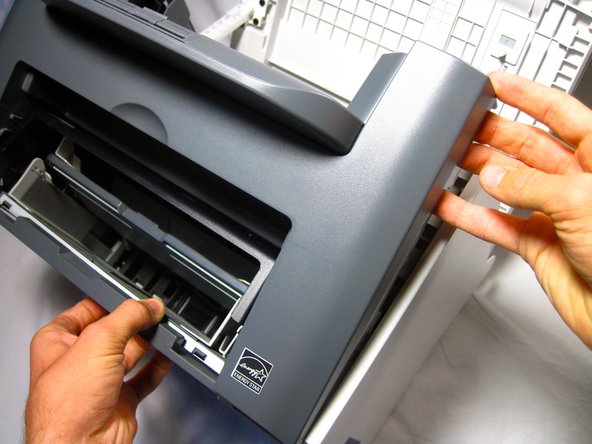
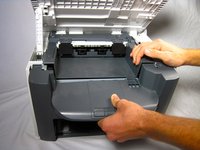
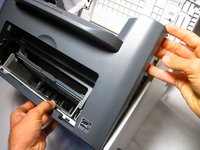
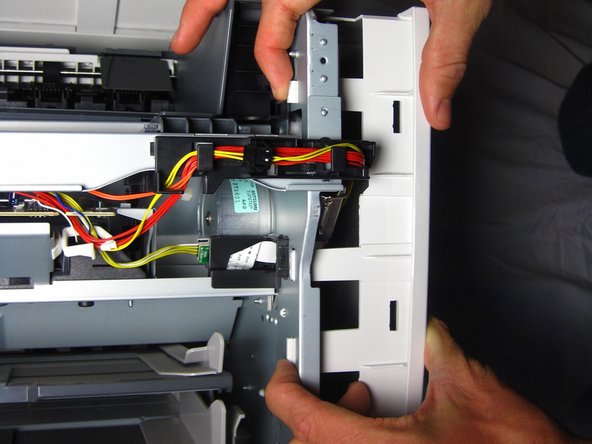
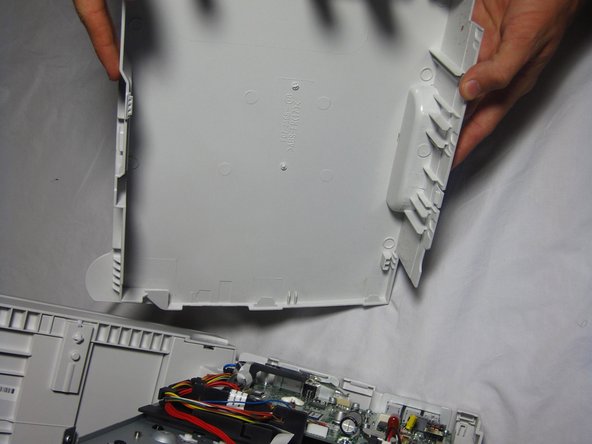
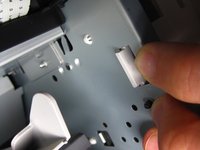
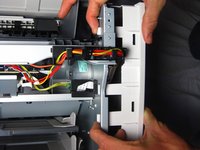
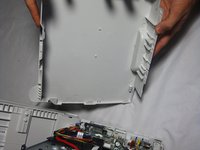
Gently unhook the right side paneling (as looking at the printer's front face) from the printer.
-

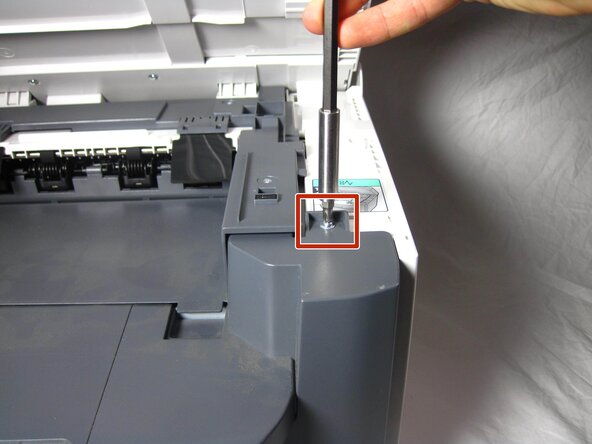
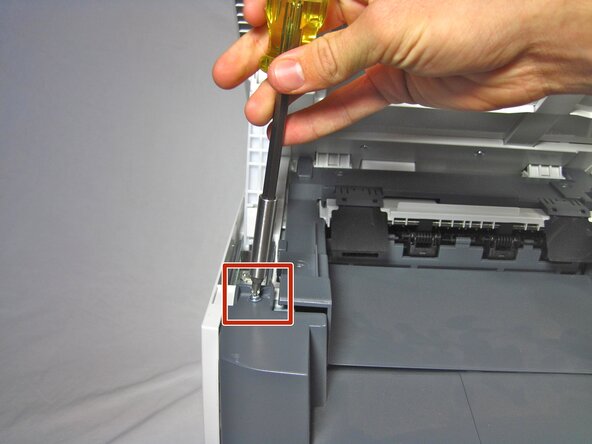


To reassemble your device, follow these instructions in reverse order.
3等其他人完成本指南。



团队

Cal Poly, Team 13-1, Forte Fall 2013 Cal Poly, Team 13-1, Forte Fall 2013 的会员
CPSU-FORTE-F13S13G1
5 名成员
创作了16篇指南
1指南评论
Tore paper when removing jamed paper. A small piece of paper must still be in machine.
