跳转到主内容

Brother HL-L2400D Drum Replacement

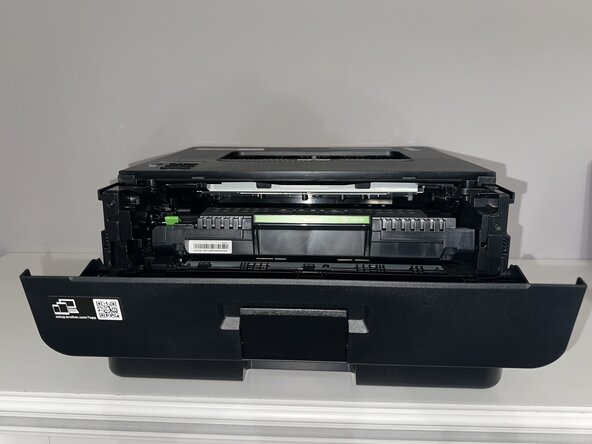
  1. Brother HL-L2400D Drum Replacement, Drum: 步骤 1 中的图像 1,2 Brother HL-L2400D Drum Replacement, Drum: 步骤 1 中的图像 2,2
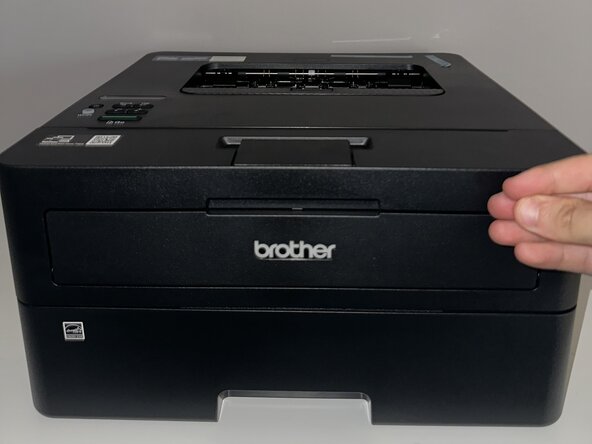
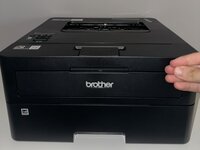
    • Open the front cover of the printer.

    • Turn off the printer and let it cool down for 10 minutes.

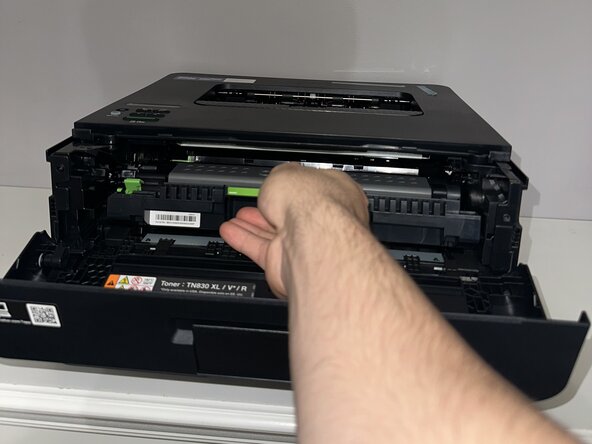
  2. Brother HL-L2400D Drum Replacement: 步骤 2 中的图像 1,2 Brother HL-L2400D Drum Replacement: 步骤 2 中的图像 2,2
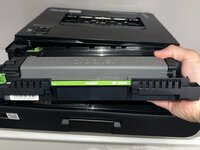
    • Grab the green tab and pull the part out.

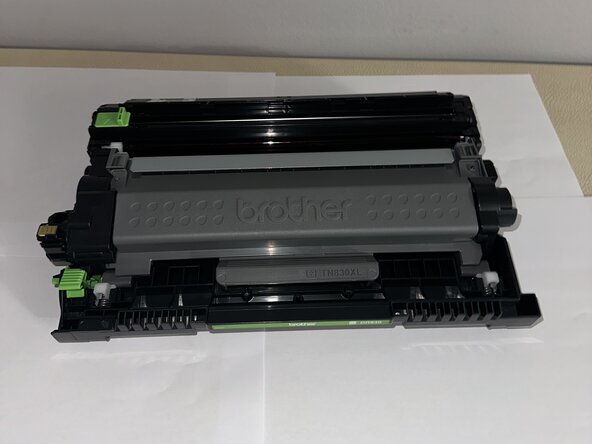
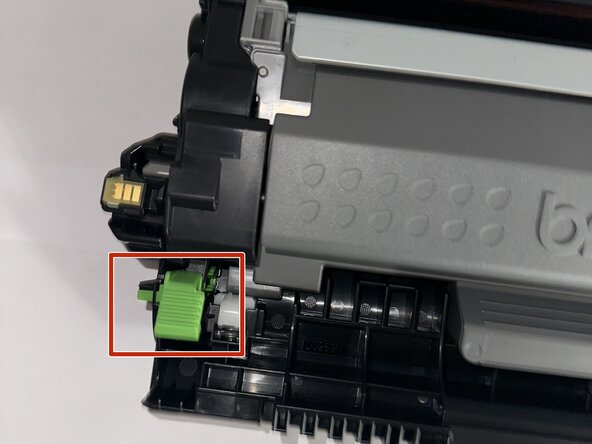
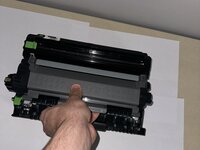
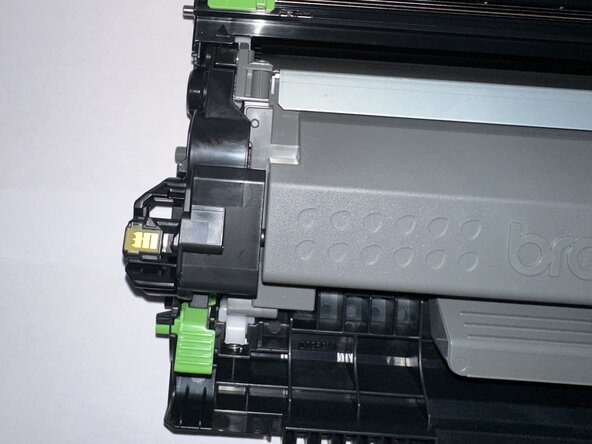
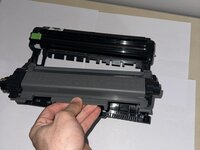
  3. Brother HL-L2400D Drum Replacement: 步骤 3 中的图像 1,3 Brother HL-L2400D Drum Replacement: 步骤 3 中的图像 2,3 Brother HL-L2400D Drum Replacement: 步骤 3 中的图像 3,3
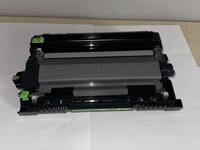
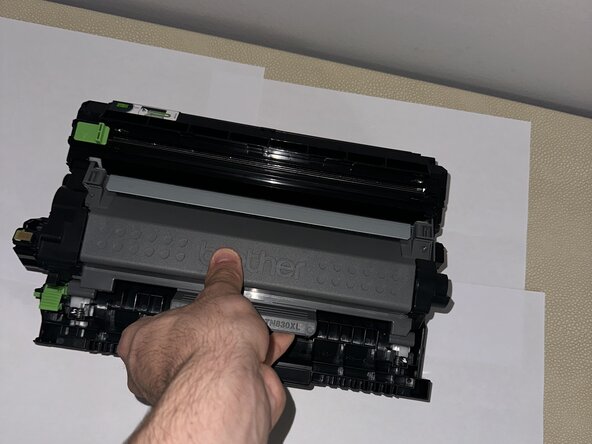
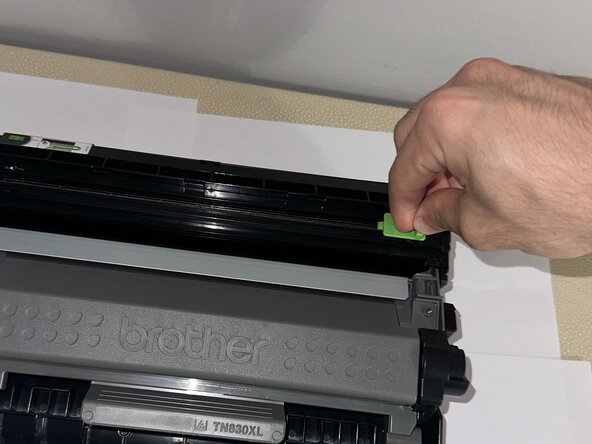
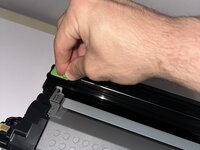
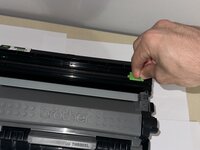
    • Place the drum onto a sheet of paper.

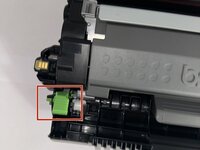
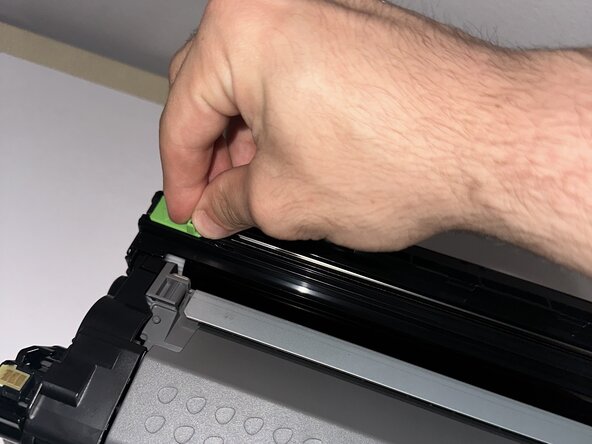
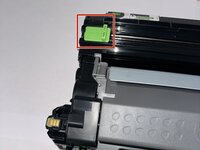
    • Press the green tab on the side to pop out the inside component.

  4. Brother HL-L2400D Drum Replacement: 步骤 4 中的图像 1,2 Brother HL-L2400D Drum Replacement: 步骤 4 中的图像 2,2
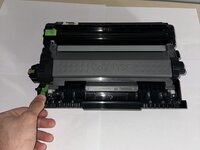
    • Press the green tab firmly until you hear a noise.

    • Pull out the drum using the closest grey part to you.

  5. Brother HL-L2400D Drum Replacement: 步骤 5 中的图像 1,3 Brother HL-L2400D Drum Replacement: 步骤 5 中的图像 2,3 Brother HL-L2400D Drum Replacement: 步骤 5 中的图像 3,3
    • Place your new replacement drum inside.

    • Press the new drum firmly.

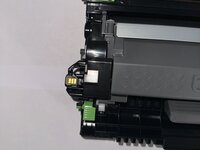
    • The green tab must look like the second and third images to tell that it is properly inserted.

  6. Brother HL-L2400D Drum Replacement: 步骤 6 中的图像 1,3 Brother HL-L2400D Drum Replacement: 步骤 6 中的图像 2,3 Brother HL-L2400D Drum Replacement: 步骤 6 中的图像 3,3
    • To clean the imaging of the drum, use the slider above.

    • Make sure to go back and forth with the slider several times.

  7. Brother HL-L2400D Drum Replacement: 步骤 7 中的图像 1,2 Brother HL-L2400D Drum Replacement: 步骤 7 中的图像 2,2
    • Place your replaced part back into the printer.

    • Press and hold the "Go" button at the bottom of the printer.

    • Let go once all four of the button's LEDs are lit up.

结论

You have successfully replaced the drum! Contact a local recycling centre or a specialized recycling service for instructions on properly disposing of the cartridge or drum unit.

3等其他人完成本指南。

团队

0指南评论

添加评论

浏览统计数据:

过去 24 小时: 1

过去 7 天: 13

过去 30 天: 39

总计 259