跳转到主内容
加入维修社区 - 创建账户

Blu L120 Screen Assembly Replacement

你所需要的

  1. Blu L120 Screen Assembly Replacement, Remove back panel: 步骤 1 中的图像 1,3 Blu L120 Screen Assembly Replacement, Remove back panel: 步骤 1 中的图像 2,3 Blu L120 Screen Assembly Replacement, Remove back panel: 步骤 1 中的图像 3,3
    • Remove the cover by lifting the notch towards the bottom of the phone. Use your fingernail to lift it up.

  2. Blu L120 Screen Assembly Replacement, Screw Removal: 步骤 2 中的图像 1,3 Blu L120 Screen Assembly Replacement, Screw Removal: 步骤 2 中的图像 2,3 Blu L120 Screen Assembly Replacement, Screw Removal: 步骤 2 中的图像 3,3
    • Remove these nine screws with a small phillips screwdriver. They are all the same size.

    • There is a small screw hidden under the warranty sticker. You may either remove or poke through it .

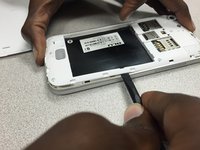
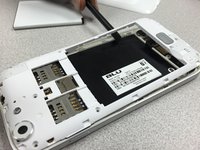
  3. Blu L120 Screen Assembly Replacement, Rear Panel  removal: 步骤 3 中的图像 1,3 Blu L120 Screen Assembly Replacement, Rear Panel  removal: 步骤 3 中的图像 2,3 Blu L120 Screen Assembly Replacement, Rear Panel  removal: 步骤 3 中的图像 3,3
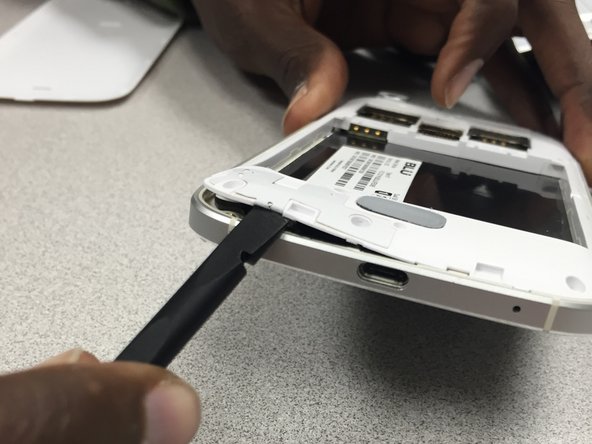
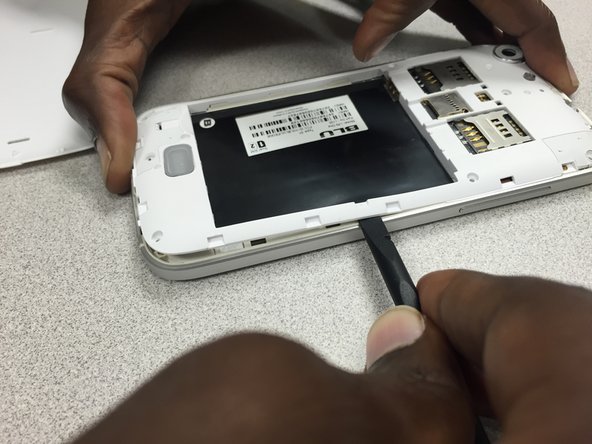
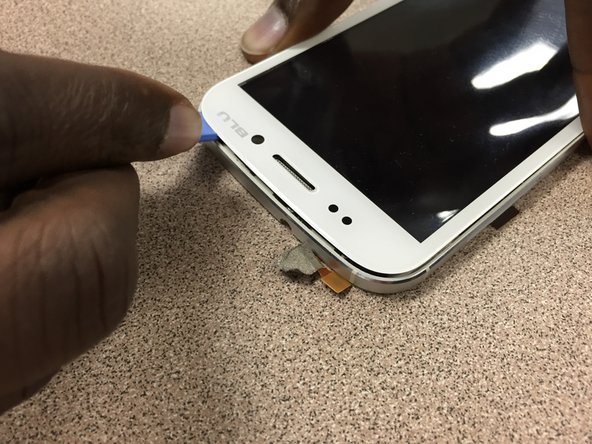
    • Use the pry tool to gently separate the panel from the frame, starting from the bottom left corner and continue along the edge of the phone.

    • *WARNING* by doing this, you will void the manufacturers warranty.

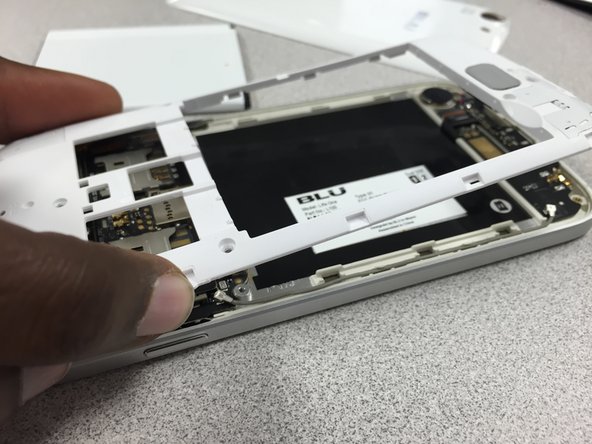
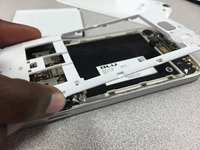
  4. Blu L120 Screen Assembly Replacement, Separate back panel from frame: 步骤 4 中的图像 1,3 Blu L120 Screen Assembly Replacement, Separate back panel from frame: 步骤 4 中的图像 2,3 Blu L120 Screen Assembly Replacement, Separate back panel from frame: 步骤 4 中的图像 3,3
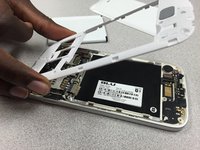
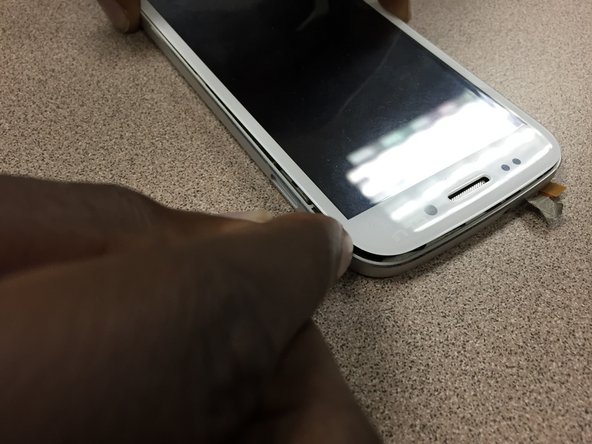
    • Continue using the pry tool around the back panel of the phone to separate both pieces.

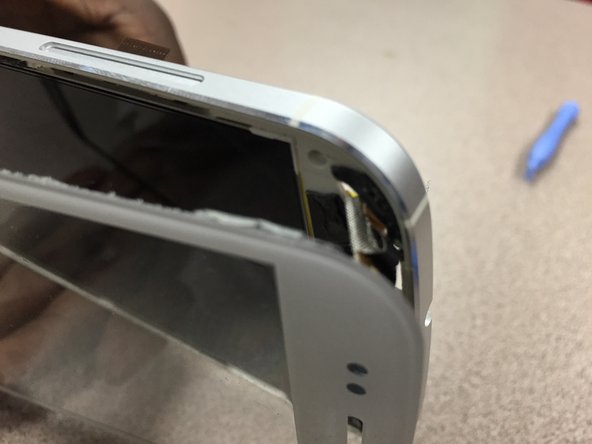
    • Once you have gone around the entire frame, use both hands to pull it apart.

  5. Blu L120 Screen Assembly Replacement, Camera Removal: 步骤 5 中的图像 1,3 Blu L120 Screen Assembly Replacement, Camera Removal: 步骤 5 中的图像 2,3 Blu L120 Screen Assembly Replacement, Camera Removal: 步骤 5 中的图像 3,3
    在这个步骤中使用的工具:
    Tweezers
    $4.99
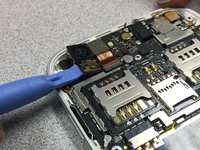
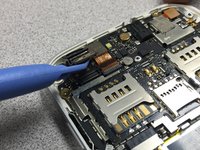
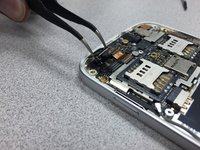
    • Use the pry tool to disconnect the camera from the device.

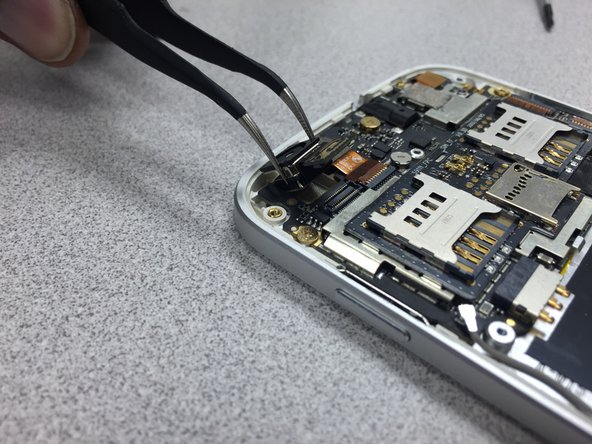
    • Gently lift the camera up and use the tweezers to remove it from the phone.

    • Reinstall the camera. Then follow the guide in reverse to put the phone back together.

  6. Blu L120 Screen Assembly Replacement, Motherboard: 步骤 6 中的图像 1,3 Blu L120 Screen Assembly Replacement, Motherboard: 步骤 6 中的图像 2,3 Blu L120 Screen Assembly Replacement, Motherboard: 步骤 6 中的图像 3,3
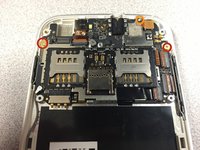
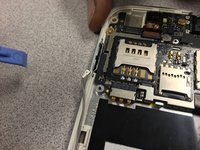
    • Remove these three screws using 00 Philips screwdriver. Note the smaller screw circled in orange.

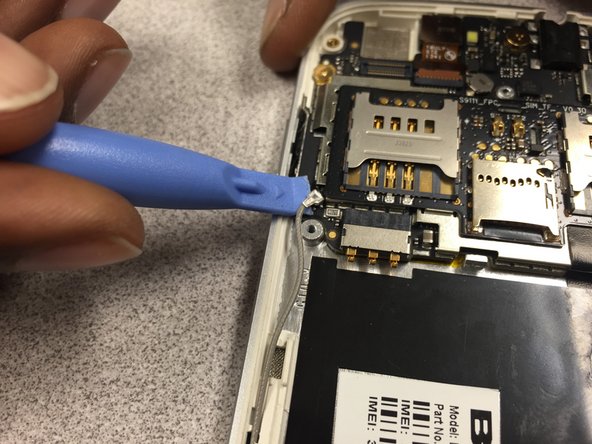
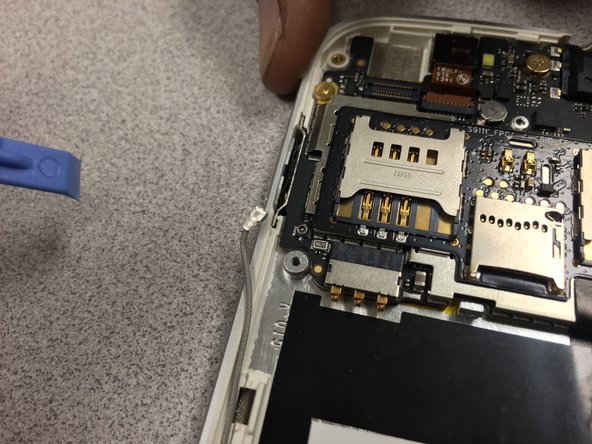
    • Then gently pry up on the metal antenna connector at the end of the grey wire. Move the wire out of the way.

  7. Blu L120 Screen Assembly Replacement: 步骤 7 中的图像 1,2 Blu L120 Screen Assembly Replacement: 步骤 7 中的图像 2,2
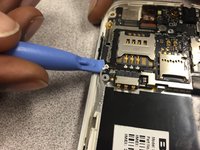
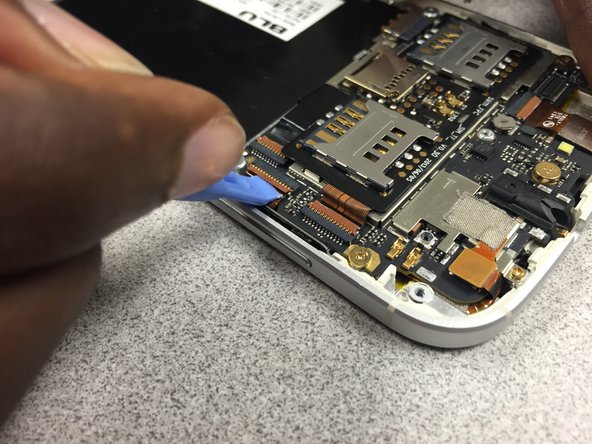
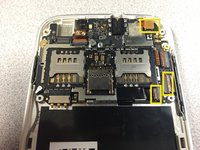
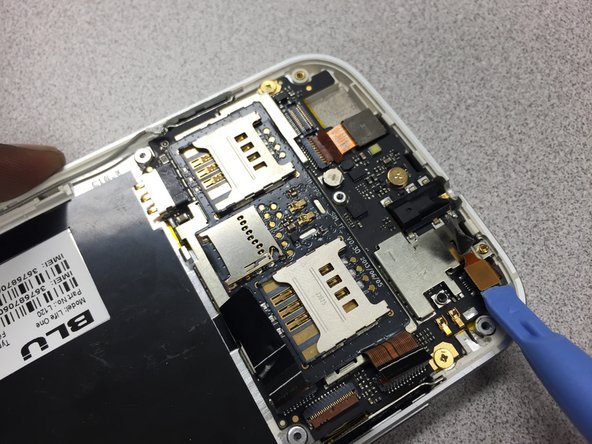
    • Next you must disconnect these three cables.

    • Use your pry tool to lift up on the brown tab to release the ribbon cable.

  8. Blu L120 Screen Assembly Replacement: 步骤 8 中的图像 1,3 Blu L120 Screen Assembly Replacement: 步骤 8 中的图像 2,3 Blu L120 Screen Assembly Replacement: 步骤 8 中的图像 3,3
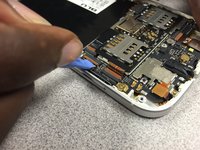
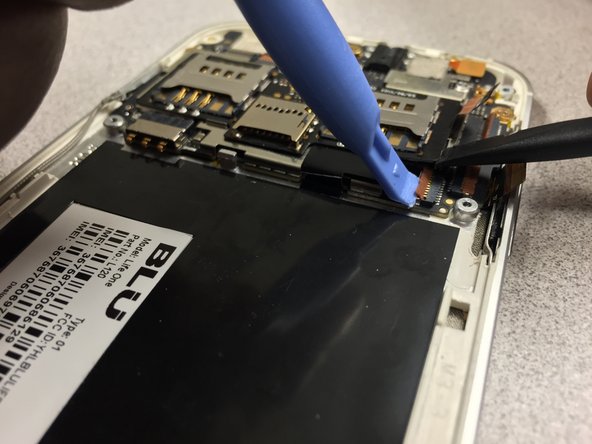
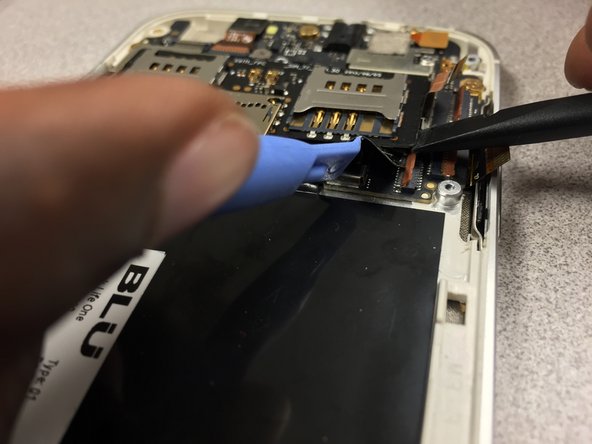
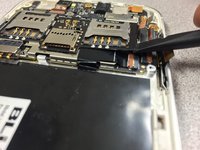
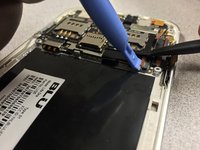
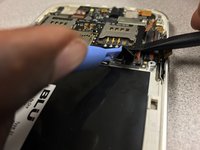
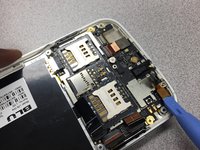
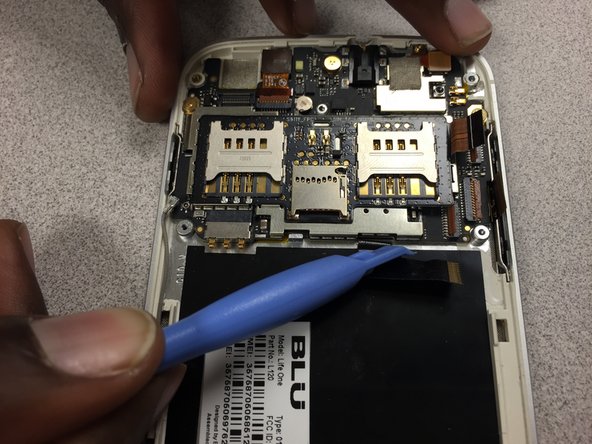
    • For the last ribbon cable, use a spudger to gently pry up on the board under the right sim card slot.

    • Next, take your pry tool to lift up on the brown tab holding down the ribbon cable.

    • The cable is now free to be pulled back out of its' slot.

  9. Blu L120 Screen Assembly Replacement: 步骤 9 中的图像 1,3 Blu L120 Screen Assembly Replacement: 步骤 9 中的图像 2,3 Blu L120 Screen Assembly Replacement: 步骤 9 中的图像 3,3
    在这个步骤中使用的工具:
    Tweezers
    $4.99
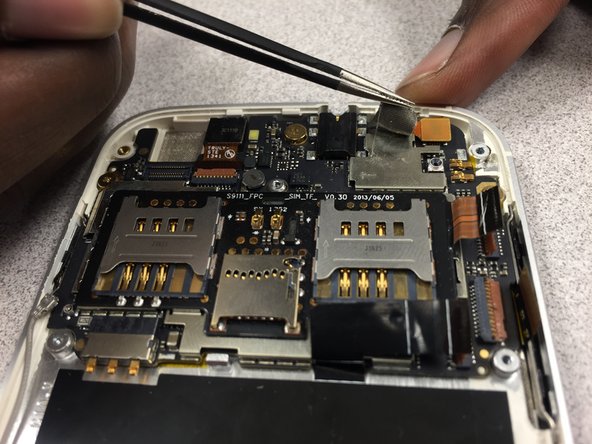
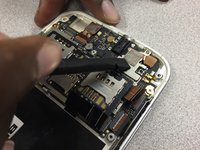
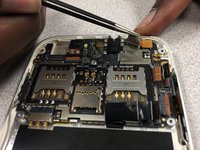
    • Using a spudger, peel up on the mesh tape then use your tweezers to peel the rest of it up.

  10. Blu L120 Screen Assembly Replacement: 步骤 10 中的图像 1,3 Blu L120 Screen Assembly Replacement: 步骤 10 中的图像 2,3 Blu L120 Screen Assembly Replacement: 步骤 10 中的图像 3,3
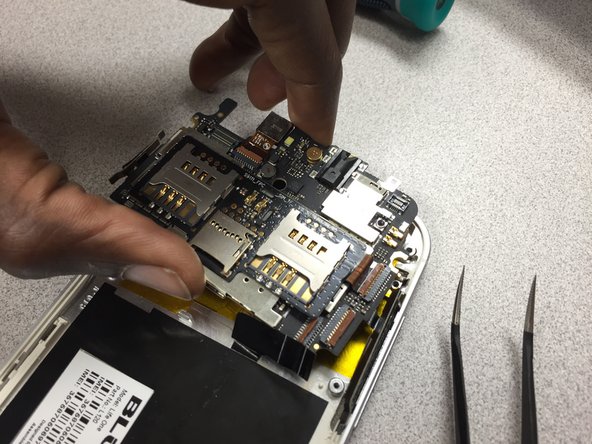
    • Now that the motherboard is free to be pried up, be sure that no cables are in the way or can be snagged when removing the motherboard.

    • Just lift up and away.

    • Follow the instructions in reverse to put the phone back together.

  11. Blu L120 Screen Assembly Replacement, Screen Assembly: 步骤 11 中的图像 1,2 Blu L120 Screen Assembly Replacement, Screen Assembly: 步骤 11 中的图像 2,2
    在这个步骤中使用的工具:
    Tweezers
    $4.99
    • Using your tweezers, peel back the yellow film to free the cable from the screen.

  12. Blu L120 Screen Assembly Replacement: 步骤 12 中的图像 1,2 Blu L120 Screen Assembly Replacement: 步骤 12 中的图像 2,2
    • We used the iOpener tool, heated it up, and placed it on top of the phone for a few seconds to loosen up the glue.

  13. Blu L120 Screen Assembly Replacement: 步骤 13 中的图像 1,3 Blu L120 Screen Assembly Replacement: 步骤 13 中的图像 2,3 Blu L120 Screen Assembly Replacement: 步骤 13 中的图像 3,3
    • Once the screen has been heated and the glue is tacky, put a plastic opening tool between the glass screen and the frame. Start lifting the glass away around the whole frame.

  14. Blu L120 Screen Assembly Replacement: 步骤 14 中的图像 1,3 Blu L120 Screen Assembly Replacement: 步骤 14 中的图像 2,3 Blu L120 Screen Assembly Replacement: 步骤 14 中的图像 3,3
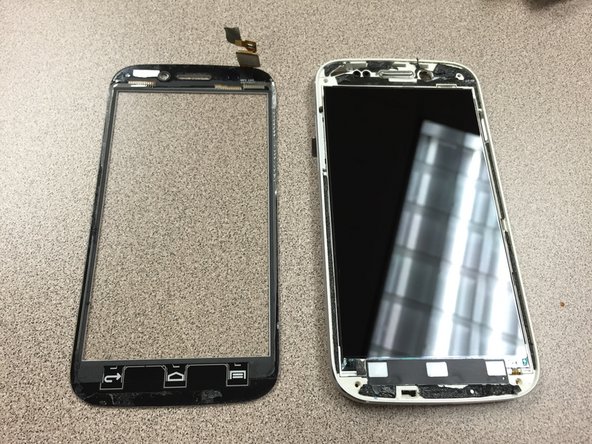
    • When finished separating the glass from the frame with the pry tool, grab both the frame and glass with both hands and separate both pieces. CAUTION, there is a ribbon cable that needs to be removed from the back of the phone before full separation.

    • As you can see, the LCD still needs a bit more work to come apart.

  15. Blu L120 Screen Assembly Replacement: 步骤 15 中的图像 1,3 Blu L120 Screen Assembly Replacement: 步骤 15 中的图像 2,3 Blu L120 Screen Assembly Replacement: 步骤 15 中的图像 3,3
    • Take a spudger and gently push the cable through the cutout on the frame to separate the glass.

  16. Blu L120 Screen Assembly Replacement: 步骤 16 中的图像 1,2 Blu L120 Screen Assembly Replacement: 步骤 16 中的图像 2,2
    • Congratulations! Your device is now ready for a new glass panel!

结论

To reassemble your device, follow these instructions in reverse order.

2等其他人完成本指南。

Julio

于10/25/14注册

695 声望

创作了6篇指南

团队

Gateway, Team 1-5, Johnson Fall 2014 Gateway, Team 1-5, Johnson Fall 2014 的会员

GCC-JOHNSON-F14S1G5

3 名成员

创作了6篇指南

0指南评论

添加评论

浏览统计数据:

过去 24 小时: 0

过去 7 天: 7

过去 30 天: 19

总计 1,896