跳转到主内容
加入维修社区 - 创建账户

BlackBerry Key2 拆解

  1. BlackBerry Key2 拆解, BlackBerry Key2: 步骤 1 中的图像 1,3 BlackBerry Key2 拆解, BlackBerry Key2: 步骤 1 中的图像 2,3 BlackBerry Key2 拆解, BlackBerry Key2: 步骤 1 中的图像 3,3
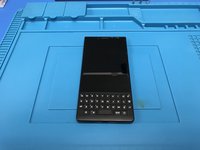
    • 拆解第一步:将手机关机。

    • 取出 SIM 卡托。

  2. BlackBerry Key2 拆解, 加热: 步骤 2 中的图像 1,3 BlackBerry Key2 拆解, 加热: 步骤 2 中的图像 2,3 BlackBerry Key2 拆解, 加热: 步骤 2 中的图像 3,3
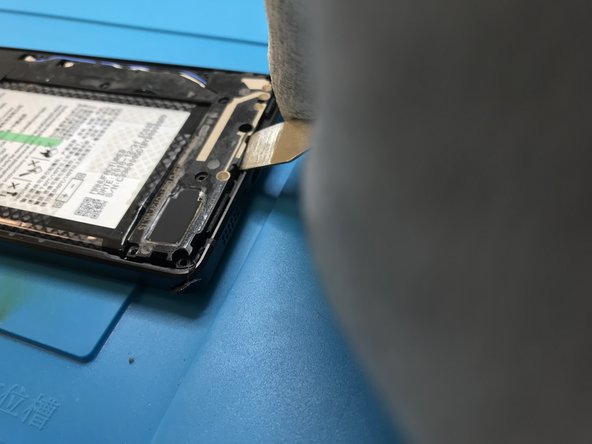
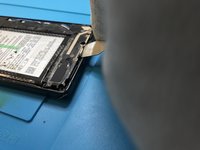
    • 加热手机后盖,拆卸塑料背板。

    • 用工具撬起后盖。本步骤请小心操作。

  3. BlackBerry Key2 拆解, 移除螺丝: 步骤 3 中的图像 1,3 BlackBerry Key2 拆解, 移除螺丝: 步骤 3 中的图像 2,3 BlackBerry Key2 拆解, 移除螺丝: 步骤 3 中的图像 3,3
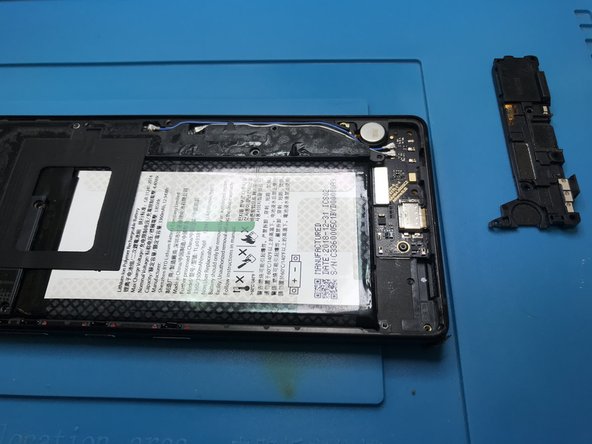
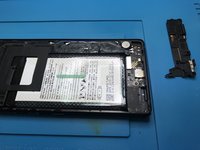
    • 取下所有螺丝。

    • 取下扬声器模块。

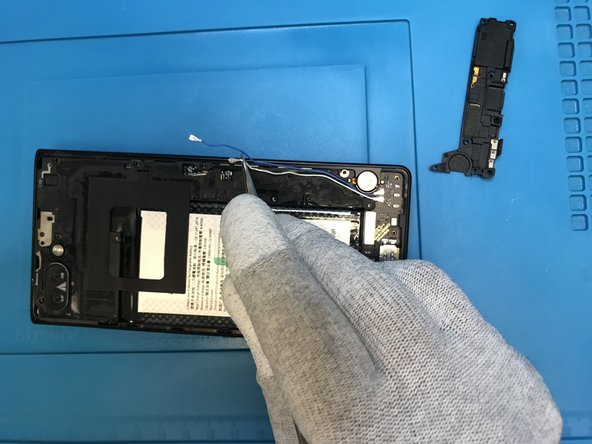
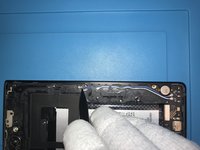
  4. BlackBerry Key2 拆解, 天线线缆: 步骤 4 中的图像 1,3 BlackBerry Key2 拆解, 天线线缆: 步骤 4 中的图像 2,3 BlackBerry Key2 拆解, 天线线缆: 步骤 4 中的图像 3,3
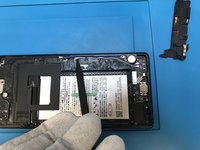
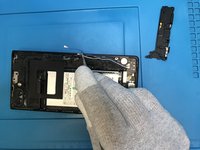
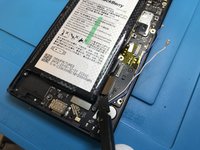
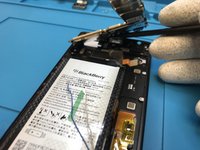
    • 使用撬棒的尖端,断开天线与主板的连接。

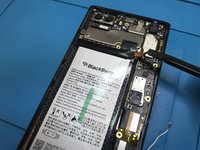
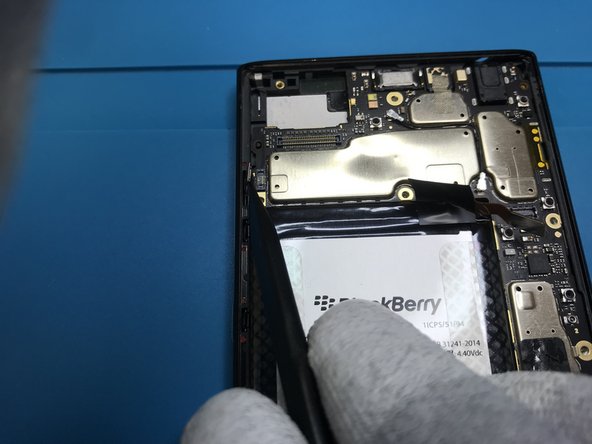
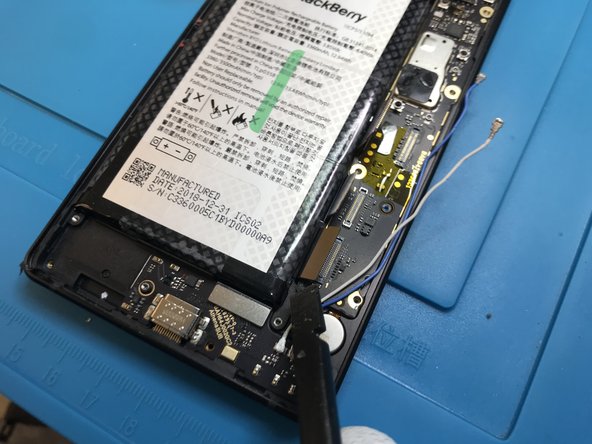
  5. BlackBerry Key2 拆解, 后部盖板: 步骤 5 中的图像 1,3 BlackBerry Key2 拆解, 后部盖板: 步骤 5 中的图像 2,3 BlackBerry Key2 拆解, 后部盖板: 步骤 5 中的图像 3,3
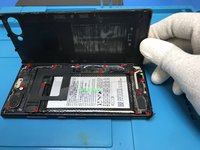
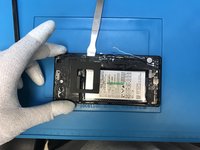
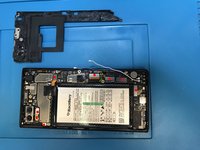
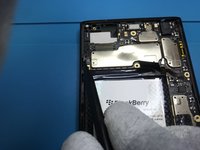
    • 轻轻撬起后部盖板。

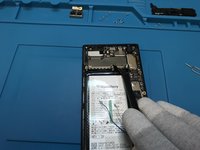
    • 图中红色标示所有与主板连接的排线。现在将其全部移除。

    • 断开电池连接排线。

  6. BlackBerry Key2 拆解, 移除排线: 步骤 6 中的图像 1,3 BlackBerry Key2 拆解, 移除排线: 步骤 6 中的图像 2,3 BlackBerry Key2 拆解, 移除排线: 步骤 6 中的图像 3,3
    • 断拍后置镜头的排线,取出后置镜头。

    • 断开其他排线。

    • 请使用塑料工具进行操作。

  7. BlackBerry Key2 拆解, 移除主板: 步骤 7 中的图像 1,3 BlackBerry Key2 拆解, 移除主板: 步骤 7 中的图像 2,3 BlackBerry Key2 拆解, 移除主板: 步骤 7 中的图像 3,3
    • 断开所有连接的排线。

    • 从主板底部开始操作。

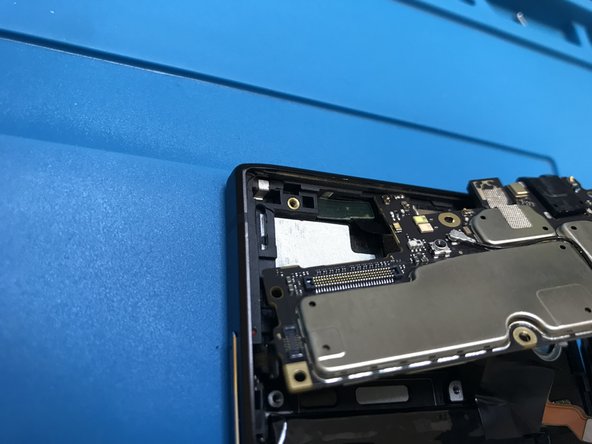
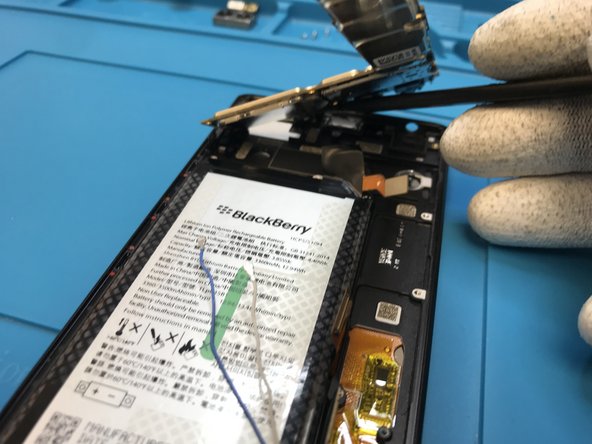
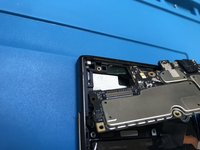
    • 轻轻抬起主板。参照第三张图片,注意距离传感器附近有一根排线,将其断开并与主板分离。

    • 注:笔者认为这样更容易无损取出距离传感器。尝试稍微加热并在移除主板之前将其取下,这并不会改变任何情况。

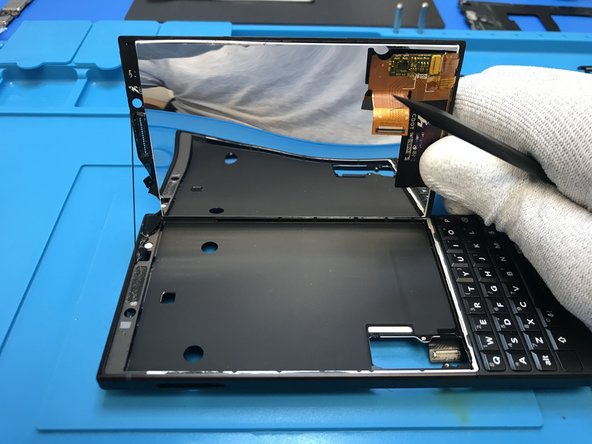
  8. BlackBerry Key2 拆解, 溢出屏幕: 步骤 8 中的图像 1,3 BlackBerry Key2 拆解, 溢出屏幕: 步骤 8 中的图像 2,3 BlackBerry Key2 拆解, 溢出屏幕: 步骤 8 中的图像 3,3
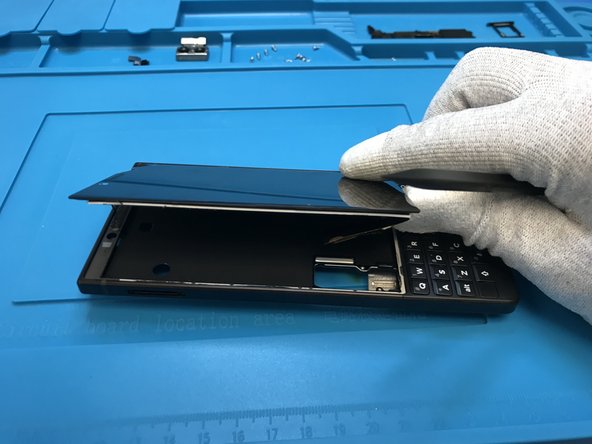
    • 在取出屏幕之前,稍微加热屏幕。

  9. BlackBerry Key2 拆解, 最后: 步骤 9 中的图像 1,1
    • 至此,整部手机已经完全拆解。

结论

如要重新组装设备,请按照本指南的逆序操作。

15等其他人完成本指南。

由衷感谢以下译者:

en zh

100%

Ennis正在帮助我们修复这个世界! 您也想加入吗?
开始翻译 ›

DouglasVinicio

于09/27/18注册

1,687 声望

撰写一个指南

4指南评论

The antenna connector on the daughter board can be broken off really easily. Pop off the connectors carefully. A hot air workstation will make quick work of re attaching tho.

Grant Marshall - 回复

OMG that’s probably exactly what happened to me. now the phone does not receive network anymore any suggestions on what to do ?? i am quite certain i cannot get another antenna or board. do you think i can find a matching antenna from another phone entirely ???

Chinedu -

Thanks for this tear down! At what step can the battery be removed? It *appears* to be mid-step-5

charleslindsay - 回复

Same her no Network so my Key2 ist useless :/

Christoph Alber - 回复

添加评论

浏览统计数据:

过去 24 小时: 2

过去 7 天: 18

过去 30 天: 83

总计 17,355
