跳转到主内容
加入维修社区 - 创建账户

BlackBerry Bold 9700 Keyboard Replacement

你所需要的

    1. BlackBerry Bold 9700 Keyboard Replacement, Keyboard: 步骤 1 中的图像 1,1
      • Remove the back panel by sliding it downward and lifting it away from the phone.

      询问修复机器人

      添加评论

    2. BlackBerry Bold 9700 Keyboard Replacement: 步骤 2 中的图像 1,3 BlackBerry Bold 9700 Keyboard Replacement: 步骤 2 中的图像 2,3 BlackBerry Bold 9700 Keyboard Replacement: 步骤 2 中的图像 3,3
      • Remove the battery by lifting the bottom edge of the battery from the bottom of the phone and up from the case.

      • (Warning: Power-off the device before removing the battery.)

      询问修复机器人

      添加评论

    3. BlackBerry Bold 9700 Keyboard Replacement: 步骤 3 中的图像 1,3 BlackBerry Bold 9700 Keyboard Replacement: 步骤 3 中的图像 2,3 BlackBerry Bold 9700 Keyboard Replacement: 步骤 3 中的图像 3,3
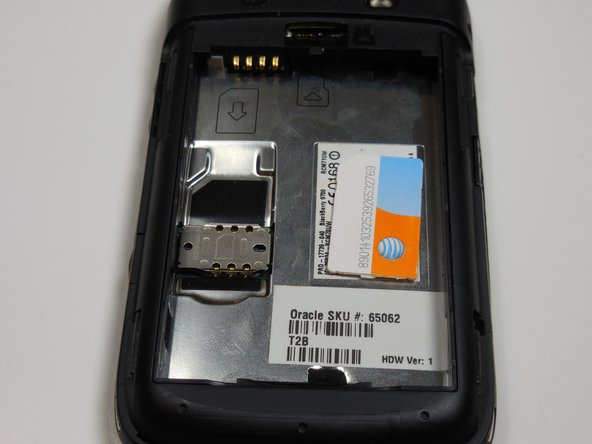
      • Remove the SIM card by pushing the card vertically through the bracket towards the top of the device.

      • The SIM card MUST be removed to disassemble the device.

      询问修复机器人

      添加评论

    4. BlackBerry Bold 9700 Keyboard Replacement: 步骤 4 中的图像 1,3 BlackBerry Bold 9700 Keyboard Replacement: 步骤 4 中的图像 2,3 BlackBerry Bold 9700 Keyboard Replacement: 步骤 4 中的图像 3,3
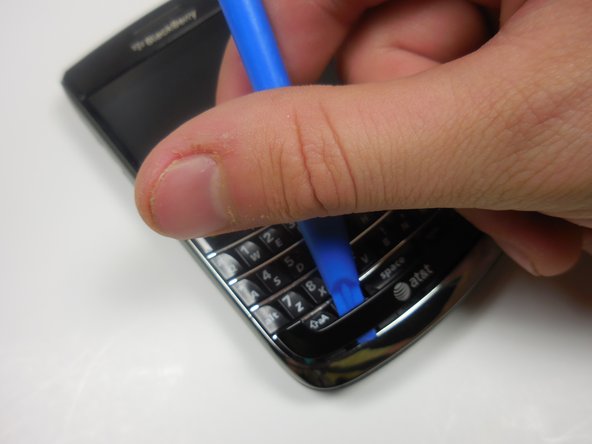
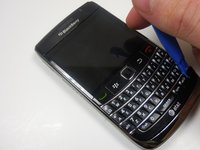
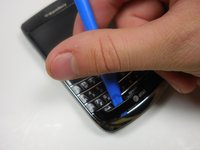
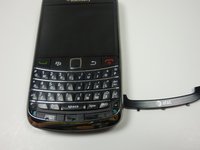
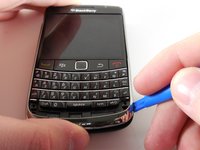
      • Use the plastic opening tool to gently pry the bottom panel with the AT&T logo away from the phone.

      • Note: You will hear a snapping sound.

      询问修复机器人

      添加评论

    5. BlackBerry Bold 9700 Keyboard Replacement: 步骤 5 中的图像 1,3 BlackBerry Bold 9700 Keyboard Replacement: 步骤 5 中的图像 2,3 BlackBerry Bold 9700 Keyboard Replacement: 步骤 5 中的图像 3,3
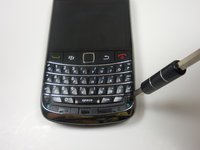
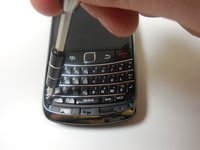
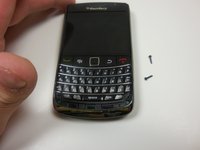
      • Remove the front panel 5.57mm Torx head screws x2 with the T5 Torx screwdriver.

      询问修复机器人

      添加评论

    6. BlackBerry Bold 9700 Keyboard Replacement: 步骤 6 中的图像 1,3 BlackBerry Bold 9700 Keyboard Replacement: 步骤 6 中的图像 2,3 BlackBerry Bold 9700 Keyboard Replacement: 步骤 6 中的图像 3,3
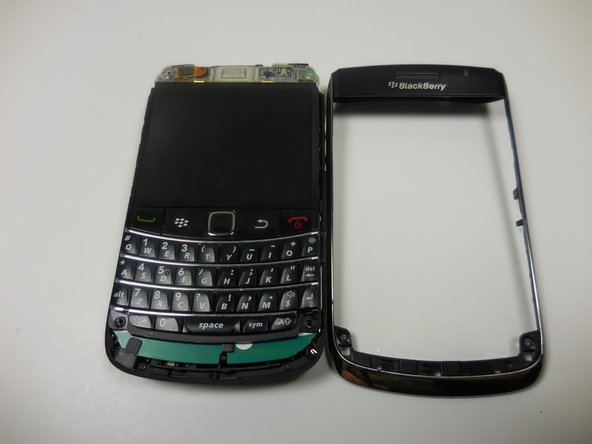
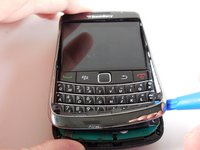
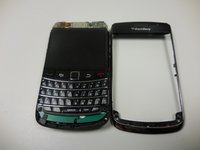
      • Use the plastic opening tool to remove the frame.

      • This will take a bit of effort. You will hear a snapping sound.

      询问修复机器人

      添加评论

    7. BlackBerry Bold 9700 Keyboard Replacement: 步骤 7 中的图像 1,3 BlackBerry Bold 9700 Keyboard Replacement: 步骤 7 中的图像 2,3 BlackBerry Bold 9700 Keyboard Replacement: 步骤 7 中的图像 3,3
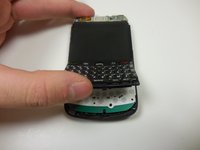
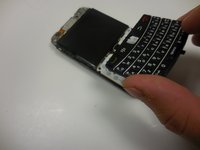
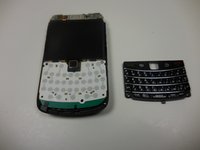
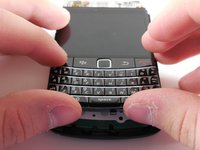
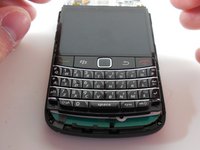
      • Gently lift the bottom of the keyboard up with your fingers and pull it toward the bottom of the phone.

      询问修复机器人

      添加评论

    8. BlackBerry Bold 9700 Keyboard Replacement: 步骤 8 中的图像 1,3 BlackBerry Bold 9700 Keyboard Replacement: 步骤 8 中的图像 2,3 BlackBerry Bold 9700 Keyboard Replacement: 步骤 8 中的图像 3,3
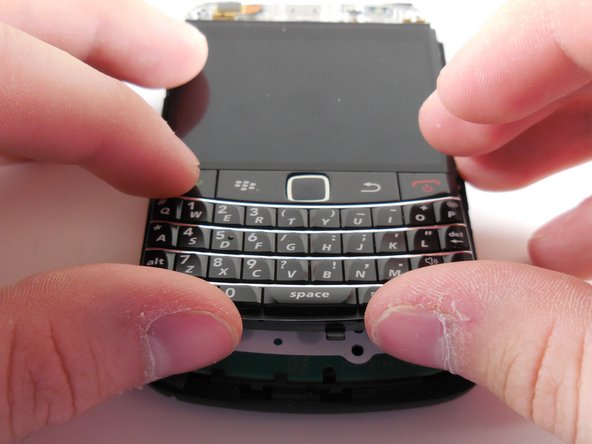
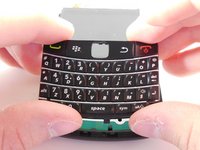
      • Align the new keyboard to the bottom of the screen with the track pad slot angled downward.

      • Once the keyboard is flush with the screen, push the keyboard into place.

      询问修复机器人

      添加评论

结论

To reassemble your device, follow these steps in reverse.

取消:我没有完成这个指南。

Danny

于03/11/15注册

365 声望

创作了3篇指南

团队

Colorado Springs, Team 9-3, Panko Spring 2015 Colorado Springs, Team 9-3, Panko Spring 2015 的会员

UCCS-PANKO-S15S9G3

2 名成员

创作了54篇指南

0指南评论

添加评论

浏览统计数据:

过去 24 小时: 1

过去 7 天: 8

过去 30 天: 35

总计 1,799