跳转到主内容
加入维修社区 - 创建账户

Beats Studio Pro Earpad Replacement

你所需要的

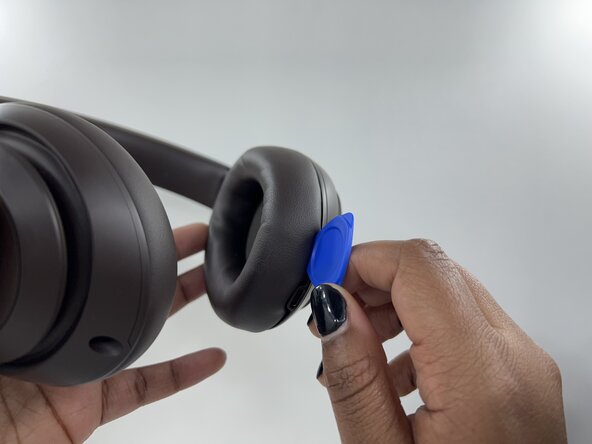
  1. Beats Studio Pro Earpad Replacement, Earpad: 步骤 1 中的图像 1,2 Beats Studio Pro Earpad Replacement, Earpad: 步骤 1 中的图像 2,2
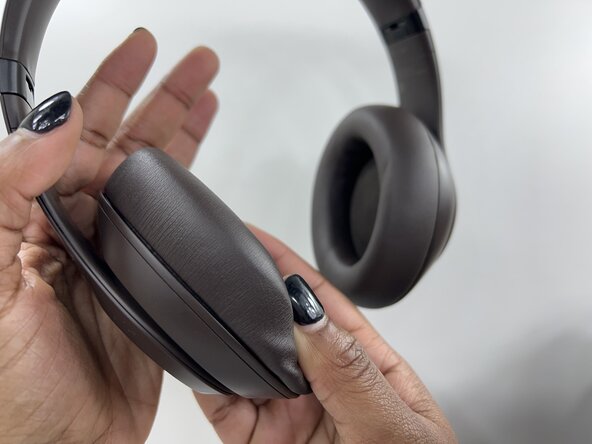
    • Grip the edge of the left or right earpad firmly.

    • Insert an opening pick under the earpad and work your way around the edge to pry it off.

    • Repeat for the second earpad.

    • If the earpads are old and sticky, they may come off in pieces. Take your time to remove them cleanly.

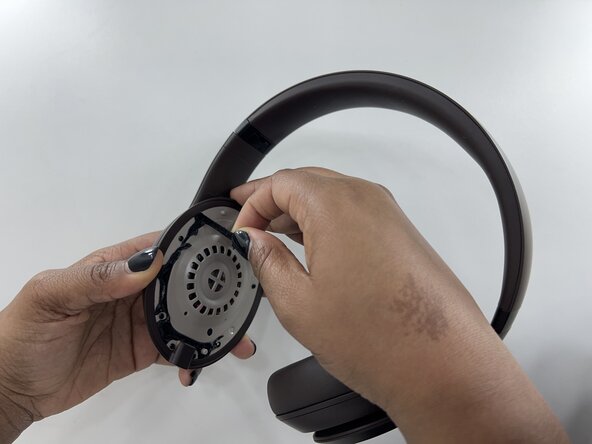
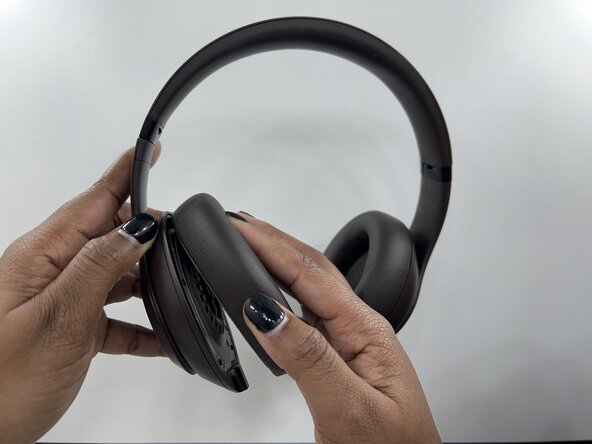
  2. Beats Studio Pro Earpad Replacement: 步骤 2 中的图像 1,1
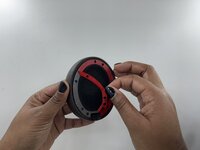
    • Slowly and carefully remove the old earpad.

    • Apply consistent, even pressure until the earpad starts to come out because the adhesive will resist at first.

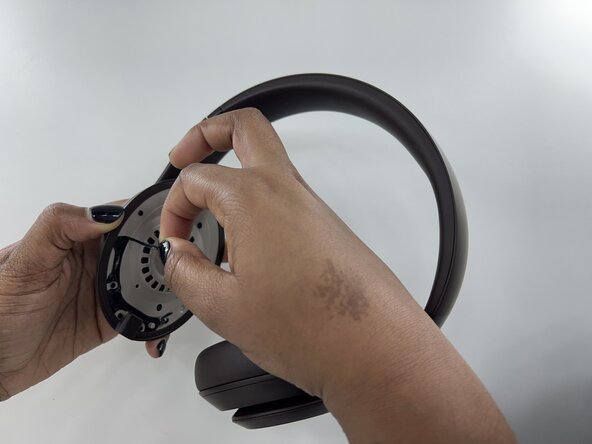
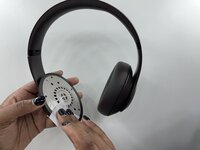
  3. Beats Studio Pro Earpad Replacement: 步骤 3 中的图像 1,3 Beats Studio Pro Earpad Replacement: 步骤 3 中的图像 2,3 Beats Studio Pro Earpad Replacement: 步骤 3 中的图像 3,3
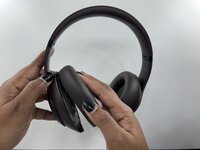
    • Check for leftover adhesive on the speaker housing. Any residue left behind can make it difficult for the new earpads to attach properly.

    • Gently peel off excess adhesive or use adhesive remover to ensure cleanliness.

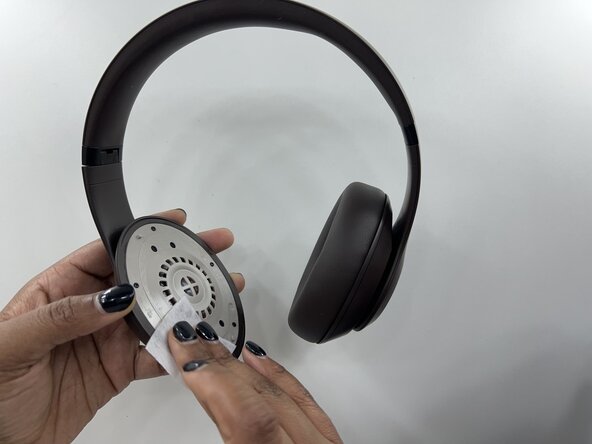
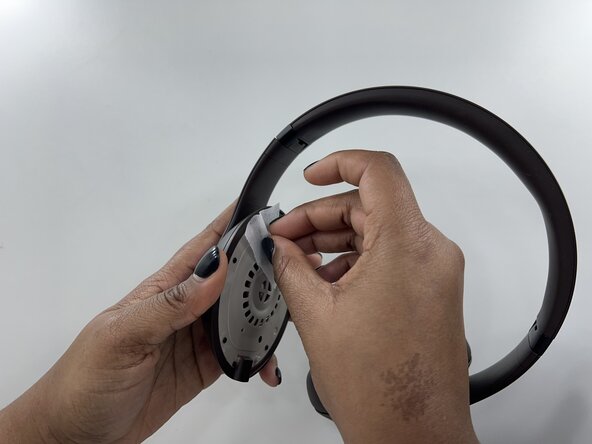
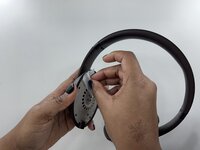
  4. Beats Studio Pro Earpad Replacement: 步骤 4 中的图像 1,3 Beats Studio Pro Earpad Replacement: 步骤 4 中的图像 2,3 Beats Studio Pro Earpad Replacement: 步骤 4 中的图像 3,3
    • Use an alcohol or cleaning wipe to remove the residue left from the adhesive that you peeled off.

    • Make sure the surface is clean and dry before proceeding.

    • A firm attachment for the new earpads is ensured by a cleaned surface.

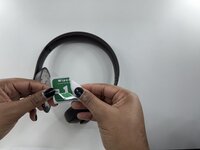
  5. Beats Studio Pro Earpad Replacement: 步骤 5 中的图像 1,3 Beats Studio Pro Earpad Replacement: 步骤 5 中的图像 2,3 Beats Studio Pro Earpad Replacement: 步骤 5 中的图像 3,3
    • Check if the new earpads have pre-applied adhesive.

    • If they do, peel off the protective backing to expose the sticky side.

    • If not, apply double-sided adhesive tape to the back of the earpads.

    • Identify the left and right earpads and align the new earpad with the ear cup.

    • Press firmly onto the headphone, and hold for 30 seconds. This allows the adhesive to bond properly.

    • Repeat for the second earpad and ensure both sides are attached correctly.

  6. Beats Studio Pro Earpad Replacement: 步骤 6 中的图像 1,1
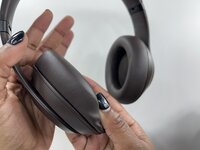
    • Check that both earpads are securely attached. Run your fingers around the edges to ensure no part is peeling off.

    • Make sure to test the fit by wearing the headphones, they should feel more comfortable.

    • If any part feels loose, slightly add more pressure so that it ensures security.

结论

Congratulations! You've successfully replaced the earpads on your Beats Studio Pro headphones. This repair restores comfort and extends the life of your headphones, all without the need for expensive replacements. Enjoy your refreshed headphones!

Aeryon Reed

于01/21/25注册

133 声望

撰写一个指南

团队

0指南评论

添加评论

浏览统计数据:

过去 24 小时: 2

过去 7 天: 31

过去 30 天: 145

总计 985