简介
Use this guide to disconnect the battery of the ASUS Chromebook C200MA.
-
-
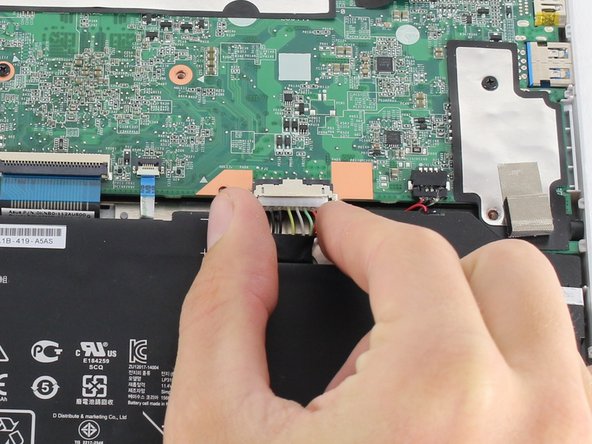
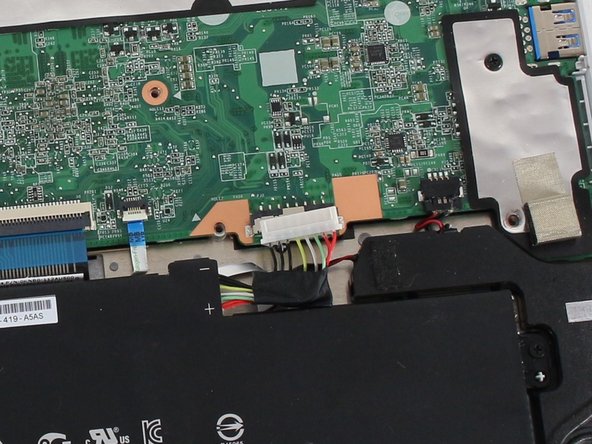
To disconnect the battery, pinch the multi-color bundle cable with your thumb and forefinger and pull directly back.
-
-



结论
To reassemble your device, follow these instructions in reverse order.



团队

Cal Poly, Team S23-G4, Livingston Spring 2017 Cal Poly, Team S23-G4, Livingston Spring 2017 的会员
CPSU-LIVINGSTON-S17S23G4
4 名成员
创作了19篇指南
