简介
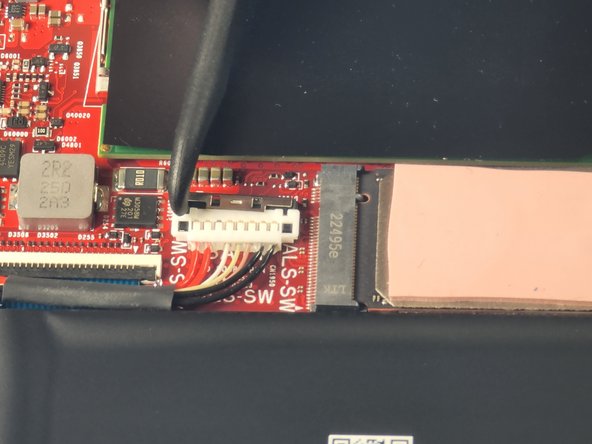
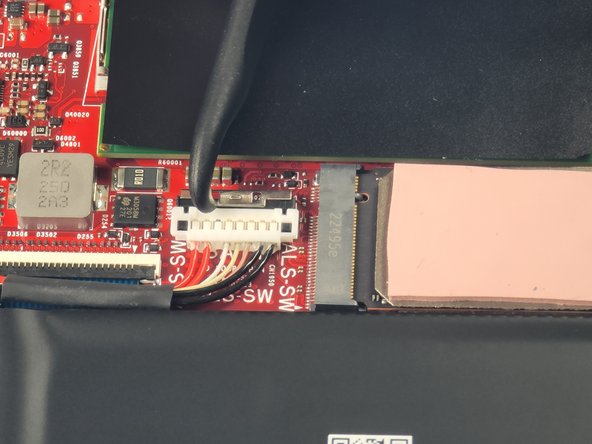
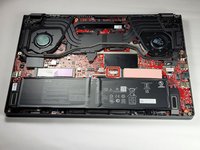
This guide demonstrates how to replace the SSD in an Asus G16 (GU603VV) Laptop. SSDs can overheat and become corrupted if laptop vents are obstructed or the device is stored improperly.
If your laptop is frequently crashing or running slowly, replacing the SSD may help prevent data loss. You can also follow this guide if you're upgrading to a larger or faster SSD.
Before starting this repair, back up your important files and documents to an external hard drive or cloud storage. Unplug the power adapter and fully power off the device. Additionally, check that the new SSD is compatible with your laptop before installation.
你所需要的


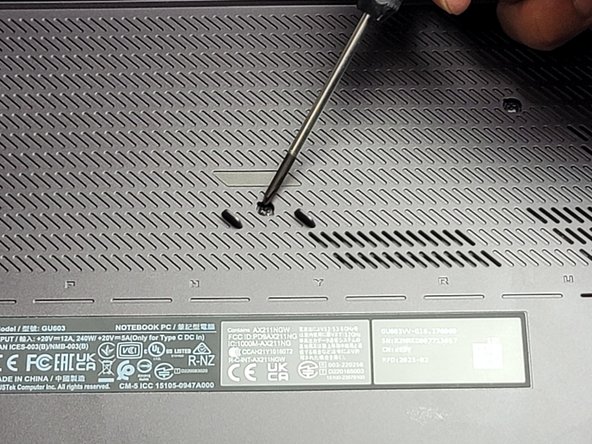
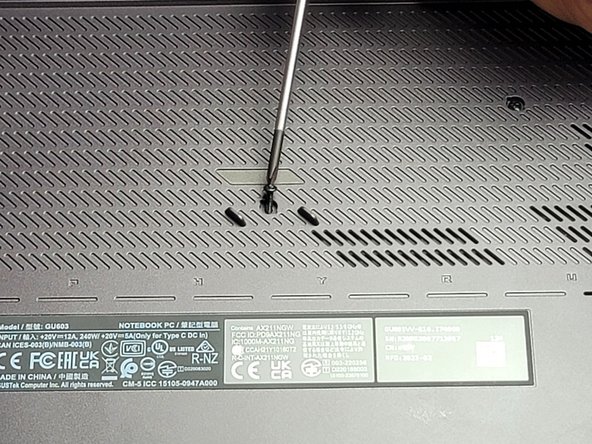
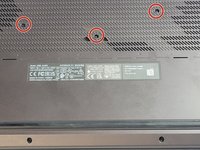
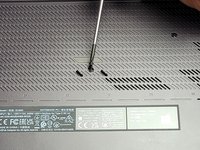

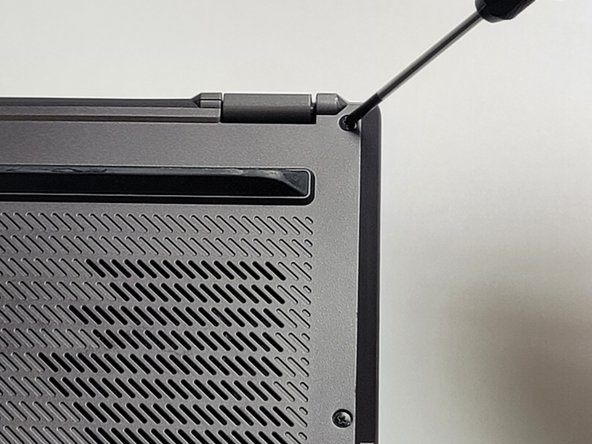
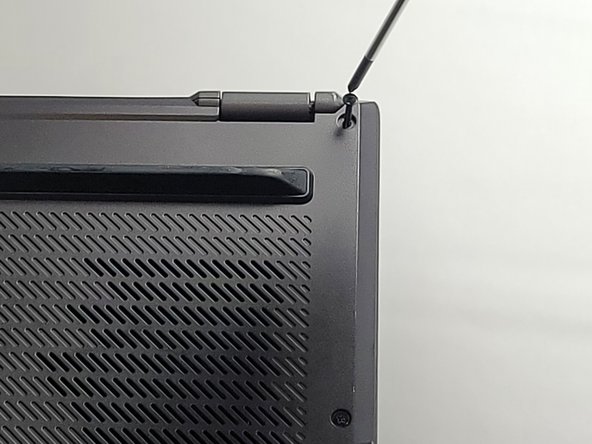
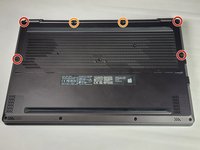



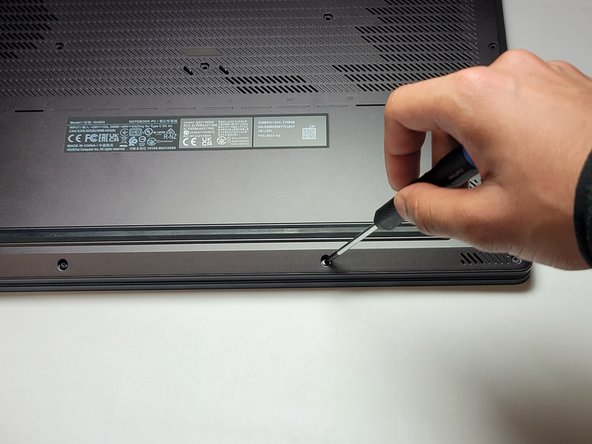
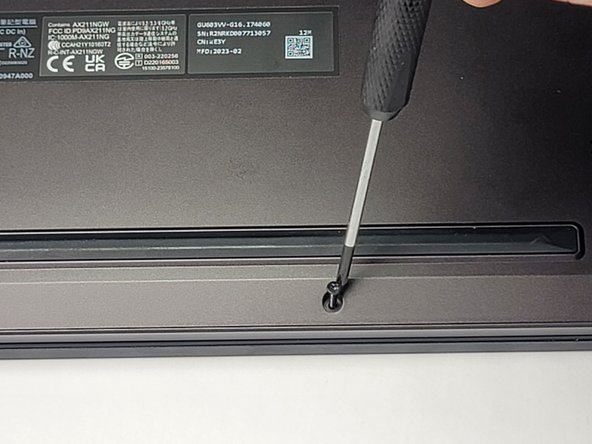
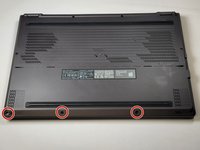
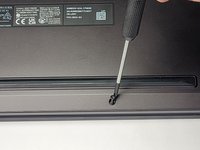

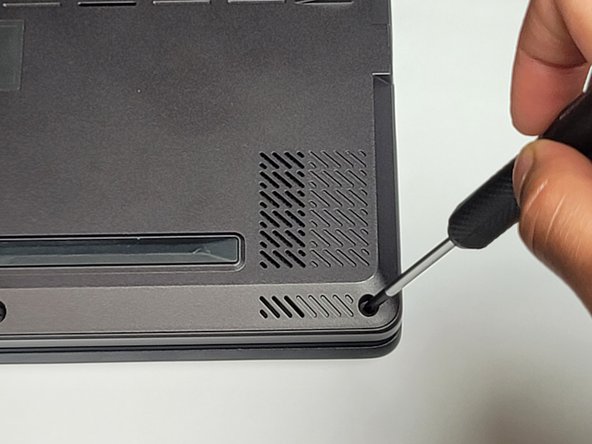
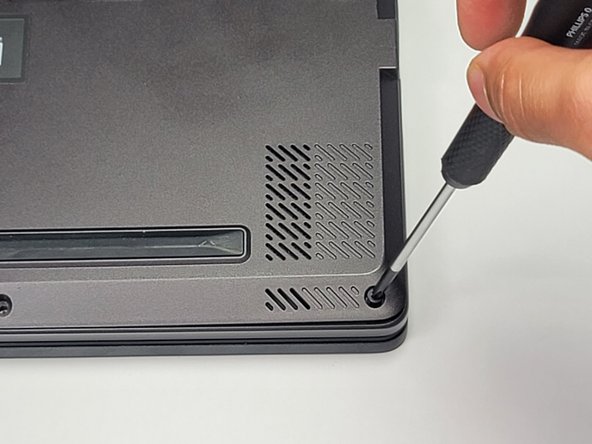
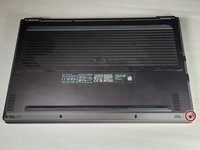
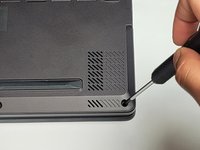
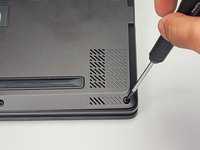

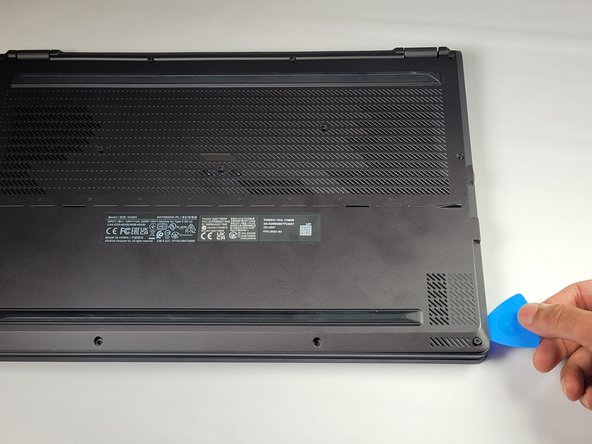
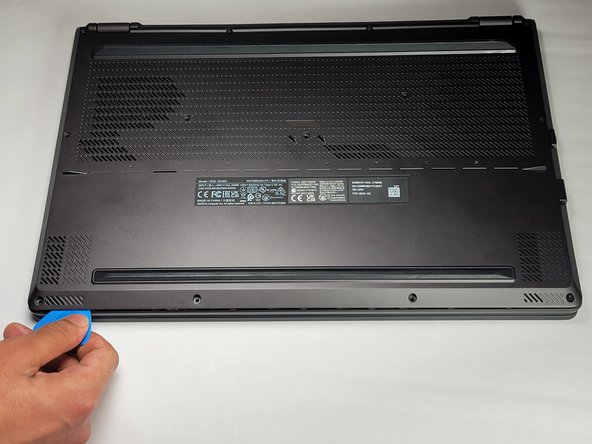
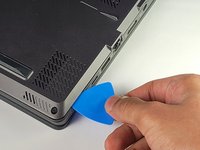
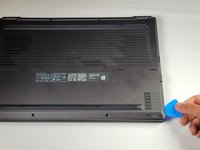
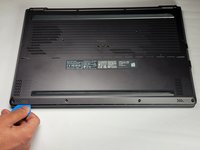

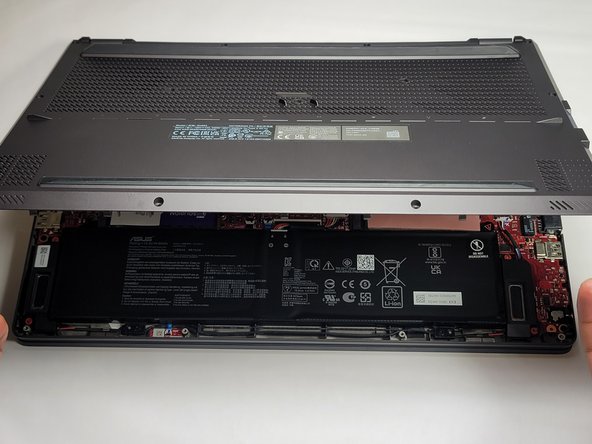
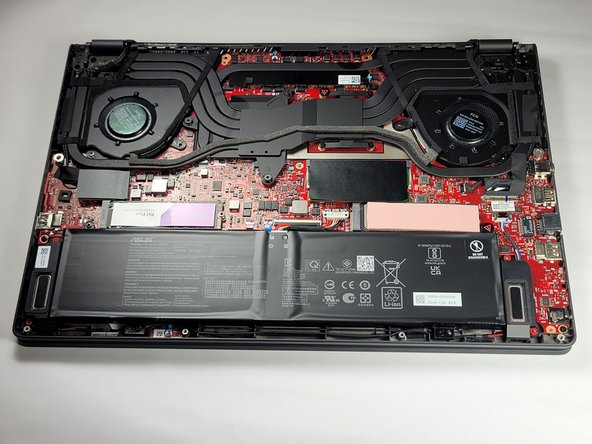
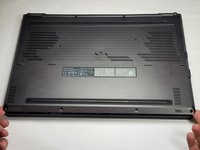
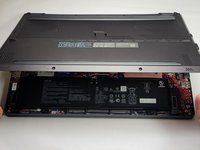

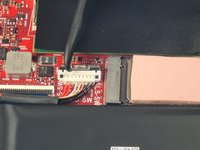

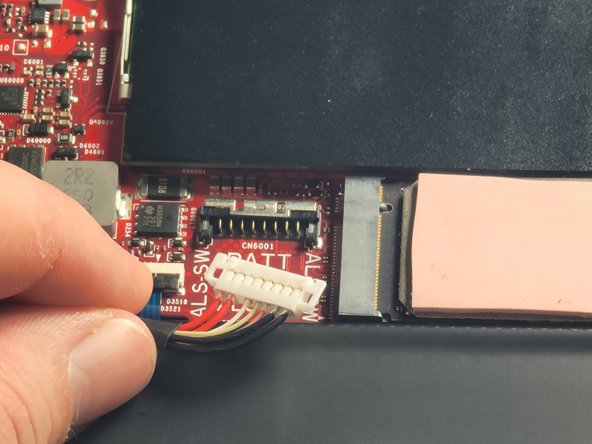

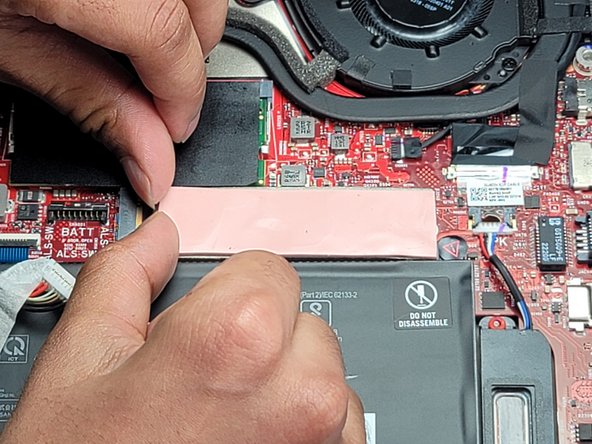
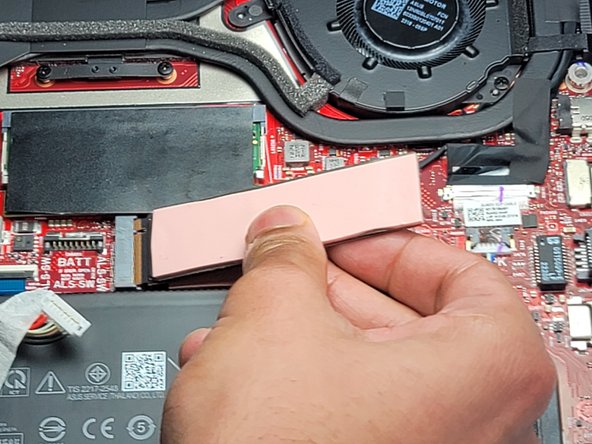

To reassemble your device, follow these instructions in reverse order. Take your e-waste to an R2 or e-Stewards certified recycler.
另外一个人完成了本指南。



团队

UC Davis, Team 1-2, Morris Winter 2024 UC Davis, Team 1-2, Morris Winter 2024 的会员
UCD-MORRIS-W24S1G2
3 名成员
创作了2篇指南
