跳转到主内容

Anbernic RG35XXSP Motherboard Replacement

你所需要的

  1. Anbernic RG35XXSP Motherboard Replacement, Battery: 步骤 1 中的图像 1,3 Anbernic RG35XXSP Motherboard Replacement, Battery: 步骤 1 中的图像 2,3 Anbernic RG35XXSP Motherboard Replacement, Battery: 步骤 1 中的图像 3,3
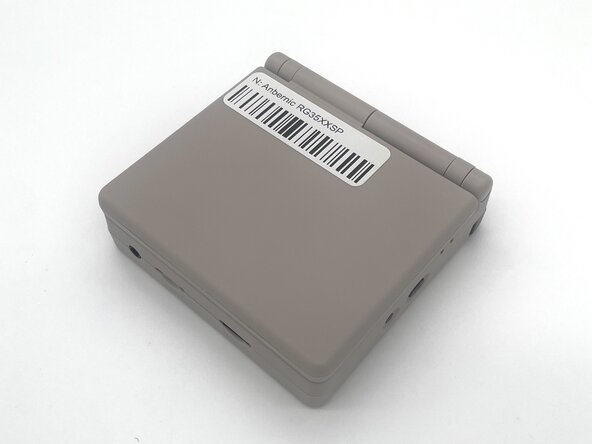
    • Power the device off before starting the disassembly process.

    • Close the device and turn it over so the bottom faces upward.

  2. Anbernic RG35XXSP Motherboard Replacement: 步骤 2 中的图像 1,2 Anbernic RG35XXSP Motherboard Replacement: 步骤 2 中的图像 2,2
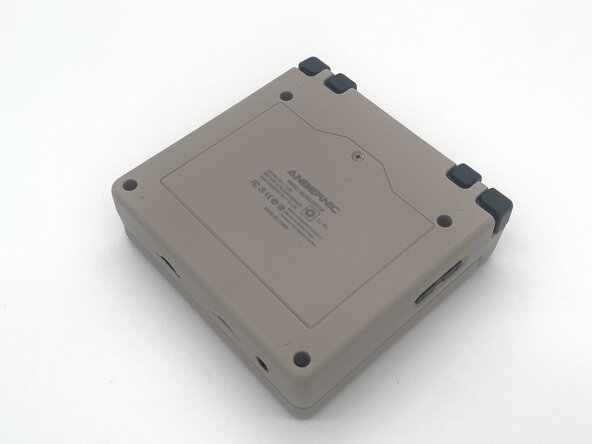
    • Use a Phillips #00 screwdriver to remove the single 5 mm screw securing the battery cover.

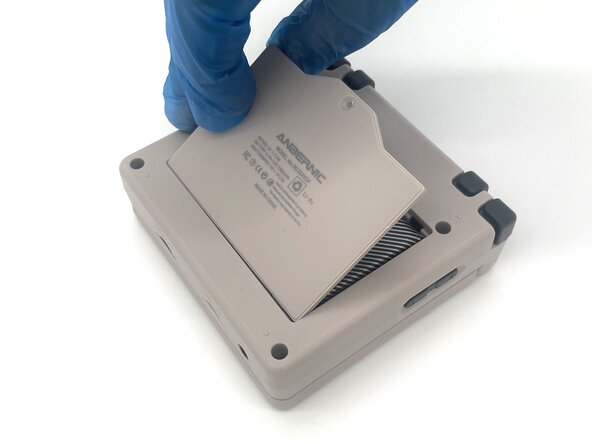
    • Lift the battery door and remove it.

  3. Anbernic RG35XXSP Motherboard Replacement: 步骤 3 中的图像 1,2 Anbernic RG35XXSP Motherboard Replacement: 步骤 3 中的图像 2,2
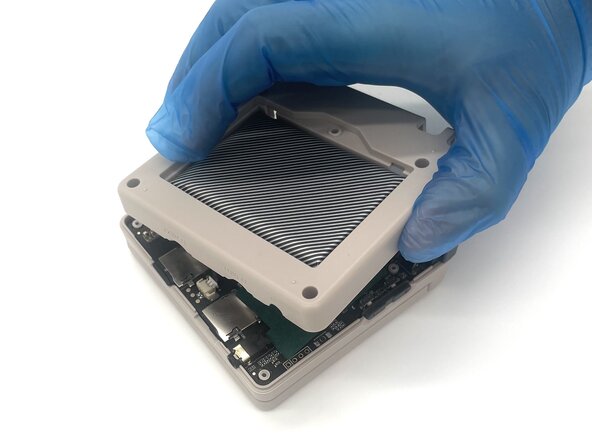
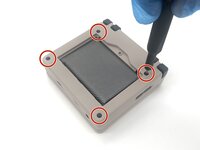
    • Use a T6 Torx screwdriver to remove the four 5 mm screws.

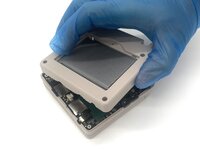
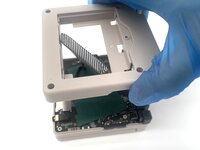
    • Lift the whole back case with the battery from the device.

    • Don't pull it away because the battery is connected to the board.

  4. Anbernic RG35XXSP Motherboard Replacement: 步骤 4 中的图像 1,3 Anbernic RG35XXSP Motherboard Replacement: 步骤 4 中的图像 2,3 Anbernic RG35XXSP Motherboard Replacement: 步骤 4 中的图像 3,3
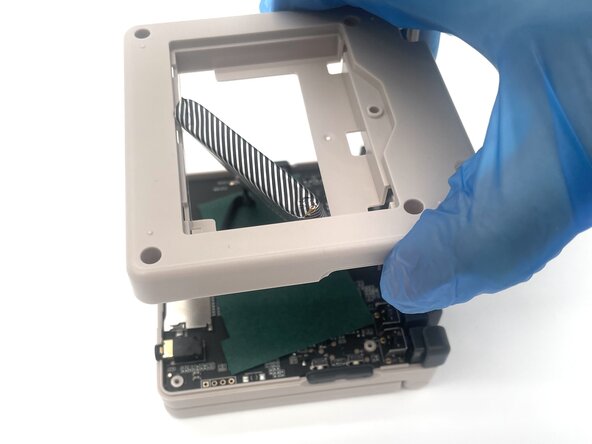
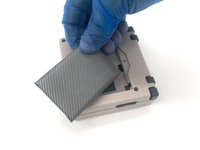
    • Remove the battery from the back compartment and fit it through the gap in the back case.

    • Put the plastic case aside for reassembly.

  5. Anbernic RG35XXSP Motherboard Replacement: 步骤 5 中的图像 1,3 Anbernic RG35XXSP Motherboard Replacement: 步骤 5 中的图像 2,3 Anbernic RG35XXSP Motherboard Replacement: 步骤 5 中的图像 3,3
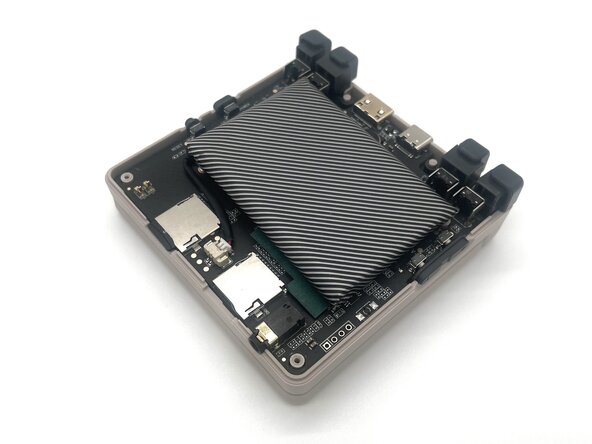
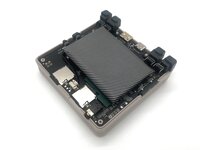
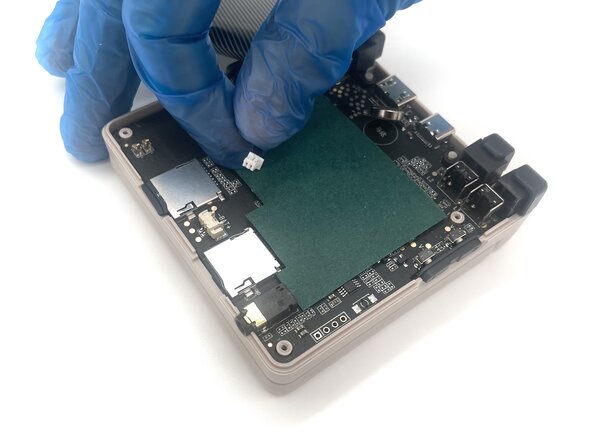
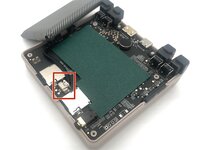
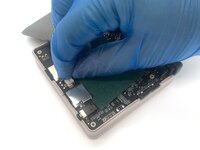
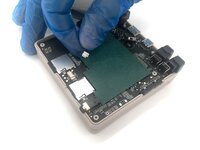
    • Pinch the sides of the battery connector and slide it from the socket to disconnect the battery cable.

    • Remove the battery.

  6. Anbernic RG35XXSP Motherboard Replacement, Motherboard: 步骤 6 中的图像 1,2 Anbernic RG35XXSP Motherboard Replacement, Motherboard: 步骤 6 中的图像 2,2
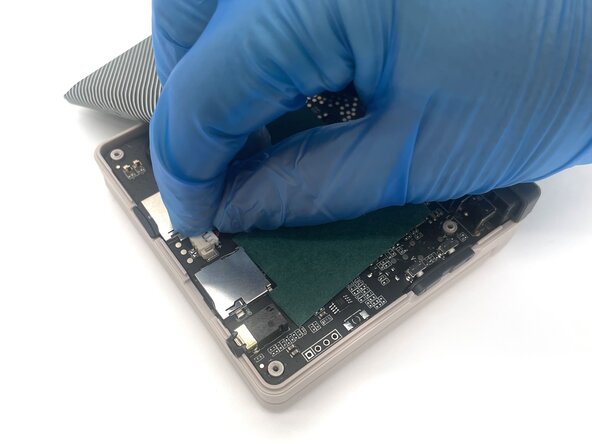
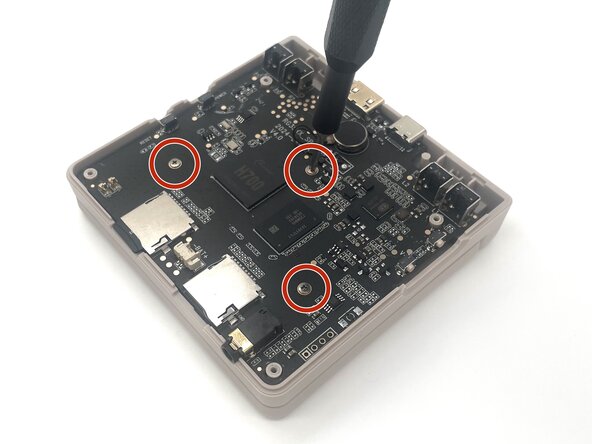
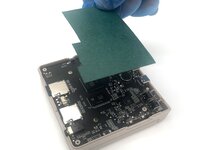
    • Lift up the green sheet of paper from the motherboard.

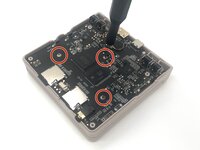
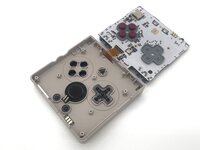
    • Use a Phillips #00 screwdriver to remove the three 5 mm screws from the motherboard.

  7. Anbernic RG35XXSP Motherboard Replacement: 步骤 7 中的图像 1,2 Anbernic RG35XXSP Motherboard Replacement: 步骤 7 中的图像 2,2
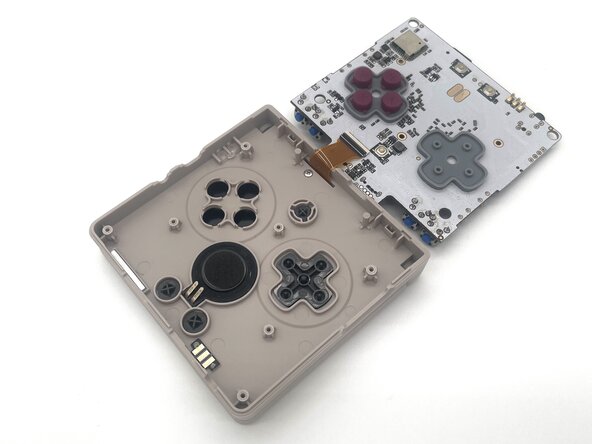
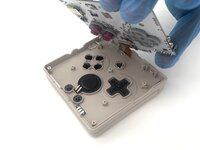
    • Be careful when moving the motherboard as it is connected to the display ribbon cable, and can be damaged if pulled on.

    • Pick up the motherboard and flip it over.

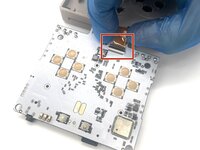
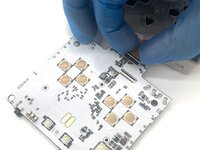
  8. Anbernic RG35XXSP Motherboard Replacement: 步骤 8 中的图像 1,3 Anbernic RG35XXSP Motherboard Replacement: 步骤 8 中的图像 2,3 Anbernic RG35XXSP Motherboard Replacement: 步骤 8 中的图像 3,3
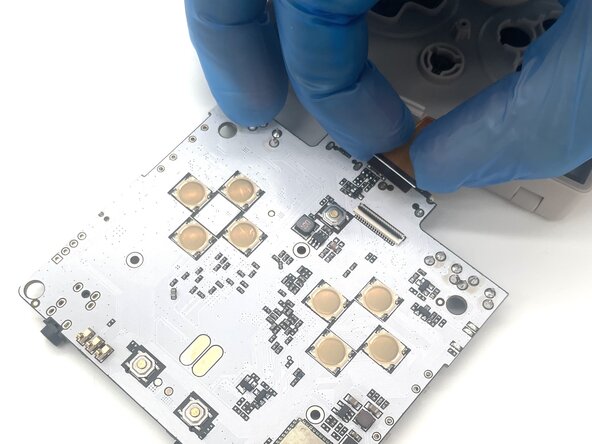
    • Use a spudger or a clean fingernail to flip up the black locking flap—this is the unlocked position.

    • Use the widest tool possible to avoid damaging the delicate hinge pins.

    • Use tweezers or your fingers to gently pull the display cable out of its socket.

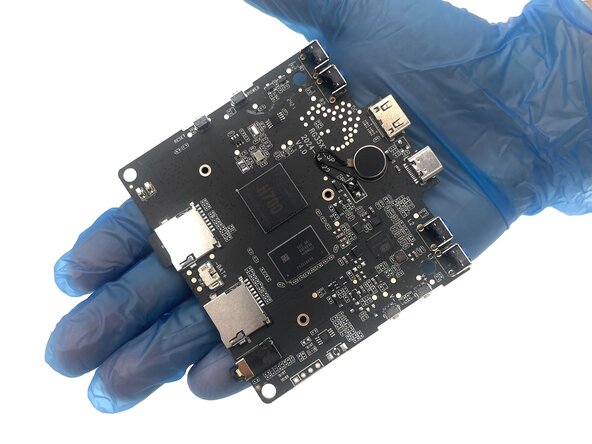
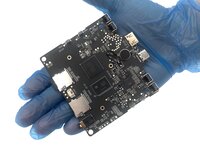
    • Remove the motherboard.

结论

To reassemble your device, follow these instructions in reverse order. Take your e-waste to an R2 or e-Stewards certified recycler.

4等其他人完成本指南。

0指南评论

添加评论

浏览统计数据:

过去 24 小时: 1

过去 7 天: 11

过去 30 天: 52

总计 354