跳转到主内容

Anbernic RG 40XXV Motherboard Replacement

你所需要的

  1. Anbernic RG 40XXV Motherboard Replacement, Back Panel Assembly: 步骤 1 中的图像 1,3 Anbernic RG 40XXV Motherboard Replacement, Back Panel Assembly: 步骤 1 中的图像 2,3 Anbernic RG 40XXV Motherboard Replacement, Back Panel Assembly: 步骤 1 中的图像 3,3
    • Remove the micro SD card located on the left and right sides of the device by pushing into the SD card slot and pulling the card out.

    • Unscrew all six 7.5 mm screws on the backside of the case using a 1.5 mm hex screwdriver.

  2. Anbernic RG 40XXV Motherboard Replacement: 步骤 2 中的图像 1,2 Anbernic RG 40XXV Motherboard Replacement: 步骤 2 中的图像 2,2
    • Take apart the case by separating the front and back sides using an iFixit opening tool.

    • When using the opening tool, carefully pry open the case to avoid damaging the device.

  3. Anbernic RG 40XXV Motherboard Replacement: 步骤 3 中的图像 1,2 Anbernic RG 40XXV Motherboard Replacement: 步骤 3 中的图像 2,2
    • Disconnect the battery connection cable by gently pulling it away with angled tweezers from the slot that connects the cable to the motherboard.

    • The cable connection to the motherboard is labeled "+BAT-" for easy identification.

  4. Anbernic RG 40XXV Motherboard Replacement, Motherboard: 步骤 4 中的图像 1,3 Anbernic RG 40XXV Motherboard Replacement, Motherboard: 步骤 4 中的图像 2,3 Anbernic RG 40XXV Motherboard Replacement, Motherboard: 步骤 4 中的图像 3,3
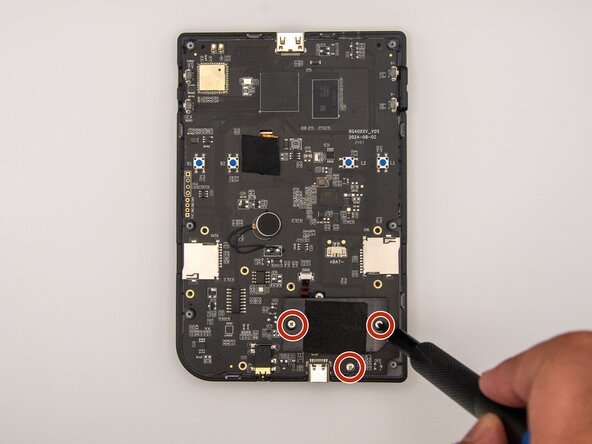
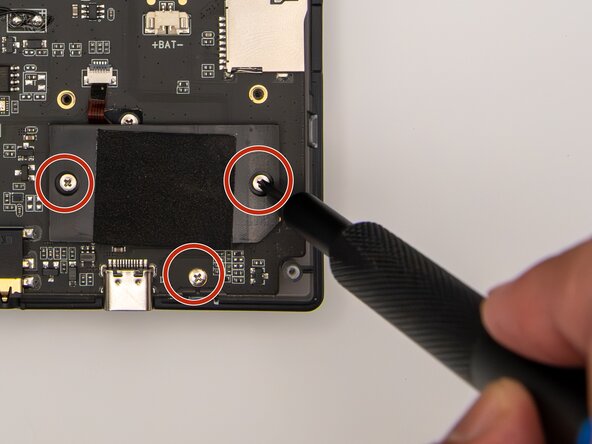
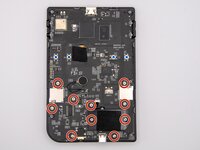
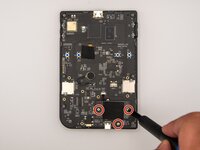
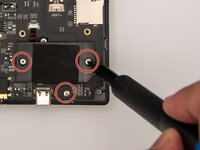
    • Using a Phillips #00 screwdriver, remove the 10 5.5 mm screws securing the circuit board to the case.

  5. Anbernic RG 40XXV Motherboard Replacement: 步骤 5 中的图像 1,3 Anbernic RG 40XXV Motherboard Replacement: 步骤 5 中的图像 2,3 Anbernic RG 40XXV Motherboard Replacement: 步骤 5 中的图像 3,3
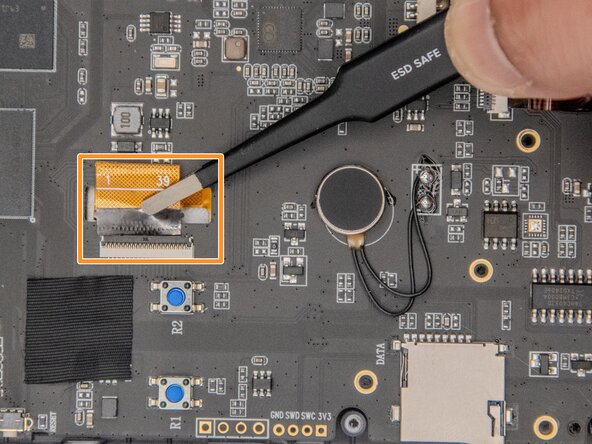
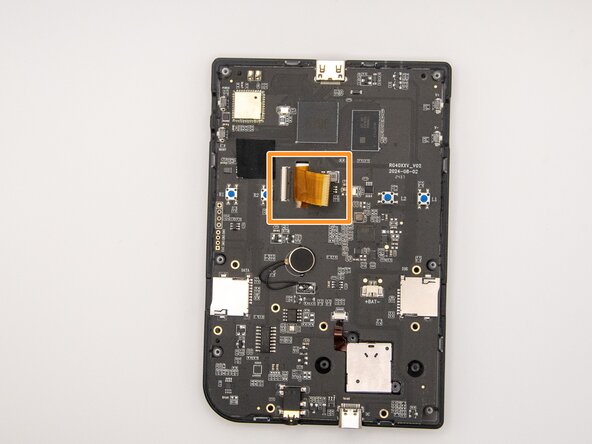
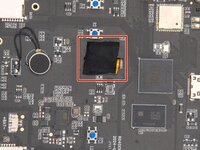
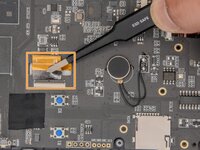
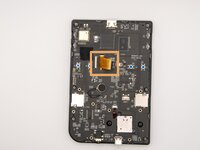
    • Remove the tape covering the ribbon cables.

    • Using ESD-safe tweezers, gently pull the ribbon cables away from the circuit board.

    • Using ESD-safe tweezers will prevent further damage to your device and harm to yourself.

  6. Anbernic RG 40XXV Motherboard Replacement: 步骤 6 中的图像 1,1
    • Gently lift the circuit board out of the case.

结论

To reassemble your device, follow these instructions in reverse order.

另外一个人完成了本指南。

Kristen Gismondi

于11/12/14注册

99,447 声望

创作了255篇指南

0指南评论

添加评论

浏览统计数据:

过去 24 小时: 1

过去 7 天: 8

过去 30 天: 28

总计 204