跳转到主内容

Amazon Echo Show 8 3rd Gen Display Assembly Replacement

你所需要的

  1. Amazon Echo Show 8 3rd Gen Display Assembly Replacement, Power Board: 步骤 1 中的图像 1,3 Amazon Echo Show 8 3rd Gen Display Assembly Replacement, Power Board: 步骤 1 中的图像 2,3 Amazon Echo Show 8 3rd Gen Display Assembly Replacement, Power Board: 步骤 1 中的图像 3,3
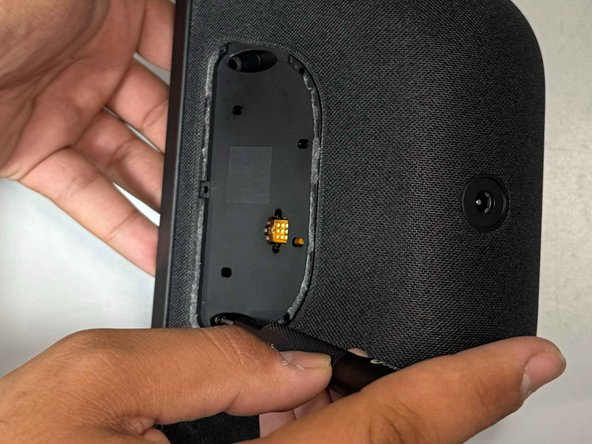
    • Use a prying tool to remove the rubber foot at the bottom.

    • It is secured with adhesive and will lift off with some gentle prying.

    • Use an opening pick to remove the screw cover.

  2. Amazon Echo Show 8 3rd Gen Display Assembly Replacement: 步骤 2 中的图像 1,2 Amazon Echo Show 8 3rd Gen Display Assembly Replacement: 步骤 2 中的图像 2,2
    • Use a Torx TR8 screwdriver to remove the two 2 cm screws.

  3. Amazon Echo Show 8 3rd Gen Display Assembly Replacement: 步骤 3 中的图像 1,2 Amazon Echo Show 8 3rd Gen Display Assembly Replacement: 步骤 3 中的图像 2,2
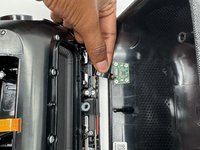
    • Insert a jimmy in the gap between the display and chassis.

    • Pry around the perimeter until the back case releases.

    • Be careful as to not damage the ribbon cable on the top left area of the screen.

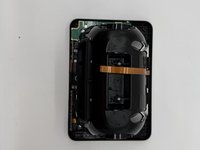
    • Remove the back case.

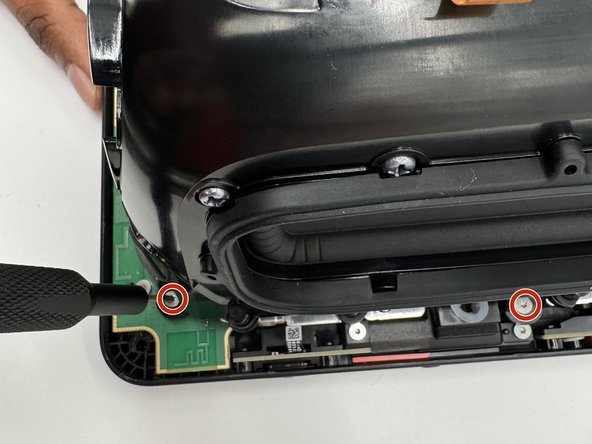
  4. Amazon Echo Show 8 3rd Gen Display Assembly Replacement: 步骤 4 中的图像 1,3 Amazon Echo Show 8 3rd Gen Display Assembly Replacement: 步骤 4 中的图像 2,3 Amazon Echo Show 8 3rd Gen Display Assembly Replacement: 步骤 4 中的图像 3,3
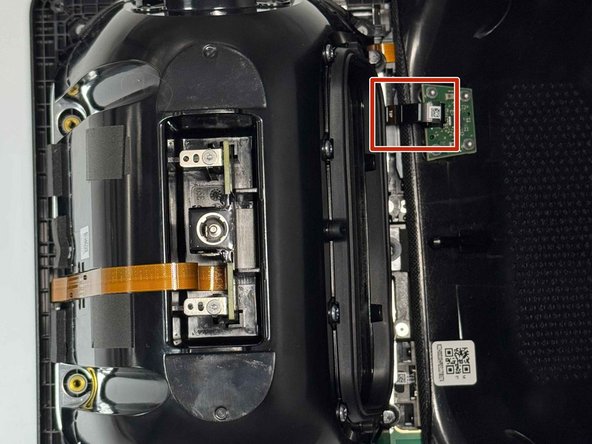
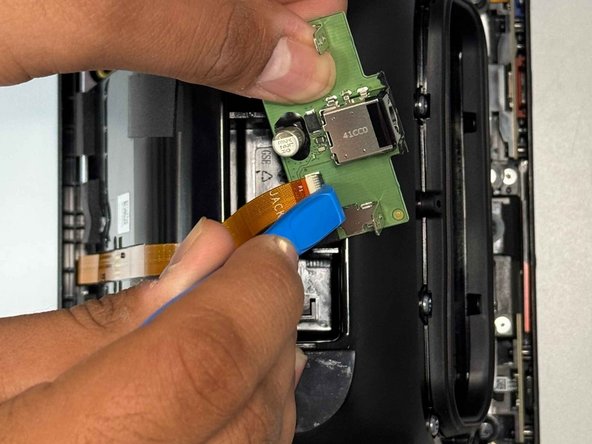
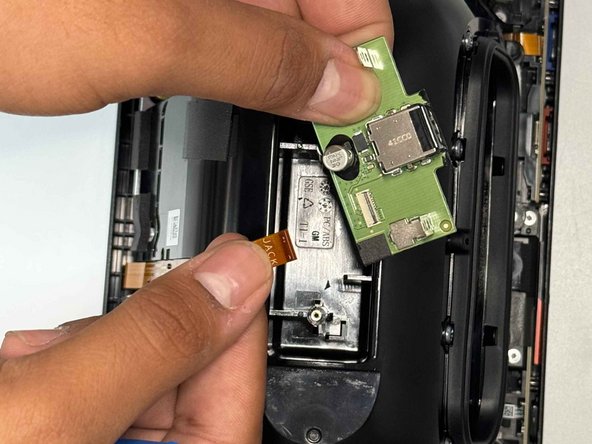
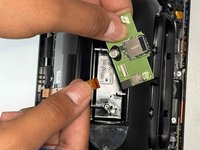
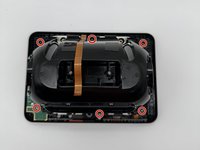
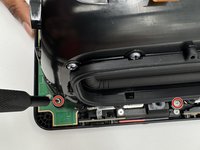
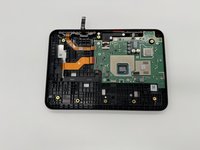
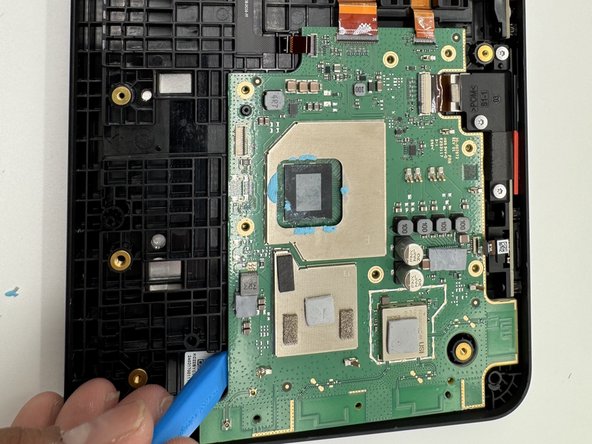
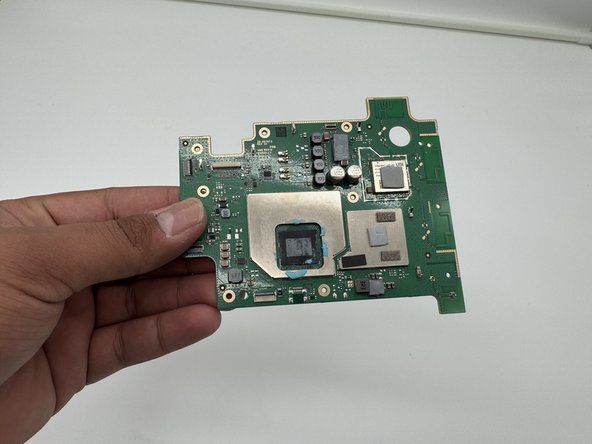
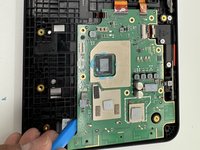
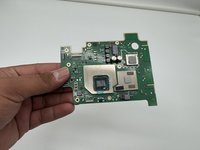
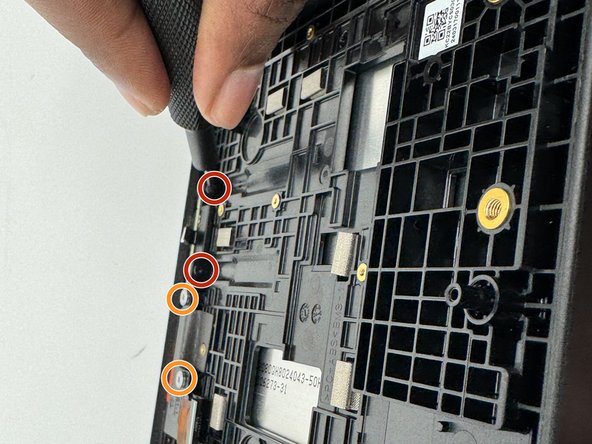
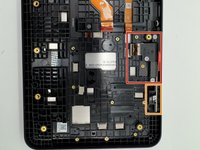
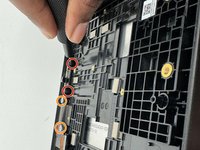
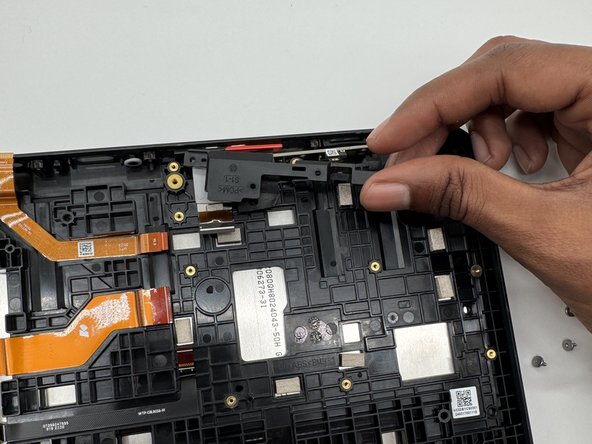
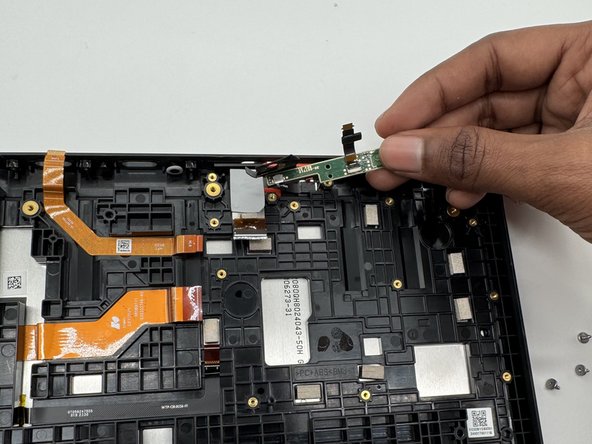
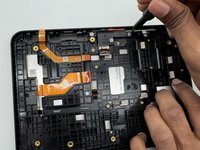
    • Use a Torx TR6 screwdriver to remove the two 5 mm screws that secure the power board.

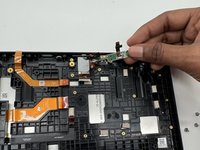
    • Carefully lift the board without straining the ribbon cable.

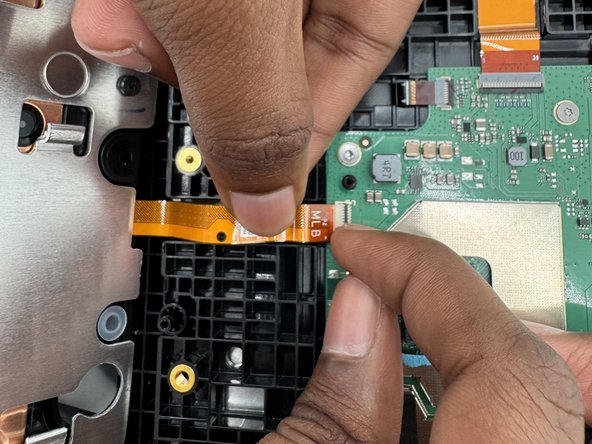
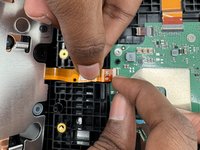
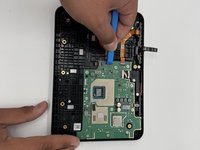
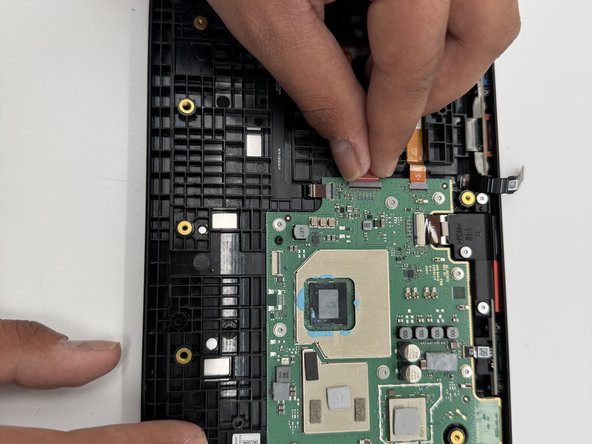
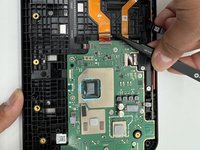
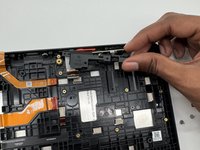
    • Using an opening tool, carefully flip up the black ZIF locking flap that secures the ribbon cable.

    • Disconnect the ribbon cable.

  5. Amazon Echo Show 8 3rd Gen Display Assembly Replacement, Speakers: 步骤 5 中的图像 1,3 Amazon Echo Show 8 3rd Gen Display Assembly Replacement, Speakers: 步骤 5 中的图像 2,3 Amazon Echo Show 8 3rd Gen Display Assembly Replacement, Speakers: 步骤 5 中的图像 3,3
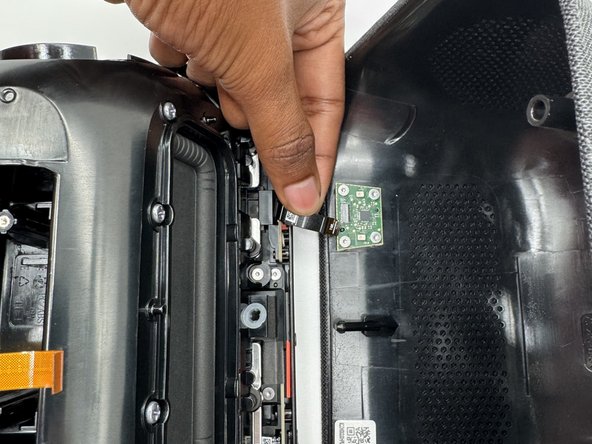
    • Gently tilt the shell towards the top of the device and disconnect the ribbon cable from the board on the case.

    • Don't tilt the cable too much as you can damage the ribbon or the connector.

  6. Amazon Echo Show 8 3rd Gen Display Assembly Replacement: 步骤 6 中的图像 1,3 Amazon Echo Show 8 3rd Gen Display Assembly Replacement: 步骤 6 中的图像 2,3 Amazon Echo Show 8 3rd Gen Display Assembly Replacement: 步骤 6 中的图像 3,3
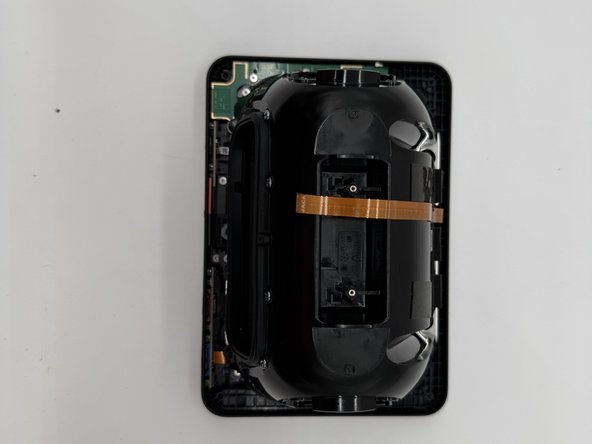
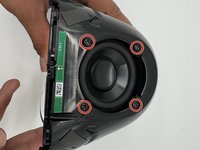
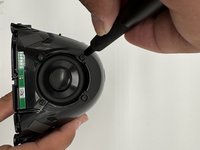
    • Use a TR6 screwdriver to remove the six 7mm screws located around the speaker assembly.

    • Gently tilt the speaker assembly towards the ribbon cable.

    • The ribbon cable is fragile and can be damaged if moved any other way.

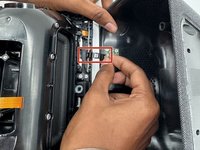
    • Flip open the black tab on the connector towards the cable and gently pull.

    • Don't use too much force pulling up on the tab, as it can break and the cable will no longer be properly connected.

  7. Amazon Echo Show 8 3rd Gen Display Assembly Replacement: 步骤 7 中的图像 1,3 Amazon Echo Show 8 3rd Gen Display Assembly Replacement: 步骤 7 中的图像 2,3 Amazon Echo Show 8 3rd Gen Display Assembly Replacement: 步骤 7 中的图像 3,3
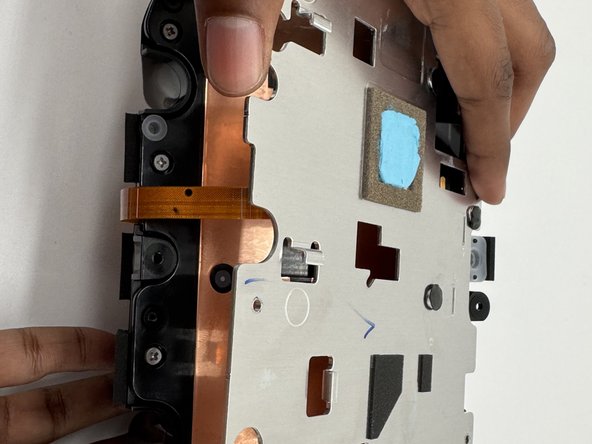
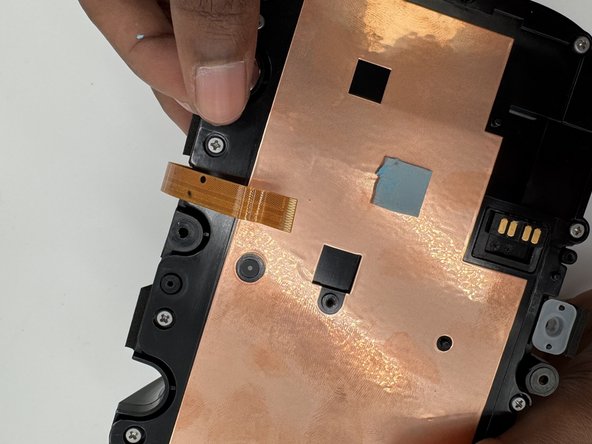
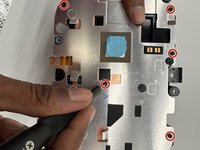
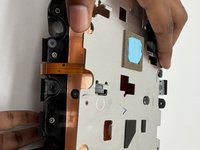
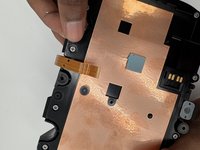
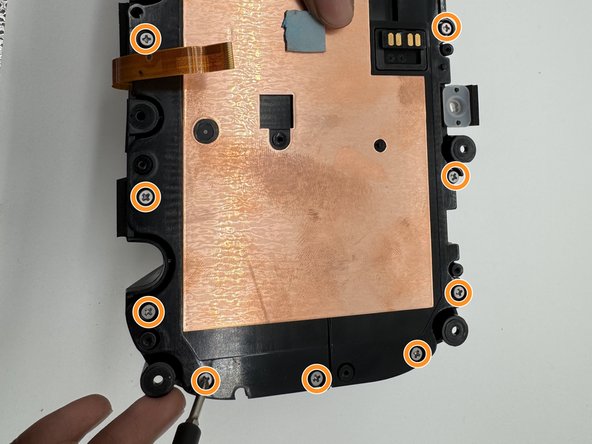
    • Use a TR6 Torx screwdriver to remove the eight 9 mm screws holding the metal bracket.

    • Gently lift off the metal bracket.

  8. Amazon Echo Show 8 3rd Gen Display Assembly Replacement: 步骤 8 中的图像 1,3 Amazon Echo Show 8 3rd Gen Display Assembly Replacement: 步骤 8 中的图像 2,3 Amazon Echo Show 8 3rd Gen Display Assembly Replacement: 步骤 8 中的图像 3,3
    • Remove the 2 rubber stoppers.

    • Remove all 14 screws with a Phillips #1 screwdriver.

  9. Amazon Echo Show 8 3rd Gen Display Assembly Replacement: 步骤 9 中的图像 1,3 Amazon Echo Show 8 3rd Gen Display Assembly Replacement: 步骤 9 中的图像 2,3 Amazon Echo Show 8 3rd Gen Display Assembly Replacement: 步骤 9 中的图像 3,3
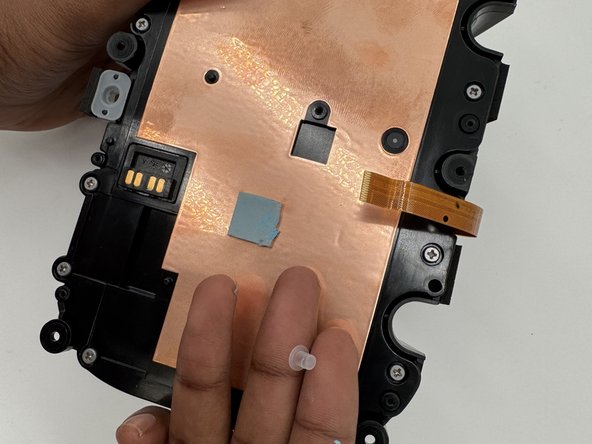
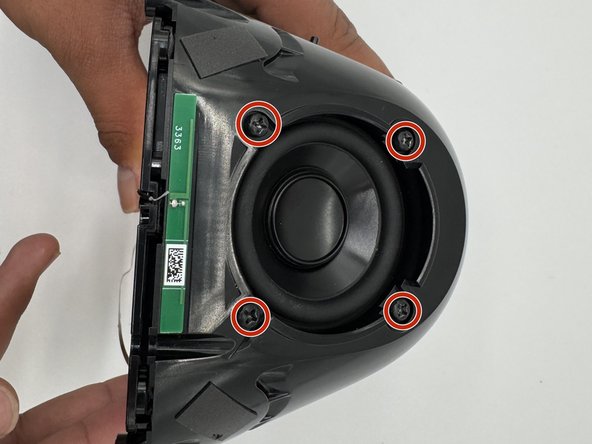
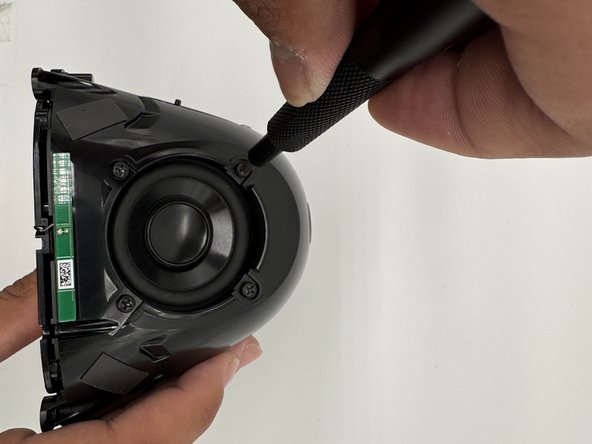
    • Use a Phillips #1 screwdriver to remove the four 1.3 cm screws holding down each driver.

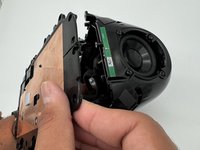
    • Gently pull the plastic plate towards the antenna cable.

    • There is a small antenna cable that is easy to rip off the solder joint, so lift carefully.

    • There are 8 screws on the long side of the housing, but there is no driver behind it, so you don't need to remove them.

  10. Amazon Echo Show 8 3rd Gen Display Assembly Replacement: 步骤 10 中的图像 1,2 Amazon Echo Show 8 3rd Gen Display Assembly Replacement: 步骤 10 中的图像 2,2
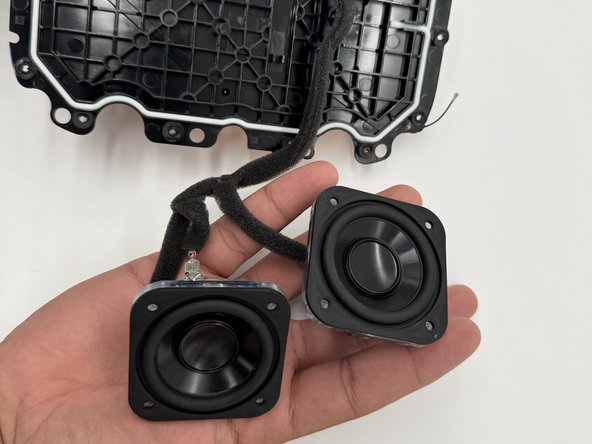
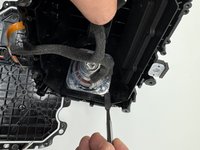
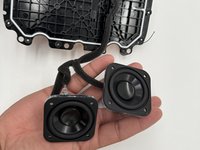
    • Pry the speakers from the housing with a spudger.

    • The speakers are connected to a spring-loaded pin connector which is attached to the black plastic using industrial hot glue, so while you can heat the glue to remove it, the plastic may melt and/or deform, so we wouldn't recommend it.

  11. Amazon Echo Show 8 3rd Gen Display Assembly Replacement, Motherboard: 步骤 11 中的图像 1,3 Amazon Echo Show 8 3rd Gen Display Assembly Replacement, Motherboard: 步骤 11 中的图像 2,3 Amazon Echo Show 8 3rd Gen Display Assembly Replacement, Motherboard: 步骤 11 中的图像 3,3
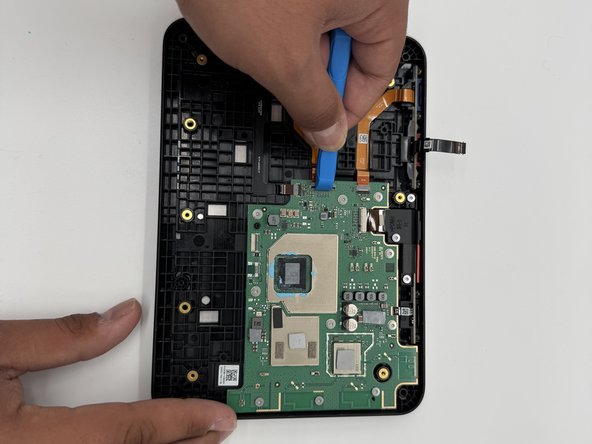
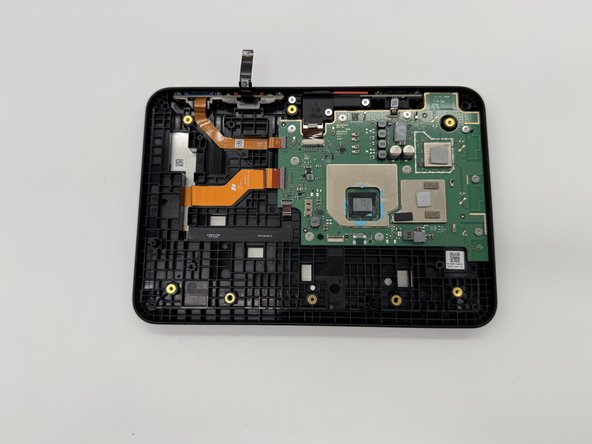
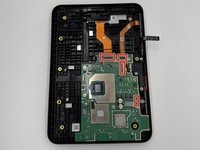
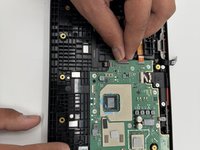
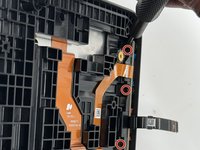
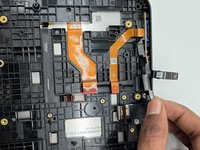
    • Use an opening tool to flip up the black ZIF locking flap that secure the four ribbon cables.

  12. Amazon Echo Show 8 3rd Gen Display Assembly Replacement: 步骤 12 中的图像 1,2 Amazon Echo Show 8 3rd Gen Display Assembly Replacement: 步骤 12 中的图像 2,2
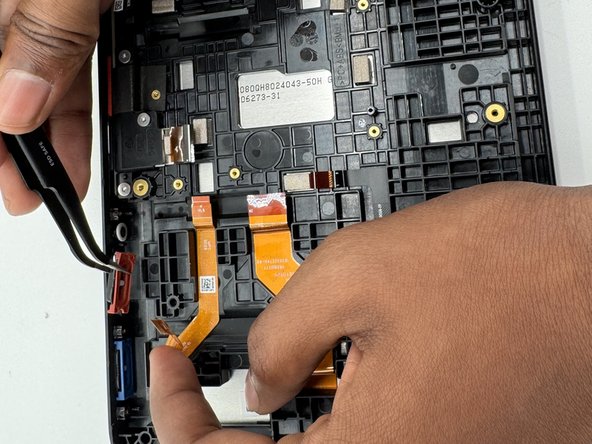
    • Use angled tweezers to disconnect all the ribbon cables from their motherboard sockets.

    • The ribbon cables are fragile; pull with care.

  13. Amazon Echo Show 8 3rd Gen Display Assembly Replacement: 步骤 13 中的图像 1,3 Amazon Echo Show 8 3rd Gen Display Assembly Replacement: 步骤 13 中的图像 2,3 Amazon Echo Show 8 3rd Gen Display Assembly Replacement: 步骤 13 中的图像 3,3
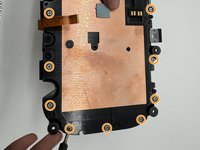
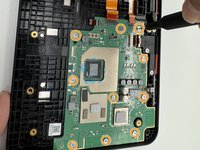
    • Remove all 10 5 mm screws on the motherboard using a TR6 Torx screwdriver.

  14. Amazon Echo Show 8 3rd Gen Display Assembly Replacement, Volume Buttons: 步骤 14 中的图像 1,3 Amazon Echo Show 8 3rd Gen Display Assembly Replacement, Volume Buttons: 步骤 14 中的图像 2,3 Amazon Echo Show 8 3rd Gen Display Assembly Replacement, Volume Buttons: 步骤 14 中的图像 3,3
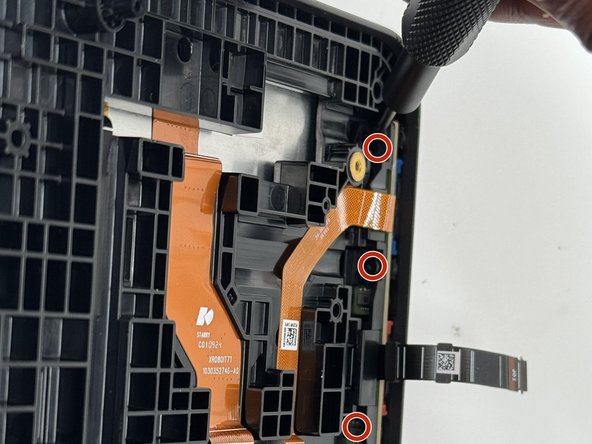
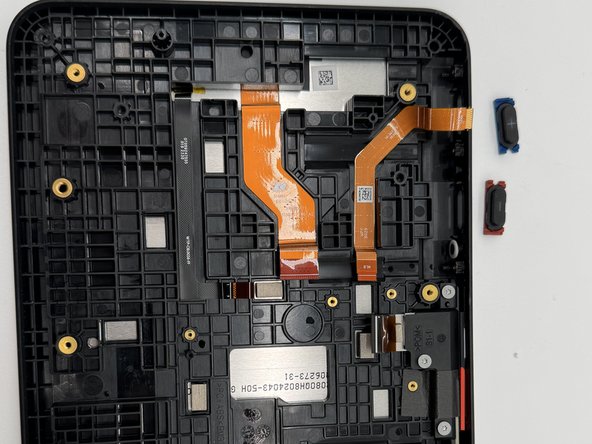
    • Remove the three 6 mm screws that secure the board using a TR4 Torx screwdriver.

  15. Amazon Echo Show 8 3rd Gen Display Assembly Replacement: 步骤 15 中的图像 1,3 Amazon Echo Show 8 3rd Gen Display Assembly Replacement: 步骤 15 中的图像 2,3 Amazon Echo Show 8 3rd Gen Display Assembly Replacement: 步骤 15 中的图像 3,3
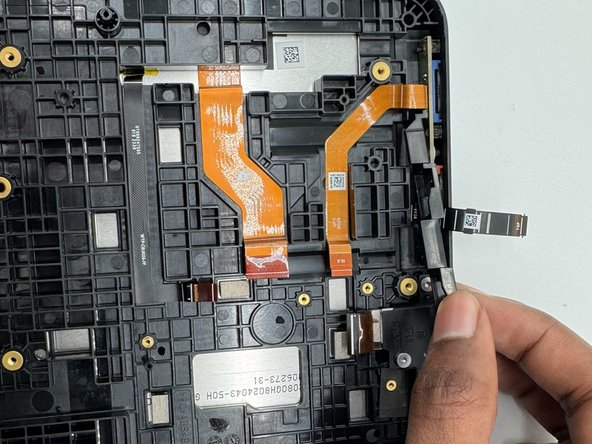
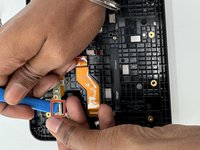
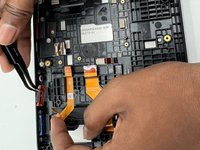
    • Use an opening tool to flip open the black ZIF locking flap that secures the ribbon cable.

    • Be gentle with the ribbon cable.

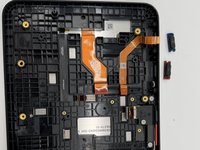
    • Use tweezers to remove both buttons from the case.

  16. Amazon Echo Show 8 3rd Gen Display Assembly Replacement, Display Assembly: 步骤 16 中的图像 1,2 Amazon Echo Show 8 3rd Gen Display Assembly Replacement, Display Assembly: 步骤 16 中的图像 2,2
    • Remove the three 6 mm screws with a TR4 Torx screwdriver; remove the top buttons.

    • Remove the two 7 mm screws with a TR6 Torx screwdriver; remove the camera.

  17. Amazon Echo Show 8 3rd Gen Display Assembly Replacement: 步骤 17 中的图像 1,3 Amazon Echo Show 8 3rd Gen Display Assembly Replacement: 步骤 17 中的图像 2,3 Amazon Echo Show 8 3rd Gen Display Assembly Replacement: 步骤 17 中的图像 3,3
    • Remove the plastic cover.

    • Remove the button and camera.

结论

To reassemble your device, follow these instructions in reverse order.

另外一个人完成了本指南。

0指南评论

添加评论

浏览统计数据:

过去 24 小时: 2

过去 7 天: 41

过去 30 天: 187

总计 1,591