跳转到主内容

Acer Swift 3 2022 Screen Replacement

你所需要的
  1. Acer Swift 3 2022 Screen Replacement, Bottom Cover: 步骤 1 中的图像 1,1
    • Be sure to power off the laptop before starting.

    • Flip the device over so the bottom panel is facing up.

  2. Acer Swift 3 2022 Screen Replacement: 步骤 2 中的图像 1,2 Acer Swift 3 2022 Screen Replacement: 步骤 2 中的图像 2,2
    • Remove the eleven 5 mm screws from the back of the device using a TR6 Torx screwdriver.

  3. Acer Swift 3 2022 Screen Replacement: 步骤 3 中的图像 1,1
    • Use the iFixit opening tool to pry open the back of the device.

    • Remove the bottom cover from the laptop.

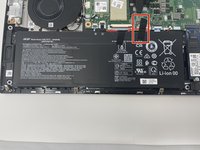
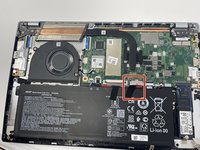
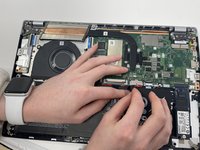
  4. Acer Swift 3 2022 Screen Replacement, How to Unplug the Battery: 步骤 4 中的图像 1,3 Acer Swift 3 2022 Screen Replacement, How to Unplug the Battery: 步骤 4 中的图像 2,3 Acer Swift 3 2022 Screen Replacement, How to Unplug the Battery: 步骤 4 中的图像 3,3
    • Peel back the strip of black tape.

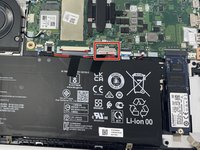
  5. Acer Swift 3 2022 Screen Replacement: 步骤 5 中的图像 1,2 Acer Swift 3 2022 Screen Replacement: 步骤 5 中的图像 2,2
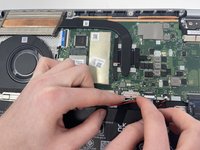
    • Unplug the group of wires by pulling the white plastic piece towards yourself.

    • Be careful, this piece can be easily damaged.

  6. Acer Swift 3 2022 Screen Replacement, Screen: 步骤 6 中的图像 1,3 Acer Swift 3 2022 Screen Replacement, Screen: 步骤 6 中的图像 2,3 Acer Swift 3 2022 Screen Replacement, Screen: 步骤 6 中的图像 3,3
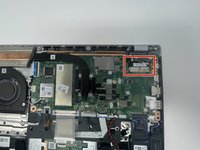
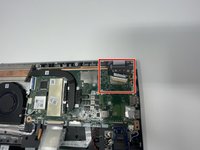
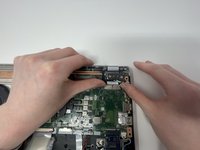
    • Remove the EDP Cable located on the top right by pushing away from you.

  7. Acer Swift 3 2022 Screen Replacement: 步骤 7 中的图像 1,3 Acer Swift 3 2022 Screen Replacement: 步骤 7 中的图像 2,3 Acer Swift 3 2022 Screen Replacement: 步骤 7 中的图像 3,3
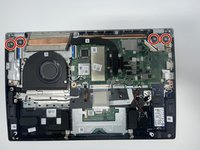
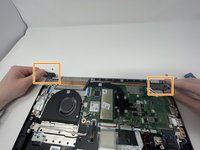
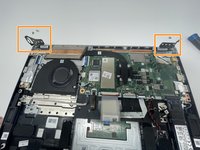
    • Remove the four 4.5 mm screws on the metal plates located on the top left and right hand corner using the JIS #1 screwdriver.

    • Flip up the metal plates.

    • The metal plates will be tight/hard to move.

  8. Acer Swift 3 2022 Screen Replacement: 步骤 8 中的图像 1,1
    • Open computer to a 90 degree angle by lifting the keyboard and sliding it out.

    • Place keyboard to the side so the screen is face up and the only thing in front of you.

  9. Acer Swift 3 2022 Screen Replacement: 步骤 9 中的图像 1,3 Acer Swift 3 2022 Screen Replacement: 步骤 9 中的图像 2,3 Acer Swift 3 2022 Screen Replacement: 步骤 9 中的图像 3,3
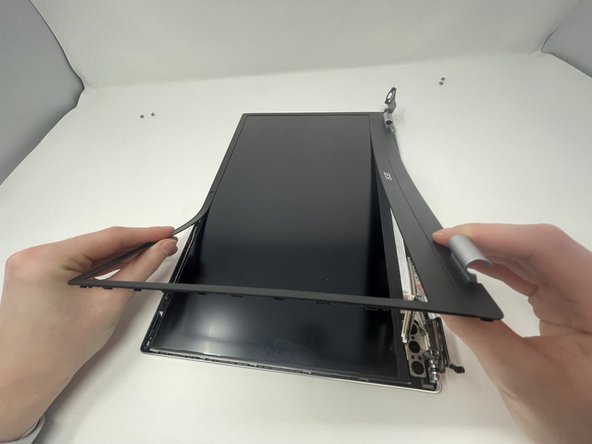
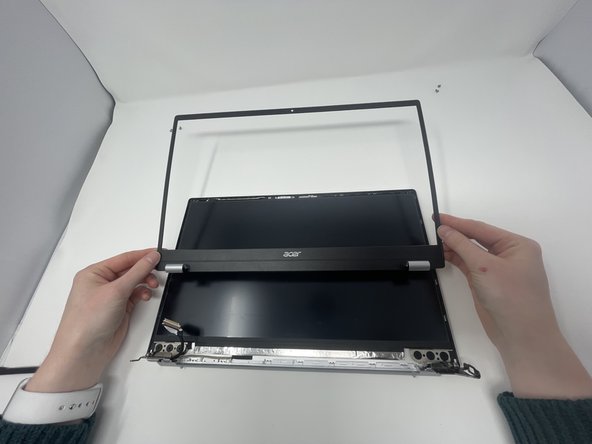
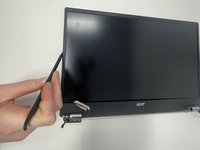
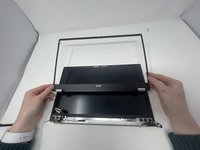
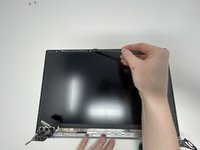
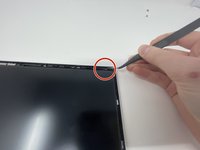
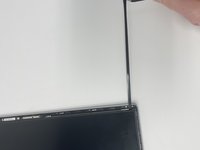
    • Insert the spudger between the computer screen and the black bezel.

    • Slide around the whole perimeter of screen.

    • Peel the bezel off.

  10. Acer Swift 3 2022 Screen Replacement: 步骤 10 中的图像 1,3 Acer Swift 3 2022 Screen Replacement: 步骤 10 中的图像 2,3 Acer Swift 3 2022 Screen Replacement: 步骤 10 中的图像 3,3
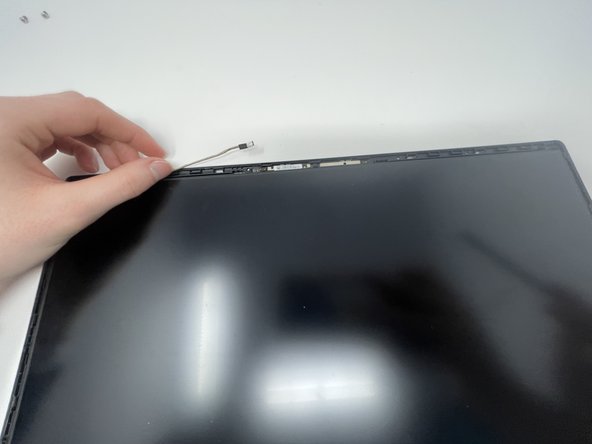
    • Disconnect the other end of the EDP Cable located next to the camera with the spudger.

  11. Acer Swift 3 2022 Screen Replacement: 步骤 11 中的图像 1,3 Acer Swift 3 2022 Screen Replacement: 步骤 11 中的图像 2,3 Acer Swift 3 2022 Screen Replacement: 步骤 11 中的图像 3,3
    在这个步骤中使用的工具:
    Tweezers
    $4.99
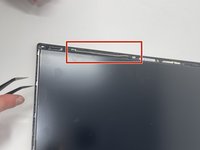
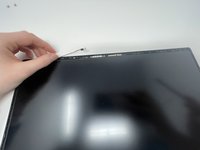
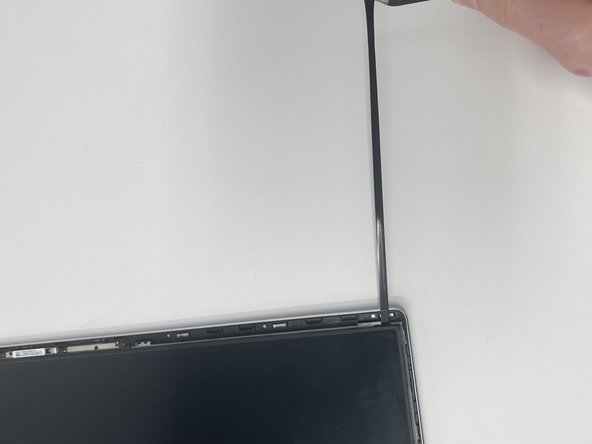
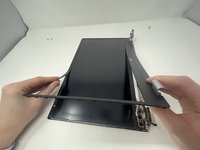
    • Using the curved, fine-tipped tweezers, unstick the tape from the top of the case.

    • Once the tape is unstuck, pinch it with the tweezers and pull in the opposite direction.

    • Repeat on the other side.

    • The tape will stretch. You might have to regrip it.

    • You may only do this once. The tape will no longer be effective.

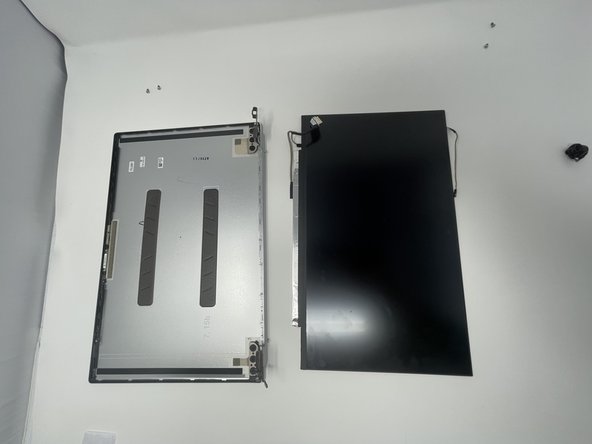
  12. Acer Swift 3 2022 Screen Replacement: 步骤 12 中的图像 1,1
    • Remove screen.

    • There will be some wires connected to the bottom of the screen. Pull them out carefully with the screen.

结论

To reassemble your device, follow these instructions in reverse order.

另外一个人完成了本指南。

Anna Miller

于09/26/22注册

927 声望

创作了6篇指南

团队

1指南评论

really good i just followed the instructions and it was easy to do.

Sanchoi Dacres - 回复

添加评论

浏览统计数据:

过去 24 小时: 7

过去 7 天: 24

过去 30 天: 87

总计 4,321