简介
This guide will show how to replace the screen digitizer in the device. This repair might be needed if the screen is not lit properly, or is showing dead pixels on the screen. The tools that will be needed in order to replace this part are the blue plastic opening tool, thePhillips #00 screwdriver, and the angled tweezers. When replacing this part, the motherboard has to be removed.
你所需要的
-
-
To separate the screen from the back panel, run the plastic opening tool along the outer edge of the device.
-
-
-
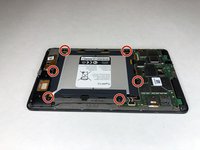
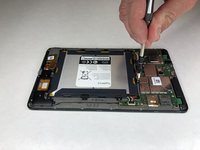
Use a Phillips #00 screwdriver to remove the six 2.5 mm screws located around the perimeter of the battery.
-
-
-
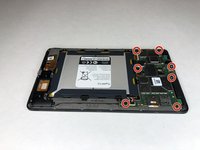
Using a Phillips #00 screwdriver, remove the seven 1 mm screws on the green perimeter of the motherboard.
-
-
-
在这个步骤中使用的工具:Tweezers$3.99
-
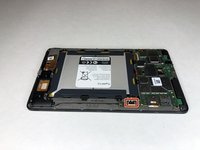
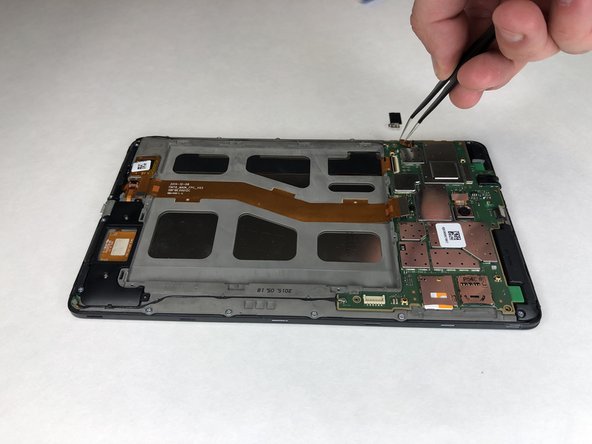
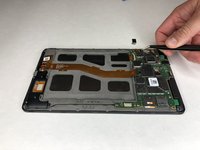
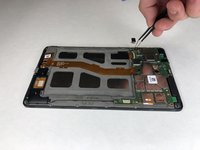
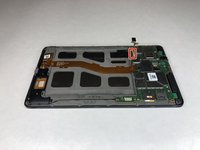
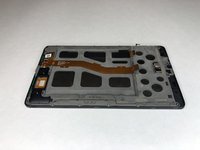
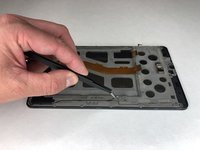
Use angled tweezers to pry up the black tab.
-
Use the angled tweezers to pull out the gold connector.
-
-
-
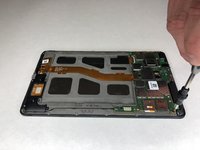
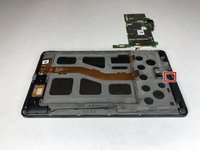
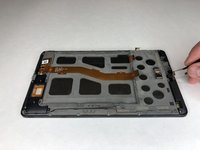
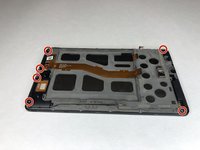
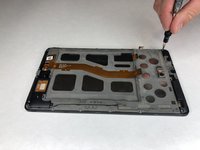
Use the Phillips #00 screwdriver to remove the six 3 mm screws holding the black plastic corner pieces in place.
-
Gently lift the black corner pieces out of the device.
-
-
在这个步骤中使用的工具:Tweezers$3.99
-
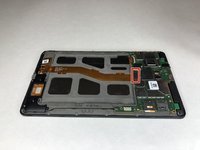
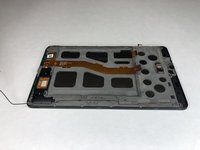
Use the angled tweezers to remove the black cables on each side of the device from their groove.
-
-
-
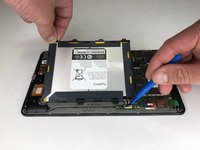
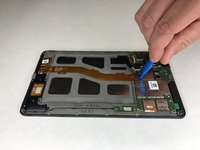
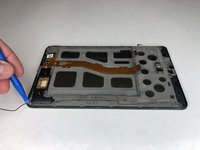
Use the plastic opening tool to pry the charging board away from the digitizer.
-













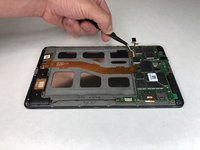


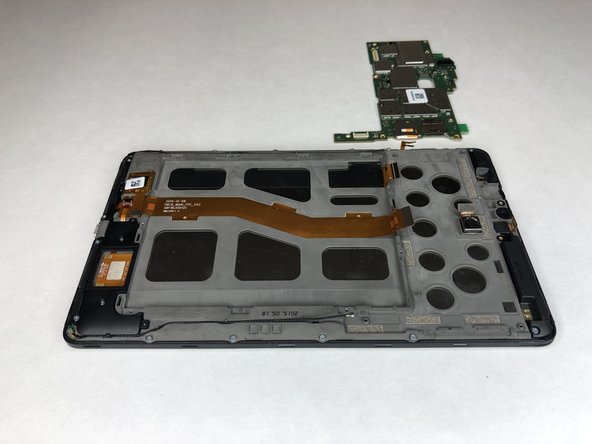








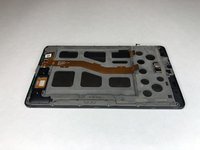

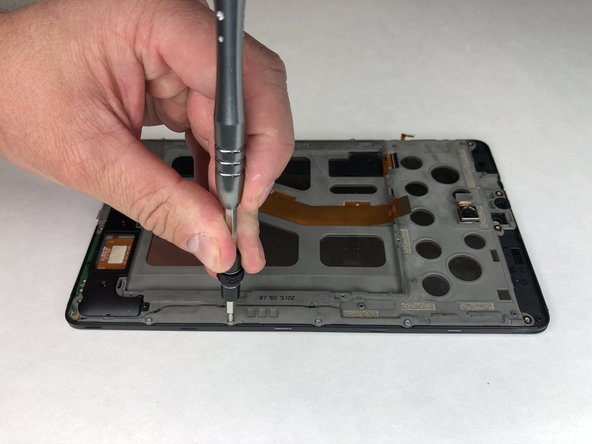
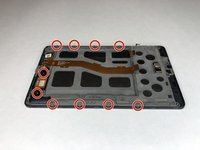
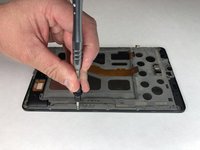


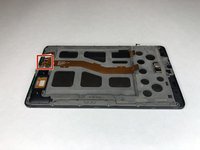
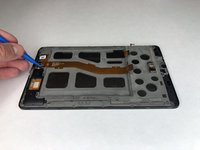

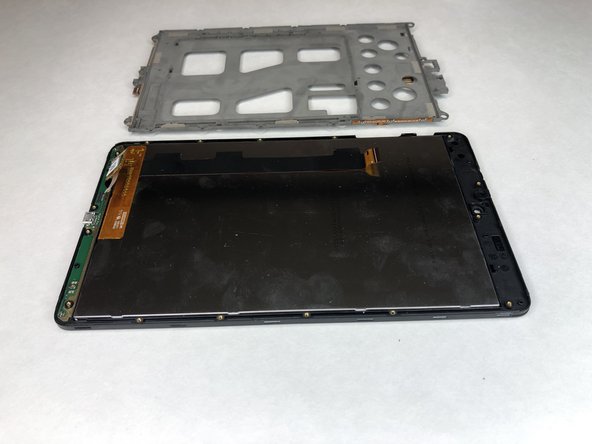
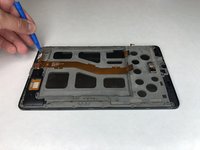
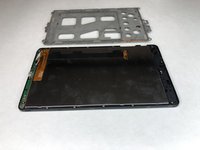


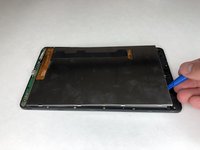
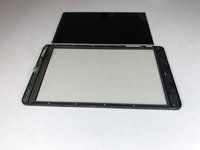


To reassemble your device, follow these instructions in reverse order.
另外一个人完成了本指南。



团队

University of Alabama, Team S1-G3, Bedsole Spring 2019 University of Alabama, Team S1-G3, Bedsole Spring 2019 的会员
UA-BEDSOLE-S19S1G3
4 名成员
创作了6篇指南
