跳转到主内容

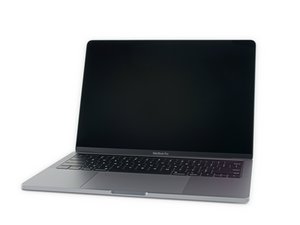
Model A2159, EMC 3301. A refresh of the entry-level 13" MacBook Pro. Available in Silver and Space Gray. Released July 2019.

Not turning on after battery replacement

So I recently replaced my battery. After the replacement, I left the laptop to charge for hours. Then It turned it on. I was very happy to see it worked. After 8 hours of charging I noticed it didn’t have the battery icon anywhere. I unplugged the computer to see if the way I plugged it caused this, the computer shut down. It hasn’t come back on since. I don’t know if I should leave it to charge again, replace the battery again? I tried smc reset but no reaction. Please help.

Update (01/26/25)

The battery was purchased from ifixit!

已回答! 显示答案 我也有这个问题

这是一个好问题吗?

得分 0
添加一条评论

1个答案

已选择的解决方案

Review Steps 10 ~ 12 in this guide 2019年款13寸 MacBook Pro 带双 Thunderbolt 端口电池更换 making sure the ribbon cable is properly inserted and the ZIF latch is latched correctly. The battery won’t charge if the cable is not connected or damaged.

这个答案有帮助吗?

得分 0

2条评论:

This fixed the problem! Thank you!!!

Now, the battery shows it’s at 62%. It’s not charging despite me trying 2 different apple chargers. I tried an smc reset and recovery mode but no change. Any suggestions?

完成的

Let get a bit more info on what’s happening, install this gem of an App CoconutBattery take a snapshot of the apps main window while the charger is plugged in and post it here so we can see it.

For now I would fully shut the system down until we can figure out what’s happening, saving the power you currently have.

完成的

添加一条评论

添加你的答案

hey svpreme 将永远感激不已
浏览统计数据:

过去 24 小时: 1

过去 7 天: 4

过去 30 天: 21

总计 208