
跳转到主内容

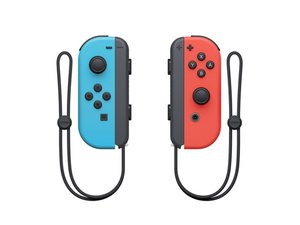
Nintendo Switch Joy-Con 控制器的维修指南和信息。

Joy-Con replacement kit did not fix drift

I found a similar question on this site, but the answers to it did not fix my issue. I bought iFixit’s Joy-Con repair kit and installed my new control stick part directly from its sealed bag. My control drifting persisted on the device. I updated the controllers per the first answer to the similar question and re-opened my device and reinstalled the control stick ensuring that its ribbon had no debris. This did not resolve my issue and the drift effect on my controller persists.

回答此问题 我也有这个问题

这是一个好问题吗?

得分 3
添加一条评论

3个答案

最有帮助的答案

Have you tried calibrating the new control sticks? In Settings, Scroll Down to Controllers and Sensors, Calibrate Control Sticks, then follow the directions.

这个答案有帮助吗?

得分 2

1条评论:

This fixed my issue. Thanks!

完成的

添加一条评论

I'm in the same situation, did you manage to find a solution?

这个答案有帮助吗?

得分 0
添加一条评论

My installation initially worked, but after just a few months both controllers are now experiencing so much drift they are entirely unusable to navigate even the Switch home menu.


I updated and calibrated both controllers.

这个答案有帮助吗?

得分 0
添加一条评论

添加你的答案

Savvas Papadopoulos 将永远感激不已
浏览统计数据:

过去 24 小时: 1

过去 7 天: 5

过去 30 天: 15

总计 451
